What Does Dialpad Pricing Really Cost a Small Team?
Dialpad pricing starts at $15 a user, and that number is honest. It just isn't the number on your invoice. The license is only the entry ticket. What decides the real bill sits around it: the tier your office layout forces, the seats you must buy, texting and registration costs, and fees that appear after checkout.
Marcus runs a six-person plumbing company. He screenshotted Dialpad Standard at $15 a user, did the math on six seats, and told his bookkeeper the phone system would cost $90 a month. Then he picked month-to-month billing, because winter is slow and he didn't want a 12-month commitment.
With the admin recovery fee, E911 charges and taxes, his first bill landed near $205. And the thing he actually wanted, something that answers when all four techs are in crawlspaces, wasn't on the bill at all. Sound familiar?
We pulled every published Dialpad number, cross-checked Dialpad's own help center, and priced real teams at 5, 15 and 30 people. All figures are as of September 2026.
TL;DR:
- Dialpad pricing for its phone system (Dialpad Connect) is $15/user/month for Standard and $25 for Pro on annual billing, as of September 2026. Month-to-month runs $27 and $35. Enterprise is quote-only with a 100-seat minimum.
- Standard allows 1 office location and 3 ring groups. A second location, CRM integrations or international numbers all force the Pro upgrade, and Pro requires at least 3 paid seats.
- Dialpad covers 250 outbound texts per user a month (pooled), then charges $0.008 per SMS, as of September 2026. Numbers must be A2P-registered or outbound texts are blocked.
- Listed prices exclude taxes and fees. An admin cost recovery fee (reported at $2 to $5 per user), E911 charges and state taxes push a 15-person Pro team from $375 to an estimated $495 a month.
- AI transcription and call summaries are included, but AI agents that answer calls are quote-only credits. dialnote, an AI business phone system with no per-user pricing, includes AI voice agents from its $49/month Team plan with unlimited users.
Jump to: plans at a glance · Standard vs Pro · add-ons · texting · fees · team math · verdict
How much does Dialpad cost per user?
Dialpad Connect, the business phone system, costs $15 to $25 per user per month on annual billing, or $27 to $35 month-to-month. Enterprise pricing isn't published. These are Dialpad's listed rates as of September 2026, before taxes, regulatory fees and surcharges.
| Plan | Annual billing | Month-to-month | Monthly premium | Seat minimum | Office locations |
|---|---|---|---|---|---|
| Standard | $15/user/mo | $27/user/mo | +80% | 1 user | 1 |
| Pro | $25/user/mo | $35/user/mo | +40% | 3 users | Up to 10 |
| Enterprise | Custom quote | Custom quote | n/a | 100 users | Unlimited |
Three things in that table matter more than the headline.
The month-to-month premium on Standard is 80%, the steepest monthly markup we've seen among the big per-seat phone systems. RingCentral's entry tier carries a 50% premium, per our RingCentral pricing breakdown. Annual billing saves 44% on Standard ($15 instead of $27). That's a real discount, but it comes with a 12-month upfront charge and no refunds for licenses you stop using.
Seat minimums quietly change the per-user math. A two-person office can't buy two Pro seats. It buys three, which makes the effective price $37.50 per real user on annual billing and $52.50 month-to-month.
And the office-location column is the one most buyers skip. Standard is a single-office plan. If you run two locations, even two small ones, Standard isn't really an option. We'll come back to that, because it's where most Dialpad budgets go wrong.
What are Dialpad's four products?
Dialpad sells four separately priced products, and quotes often mix them. Knowing which one you're being priced on is the first step to reading any Dialpad quote.
| Product | What it is | Annual price | Month-to-month |
|---|---|---|---|
| Dialpad Connect | Business phone system: calling, SMS, meetings, AI transcription | $15 to $25/user/mo, Enterprise quoted | $27 to $35/user/mo |
| Dialpad Support | AI contact center for support teams | $80, $115 or $150/user/mo | $95, $135 or $170 |
| Dialpad Sell | Outbound sales dialer with coaching | $39, $95 or $150/user/mo | $49, $110 or $170 |
| Dialpad AI Agent | Autonomous voice and chat agents | Conversation-based credits, sales quote | Sales quote |
Dialpad Connect is what a small business means when it says "Dialpad." The rest of this teardown focuses on Connect, plus the AI Agent product, because that's the piece that answers calls.
Support and Sell are contact center and sales products for dedicated teams. They also carry per-minute usage charges that Connect doesn't: buyer guides report $0.01 per inbound minute and $0.02 per outbound minute on top of the seat price. A 10-person service business rarely needs either.
Then there's the AI Agent, the product that handles conversations on its own. It isn't a Connect add-on with a fixed price. You buy a pool of credits, and Dialpad only bills a conversation when the AI retrieves information or takes an action, such as scheduling, routing or an order lookup.
Why does this matter for budgeting? A quote titled "Dialpad" can mean $15 a seat or $150 a seat. And the feature you saw in a demo may belong to a different product than the one you're buying.
What's included in Dialpad Standard, Pro and Enterprise?
The three Dialpad plans for Connect share the same calling core. What changes between them is capacity: locations, ring groups, integrations and support hours.
| Feature | Standard | Pro | Enterprise |
|---|---|---|---|
| Calling | Unlimited within US and Canada | Unlimited within US and Canada | Unlimited within US and Canada |
| Phone numbers | 1 local number per user | 1 local number per user, local or international extras | Local or international |
| Departments and ring groups | 3 max | 25 max | Unlimited |
| Office locations | 1 | Up to 10 (setup fees apply) | Unlimited (setup fees apply) |
| CRM integrations (Salesforce, HubSpot) | Not included | Included | Included |
| Customer support | Not 24/7 | 24/7 | 24/7 |
| AI transcription and call summaries | Included | Included | Included |
| Single sign-on | Not included | Not included | Included |
| Uptime SLA | None published | None published | 99.9% |
| Internet fax | Paid add-on | Paid add-on | Paid add-on |
| Seat minimum | 1 | 3 | 100 |
Standard ($15/user/mo annual) gives you unlimited calling in the US and Canada, a multi-level auto attendant, call recording, visual voicemail, SMS and MMS, and video meetings. It also includes Dialpad's built-in AI: real-time transcription, voicemail transcription and AI Recaps (automatic call summaries). For a single-office team that doesn't need a CRM connection, it's a genuinely complete phone system at a low entry price.
Pro ($25/user/mo annual) is where Dialpad expects growing businesses to land. It adds CRM integrations, 24/7 support, international numbers, room for 10 office locations and 25 ring groups. It also adds the 3-seat minimum.
Enterprise (quote only) adds single sign-on, unlimited offices and the 99.9% uptime commitment. The 100-seat minimum means a 60-person company that needs SSO pays for 40 empty seats at whatever rate it negotiates.
Here's what no Connect tier includes: an AI agent that answers and handles calls by itself. That lives in the AI Agent product, priced separately.
When does Dialpad Standard stop being enough?
Dialpad Standard stops working the moment you add a second location, a fourth department, a CRM connection or an international number. Each of those forces every seat on the account up to Pro, at $10 more per user per month on annual billing.
That last part is the trap, and it's what the Dialpad Standard vs Pro decision really comes down to. You don't upgrade the one person who needs Salesforce. You upgrade the office. Here are the six triggers we see most often:
- A second location. Standard allows one office. A plumbing company that opens a second yard, or a clinic with two sites, is on Pro.
- A fourth ring group. Sales, service, billing and after-hours is four departments. Standard caps you at three.
- A CRM connection. Salesforce and HubSpot integrations are Pro features. If call logs need to land in your CRM automatically, Standard won't do it.
- International numbers or texting. Standard covers local numbers in the US and Canada. International numbers and international SMS need Pro.
- Round-the-clock support. Pro includes 24/7 support. Standard doesn't.
- Single sign-on or an SLA. Both are Enterprise features, and Enterprise starts at 100 seats.
What does that upgrade cost in dollars? For a 15-person team on annual billing, moving from Standard to Pro raises licenses from $225 to $375 a month. That's $1,800 a year, often triggered by one feature that one department needed.
Honestly? The single-office cap on Standard is the most expensive line on Dialpad's pricing page, and almost nobody reads it. The price difference between the tiers looks like a feature upgrade. For multi-location businesses, it's really a location tax.
Dialpad's add-ons and usage charges
Dialpad keeps its add-on list shorter than some competitors, but several useful items are priced separately or only on request. Where Dialpad doesn't publish a price, we've noted the source of the reported figure.
| Add-on or usage charge | Price | Source |
|---|---|---|
| Outbound SMS past the included pool | $0.008 per message | Dialpad help center |
| Outbound MMS past the included pool | $0.024 per message | Dialpad help center |
| Toll-free number | $15/number/mo annual ($17 monthly), plus about $0.02/min inbound | Buyer guides (Nextiva, Quo) |
| Additional local numbers | Fee applies, amount not published | Dialpad help center |
| Internet fax | Paid add-on on every tier | Dialpad pricing page |
| International calling | Per-minute rates, drawn from a prepaid credit balance | Dialpad help center |
| Global unlimited international calling | Office-wide add-on, price not published | Buyer guides |
| Larger or longer meetings | From $15/user/mo | Buyer guides |
| AI Agent | Conversation-based credits, sales quote | Dialpad pricing page |
| Extra office locations (Pro and Enterprise) | Setup fees apply, amount not published | Dialpad pricing page |
A few of these deserve context.
Toll-free numbers are the add-on most service businesses actually buy. At about $15 a month plus inbound per-minute charges, one toll-free line handling 1,000 inbound minutes a month costs roughly $35. Not a budget breaker, but it's a metered line, so busy months cost more.
International calling runs on a prepaid credit balance. Every outbound international call draws it down at per-country rates. If you have suppliers or customers abroad, set up auto-recharge alerts, because an empty balance means international calls stop working.
Meetings come with Connect for everyday use. That's a real plus. Dialpad Meetings also has a free plan capped at 45 minutes, and bigger webinars or longer sessions are where the paid add-on kicks in.
Notice what's missing from the published list: most of the prices. Several line items say "fee applies" or "setup fees apply" without a number. It's hard to budget a system when a third of the add-on menu requires a sales call.
How does Dialpad charge for text messages?
Dialpad covers the first 250 outbound texts per Connect user each month, pooled at the office level, then charges $0.008 per outbound SMS and $0.024 per outbound MMS. Texting is available on US and Canadian numbers, and every sending number must be registered for A2P 10DLC first.
Dialpad SMS pricing is friendlier than it sounds, thanks to pooling. A 15-person office shares a pool of 3,750 outbound texts. The three people who text customers all day can draw on allowances the rest of the team never uses. Go 1,000 texts over and you pay $8, so for most small businesses overage costs almost nothing.
The real texting costs are registration and rules:
| Texting cost | Price | Notes |
|---|---|---|
| Brand registration | $4 one time | Required before any business texting |
| Brand vetting (higher volume) | $40 one time | Optional, raises sending limits |
| Campaign vetting | $15 one time | Per campaign |
| Campaign monthly fee | $1.50 to $10 per month | Depends on campaign type |
| Number pooling campaigns | $100 one time | Only for 50+ numbers |
Two rules matter more than those fees. First, Dialpad blocks all outbound texts from numbers that aren't tied to an approved campaign, so a new account can't text customers on day one. Registration takes days to weeks. Second, Dialpad to Dialpad messages are free, but anything to a customer's phone counts against the pool.
None of this is unusual. Every US business texting provider passes carrier registration costs on in some form, because the carriers require it. Treat registration as its own small project and start it early.
What taxes and fees add to a Dialpad bill?
Dialpad's listed prices exclude taxes, regulatory fees and surcharges, and those are added at checkout. The main extras are a per-user Compliance and Administrative Cost Recovery Fee, an E911 fee, and federal, state and local telecom taxes that vary by address.
Some of that is mandated and some of it isn't, so it's worth separating the two.
The Compliance and Administrative Cost Recovery Fee (CRF) is Dialpad's own charge, billed per user per month. Dialpad's help center says it recovers costs like regulatory filings, responding to subpoenas and managing payments to other carriers. It isn't a government fee, and it's taxable.
Dialpad doesn't publish the amount. Buyer guides and published invoice analyses report roughly $2 to $5 per user per month.
E911 fees fund emergency calling and run about $0.99 per user or line per month, according to buyer guides.
Federal and state charges are the genuinely government-driven part. Providers contribute to the federal Universal Service Fund, and the FCC proposed a fourth-quarter 2026 contribution factor of 42% of interstate revenue. Carriers are allowed to recover that from customers, and state and local 911 and utility taxes stack on top.
How much does it all add? Our team math below uses $3 per user for the CRF, $0.99 per user for E911, and 10% on top for taxes and surcharges. We'll be honest: that 10% is an estimate, and the true figure depends heavily on your state and county.
Businesses in high-tax states should budget more. The only reliable number is a sample invoice at your seat count and billing address, so ask for one before you sign.
What does Dialpad AI cost?
Dialpad's everyday AI is included. Every Connect plan comes with real-time call transcription, voicemail transcription, AI Recaps with action items, and real-time analytics, at no extra charge. Autonomous AI agents that answer calls are a separate product priced on conversation credits through sales.
Included AI is a genuine strength. RingCentral, for example, sells its conversation intelligence as a $60 per user add-on, while Dialpad puts summaries and transcripts on the $15 tier.
The AI Agent is a different story. Dialpad's model works like this:
- You buy a pool of AI Agent credits up front
- A conversation only uses credits when the AI retrieves information or takes an action, like booking, routing or looking up an order
- If the AI does no work on a call, it isn't billed
- Neither the credit price nor the cost per conversation is published
In principle, the "only pay when it does work" idea is fair. Why should you pay for an AI that just said hello and transferred? But we couldn't find a published per-conversation rate anywhere, including in Dialpad's help center, and buyer guides report the same. So we can't tell you what an AI-answered call costs on Dialpad, and we doubt most small businesses can find out without a sales cycle.
That's the part that bothers us. For a business losing jobs to missed calls, the AI answering the phone is the feature. A quote-only price for the one thing that catches those calls makes the total cost impossible to compare before you're in a sales conversation.
Dialpad pricing for a 15-person team
A 15-person team on Dialpad Pro with annual billing pays $375 a month in licenses and an estimated $495 once fees, E911, one toll-free number and taxes are added. That's about $5,900 a year, before any AI Agent credits.
Here's the itemized receipt. It's the receipt format we use in every pricing teardown, so you can compare it line by line with our RingCentral teardown.
| Line item | Calculation | Monthly |
|---|---|---|
| Dialpad Pro licenses | 15 users × $25 | $375.00 |
| Admin cost recovery fee (estimate) | 15 users × $3 | $45.00 |
| E911 fee | 15 users × $0.99 | $14.85 |
| Toll-free number | 1 number | $15.00 |
| Subtotal | $449.85 | |
| Taxes and surcharges (estimate) | ~10% | $44.99 |
| Estimated total | ~$495 |
That's about $5,938 a year on annual billing. On month-to-month the licenses rise to $525 and the estimated total to about $660 a month, or $7,918 a year.
Look at where the money goes. Licenses are 76% of the bill. The rest is fees and a toll-free line, none of which appeared on the pricing page. And texting overage and AI Agent credits aren't in this table at all, because one is usually tiny and the other has no public price.
Scale the same model across team sizes and the Dialpad cost per month climbs fast:
| Team size | Pro licenses | Fees, E911 and toll-free | + ~10% taxes | Monthly (annual billing) | Monthly (month-to-month) | Yearly (annual billing) |
|---|---|---|---|---|---|---|
| 5 people | $125 | $34.95 | $16 | ~$176 | ~$231 | ~$2,111 |
| 15 people | $375 | $74.85 | $45 | ~$495 | ~$660 | ~$5,938 |
| 30 people | $750 | $134.70 | $88 | ~$973 | ~$1,303 | ~$11,678 |
Now back to Marcus. His six-person plumbing company has one office, so Standard works for him. Here's what his month-to-month bill actually looks like:
| Line item | Calculation | Monthly |
|---|---|---|
| Dialpad Standard licenses (month-to-month) | 6 users × $27 | $162.00 |
| Admin cost recovery fee (estimate) | 6 users × $3 | $18.00 |
| E911 fee | 6 users × $0.99 | $5.94 |
| Taxes and surcharges (estimate) | ~10% | $18.59 |
| Estimated total | ~$205 |
That's 2.3 times the $90 he budgeted. Annual billing would bring it down to about $125 a month, but it means paying $1,080 in licenses up front for a business with a slow winter. And neither version includes anything that answers the phone while his techs are working.
The minimum-seat math
Small teams feel seat minimums the most. A two-person office that needs CRM sync has to buy Pro, and Pro starts at three seats:
- Annual billing: 3 × $25 = $75 a month, or $37.50 per actual user
- Month-to-month: 3 × $35 = $105 a month, or $52.50 per actual user
That third seat is pure cost. It does become useful if you hire, which is the one situation where seat minimums don't sting.
The three-year view
Per-seat pricing punishes growth, so the honest way to price a phone system is across the headcount you're planning for. Say the 15-person team grows to 20 in year two and 25 in year three, staying on Pro with annual billing:
| Year | Headcount | Estimated monthly | Estimated yearly |
|---|---|---|---|
| Year 1 | 15 | ~$495 | ~$5,938 |
| Year 2 | 20 | ~$654 | ~$7,851 |
| Year 3 | 25 | ~$814 | ~$9,765 |
| Three-year total | ~$23,554 |
That's a 64% cost increase over three years for the same phone system, same call flows and same auto attendant. The system didn't get better. The team just got bigger.
Dialpad contract terms, refunds and free trial
Dialpad's terms are simpler than some rivals', but annual billing still carries real commitments. Here's what to know before you pick a billing cycle.
Annual plans are charged up front. Dialpad bills 12 months of service at the start of an annual term. That's standard for discounted annual pricing, but it means cash leaves the business on day one.
Unused licenses aren't refunded. Dialpad's billing FAQ is clear on this, with one narrow exception: an accidental purchase reported within 3 days. Over-buy seats on an annual plan and you own them.
Adding seats is prorated. New licenses added mid-term are prorated onto your next bill. Adding is easy. Removing seats before renewal is the hard direction.
The free trial is 14 days. That's enough to test call quality, the apps and AI Recaps. It won't show you a real invoice, since fees and taxes only appear once you're paying. Is Dialpad free after that? No, though Dialpad Meetings keeps a free tier capped at 45 minutes.
Nonprofit pricing isn't on the pricing page. Dialpad runs a social impact program, Dialpad for Good, so ask sales directly if you qualify.
We're not sure how flexible Dialpad sales is on multi-year or high-seat deals, and reported experiences vary. But treat the published per-seat rate as an opening position if you're buying more than 20 seats, and get any discount on add-ons, fees or setup charges in writing.
How Dialpad pricing compares to flat-rate alternatives
The useful comparison isn't cheap versus expensive. It's per-seat versus flat, because each model gets expensive in a different place.
Per-seat pricing like Dialpad's fits businesses with stable headcount that want a broad platform: phone, meetings, contact center and sales dialer from one vendor. Dialpad wins on included AI transcription and summaries at a low entry price. It also includes unlimited US and Canada calling on every tier, video meetings in the base plan, and a clear upgrade path into a full contact center.
Flat pricing charges for the system, not the seat. dialnote is an AI business phone system with no per-user pricing. AI voice agents answer calls, capture leads, and book meetings 24/7 on the Team plan.
The Team plan at $49 a month includes one AI voice agent and unlimited users, and Business at $99 includes five agents that talk to callers in 14 languages. The honest limits: AI agent calls cost extra, at $25 a month for 65 calls with the AI call pack or $0.49 a minute from your wallet without one, calling uses a pooled monthly minute allowance rather than unlimited calling, and there are no video meetings.
| Dialpad Pro | dialnote Business | |
|---|---|---|
| Pricing model | $25 per user per month (annual), $35 monthly, 3-seat minimum | $99 per month flat, unlimited users |
| 15-person monthly cost | ~$495 estimated with fees and taxes | $99 plus AI calls and applicable taxes |
| AI call answering | AI Agent product, quote-only conversation credits | 5 AI voice agents included, calls from $25/mo for 65 with the AI call pack |
| AI transcripts and summaries | Included on every tier | Included on every plan |
| Calling | Unlimited within US and Canada | 1,400 pooled domestic minutes a month, extra from wallet |
| Texting | 250 outbound texts per user pooled, then $0.008 each | 1,500 text segments pooled, then wallet rates |
| CRM sync | Salesforce and HubSpot on Pro | HubSpot, Salesforce and Pipedrive sync after each call |
| Video meetings | Included | Not included |
| Billing | 12 months up front for the annual rate | Monthly at every tier, annual optional |
| Free trial | 14 days | 10-day free trial, no credit card |
One caveat, because a one-sided table isn't worth reading: Dialpad's product is broader. Some teams live in video meetings, will need a contact center down the road, or make long outbound calls that would outrun a pooled minute allowance. For them, Dialpad's per-seat price buys real capability, and the table compares cost structure, not breadth.
Best for: Dialpad is the better pick for teams with steady headcount that want AI summaries, unlimited domestic calling and video meetings from one vendor. dialnote is the better pick for small service businesses where missed calls cost jobs and the team is growing. It also suits teams that value a published price for AI call answering over meetings. The Dialpad alternatives roundup ranks other options, and the dialnote vs Dialpad comparison covers features side by side.
How to keep a Dialpad bill down
Five moves keep a Dialpad bill down: pick the tier your layout forces, buy only today's seats, match billing to headcount, register for texting early, and ask for a sample invoice.
- Map your offices and departments before choosing a tier. Count locations and ring groups first. If you'll need a second office or a fourth department within the year, price Pro from the start instead of paying for a mid-term upgrade.
- Buy seats for today's team, not next year's. Adding licenses mid-term is prorated. Unused licenses aren't refunded. Under-buy and add.
- Pick annual billing only when headcount is stable. The discount on Standard is large, but seasonal businesses can end up paying for idle seats all winter. Run both totals for your worst month.
- Register for texting on day one. A2P approval takes time, and outbound texts are blocked until it's done. Start registration during the free trial so the first paid month isn't a silent one.
- Ask for a sample invoice, not a quote. Quotes show licenses. Invoices show the CRF, E911 and taxes at your address. Ask for the AI Agent credit price in writing too, if call answering is part of the plan.
One more negotiating note: ask sales to waive office setup fees or fold a toll-free number into the deal rather than shaving a dollar off the seat price. Seat discounts shrink in value every time you remove a user. Waived fixed fees don't.
Is Dialpad worth the price?
For many teams, yes. Dialpad's entry price is among the lowest of the major per-seat systems. AI transcripts and call summaries come on every tier, and calling within the US and Canada is unlimited. A single-office team of 5 to 15 people that wants a modern phone system with meetings built in will get good value from Standard or Pro.
It's a weaker fit in three situations. Multi-location businesses pay the Pro premium on every seat just to add an office. Very small teams pay for seats they don't have because of the Pro minimum. And businesses whose real problem is unanswered calls can't see what AI call answering costs until they talk to sales.
Here's how to decide. Take your headcount and pick the tier your locations and integrations force, not the one you'd like. Add $4 per user for fees. Add 10% for taxes, then multiply by 12. Then compare that yearly number with a flat-rate plan at the same team size, like the ones on the dialnote pricing page.
Marcus ended up doing exactly that math on a napkin between jobs. His conclusion was simple: price the invoice, not the license.
Compare a flat-rate phone system against your Dialpad quote
10-day free trial, no credit card required. Unlimited users on every plan.
Frequently asked questions
Dialpad Connect Standard is $15/user/month on annual billing and Pro is $25. Month-to-month costs $27 and $35. Enterprise is quote-only with a 100-seat minimum. Prices exclude taxes, regulatory fees and surcharges, as of September 2026.
No. Dialpad has no free phone plan. Dialpad Connect offers a 14-day free trial, and Dialpad Meetings has a free tier with a 45-minute cap. After the trial, Connect starts at $15/user/month on annual billing or $27 month-to-month.
Yes. Dialpad covers the first 250 outbound texts per Connect user each month, pooled across the office, for A2P-registered companies. After that, outbound SMS costs $0.008 and MMS $0.024 per message, as of September 2026. Texts from unregistered numbers are blocked.
Pro ($25/user annual) adds CRM integrations, 24/7 support, international numbers, up to 10 office locations and 25 ring groups. Standard ($15) allows 1 office and 3 ring groups. Pro requires at least 3 paid seats, as of September 2026.
Not in the phone plans. Dialpad Connect includes AI transcription and call summaries, but autonomous AI agents that answer calls are a separate product sold on conversation-based credits, with pricing only available from Dialpad sales as of September 2026.
dialnote plans are flat, $19 to $199 a month with unlimited users. AI voice agents come from the $49 Team plan, and AI calls are $25/mo for 65 with the AI call pack, or $0.49/min beyond it. Dialpad Pro licenses alone cost $375 a month for 15 users, as of September 2026.

Written by
Upasana Sahu
Senior Digital Marketing Specialist, SmartReach.io
Upasana Sahu is a Senior Digital Marketing Specialist at SmartReach.io with over 10 years of experience in content marketing, SEO, and digital strategy. She manages end-to-end blog operations, from content creation and on-page/off-page SEO to traffic...
Upasana Sahu is a Senior Digital Marketing Specialist at SmartReach.io with over 10 years of experience in content marketing, SEO, and digital strategy. She manages end-to-end blog operations, from content creation and on-page/off-page SEO to traffic...
Related Articles
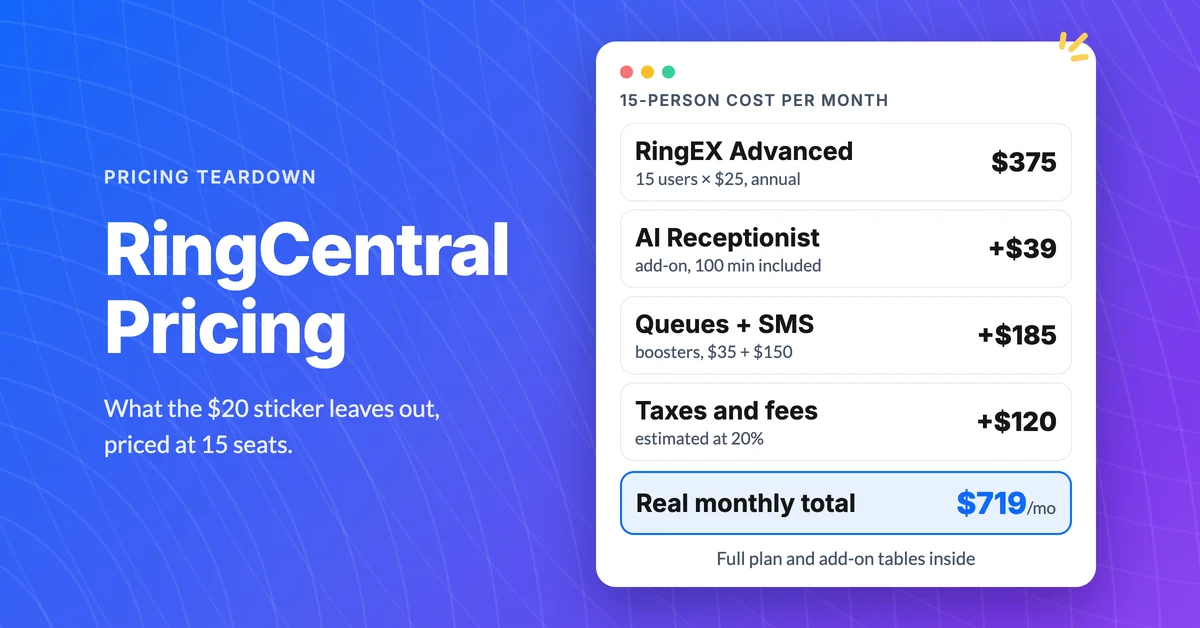
How Much Does RingCentral Really Cost per User?
RingCentral cost per user starts at $20, but add-ons, SMS caps and regulatory fees decide the real bill. See the 15-person math and the flat-rate comparison.
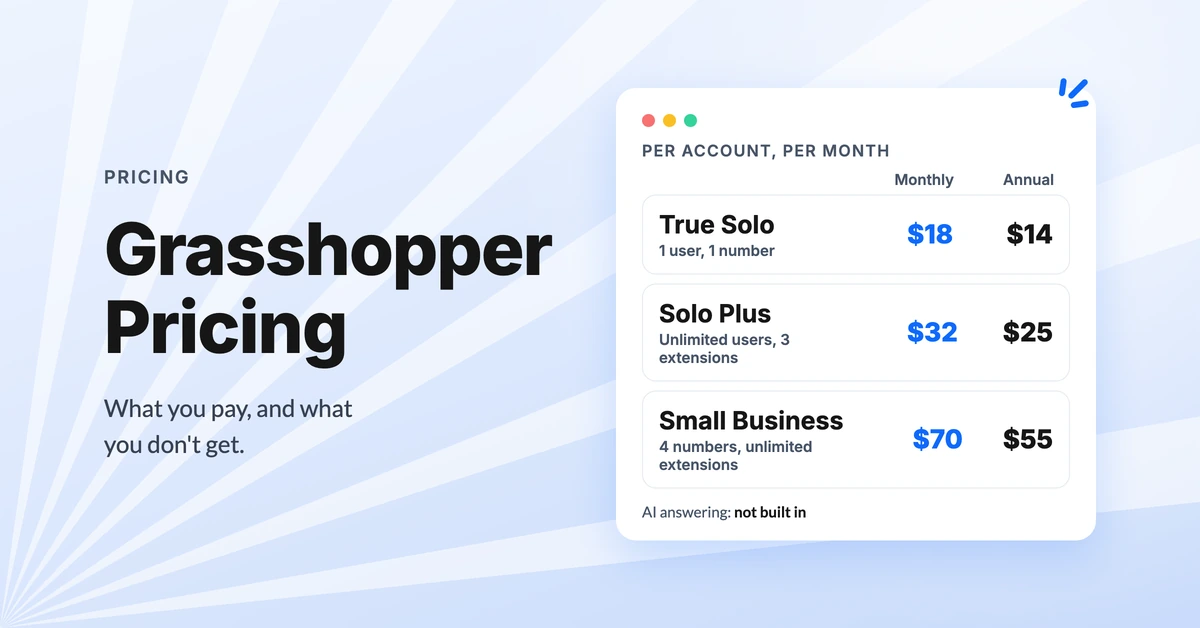
Grasshopper Pricing: What You Pay and What You Don't Get
See Grasshopper pricing plan by plan: $18 to $70 a month, less on annual billing, the hidden texting and number fees, and the real cost with AI answering.
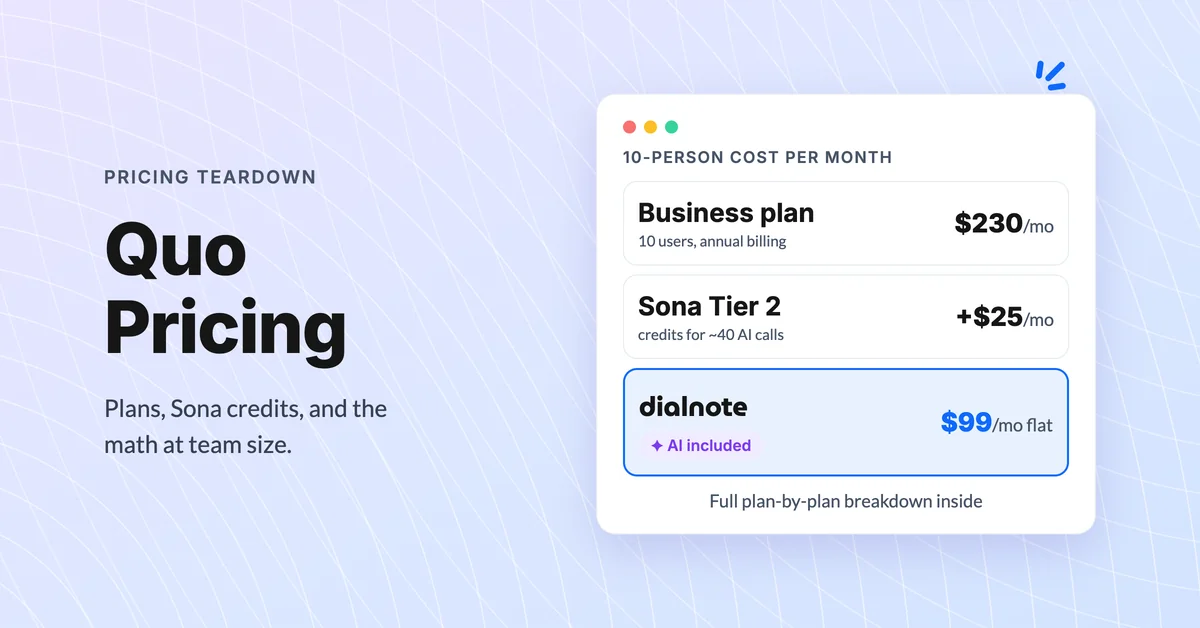
Quo Pricing Explained: What You'll Actually Pay
See what Quo pricing really costs in 2026: plan rates, Sona AI credits, add-ons, and 10-person team math, plus a flat-rate alternative to compare.
