OpenPhone vs Ooma: Which Should Your Business Use?
One question I hear from small business owners all the time: "Ooma says it comes with a virtual receptionist, so that's the AI answering thing, right?" It's not, and that mix-up sits at the center of the OpenPhone vs Ooma decision. One of these products is an app-first phone with a real (if metered) AI agent. The other is a desk-phone-friendly system whose "receptionist" is a press-1-for-sales menu.
Elena runs a six-chair salon. She picked Ooma years ago because it worked with the desk phone at the front counter, and month-to-month billing felt safe. It's been reliable. But bookings now come by text as much as by call, and her plan has no texting at all; that lives two tiers up, with caps. Meanwhile the phone rings straight through every blow-dry. Sound familiar?
This OpenPhone vs Ooma comparison walks through what each actually includes, where the texting and AI limits bite, and what the per-seat math does as you add staff. We'll also bring in dialnote, an AI-first flat-rate system, because it answers the exact question both of these leave open.
TL;DR:
- In the OpenPhone vs Ooma matchup, Ooma runs $19.95 to $29.95 per user per month with no contracts; OpenPhone runs $15 to $35 per user on annual billing.
- Ooma's Essentials plan has no desktop app and no texting; SMS arrives on Pro (250 messages/month) and Pro Plus (1,000/month), and those caps cover your whole account.
- Ooma's included "virtual receptionist" is a phone menu, not an AI. OpenPhone (rebranded to Quo in late 2025) has a real AI agent, Sona, but it's credit-metered at about 10 free calls a month.
- Both are per-seat: a 10-person team pays $200 to $300 a month. dialnote's Business plan is $99/month flat with unlimited users and a true AI receptionist included.
- Numbers port out of both in about 1 to 3 weeks.
Jump to: feature comparison · what each costs · AI answering · the verdict
A quick look at OpenPhone and Ooma
Ooma Office comes from the desk-phone world. It's built for businesses that want physical handsets at a counter, reliable US/Canada/Mexico calling, and simple month-to-month pricing: Essentials at $19.95, Pro at $24.95, and Pro Plus at $29.95 per user per month, with a free local or toll-free number and a 30-day trial. In practice, customers who love Ooma usually love that it feels like the phone system they've always known, just cheaper than the landline was.
OpenPhone is the opposite personality. It's app-first, built around calling and texting from your existing devices, with shared numbers and one conversation thread per customer. In late 2025 it rebranded to Quo and leaned into AI with Sona, its voice agent. You'll still see both names around; same product, so a Quo vs Ooma search lands you in exactly the right place.
Here's the practical way I'd frame it for a customer: Ooma modernizes the phone on the counter. OpenPhone replaces the counter phone with an app. Neither one, out of the box, deals with the call that rings while everyone's with a customer, and for most small service businesses, that's the expensive moment.
OpenPhone vs Ooma: how do the features compare?
The short answer: OpenPhone wins on the app experience and texting, Ooma wins on hardware support and contract flexibility. They're strong in different decades.
Ooma's plans stack like this. Essentials covers unlimited calling to the US, Canada, Mexico, and Puerto Rico, ring groups, the virtual receptionist menu, and mobile apps, but no desktop app and no texting. Pro adds the desktop app, call recording, 25-person video meetings, and 250 SMS messages a month. Pro Plus adds call queuing, CRM integrations, AI transcriptions, and 1,000 SMS messages a month. Notice where texting and AI sit: at the top, capped, and account-wide.
OpenPhone includes texting as a first-class channel on every plan, shared numbers, and voicemail transcription, with recording, phone menus, integrations, and AI summaries on the $23/user Business tier. Sona answers missed calls, with roughly 10 AI-handled calls a month included before credit packs.
Here's the side-by-side, with dialnote as the third column:
| Feature | OpenPhone (Quo) | Ooma Office | dialnote |
|---|---|---|---|
| Starting price | $15/user/mo (annual) | $19.95/user/mo (monthly) | $19/mo (Solo) |
| Cost for a 10-person team | $230/mo (Business) | $300/mo (Pro Plus) | $99/mo flat |
| Where it's available | US + Canada numbers only | US-focused | Worldwide (calling to 90+ countries) |
| Flat-rate unlimited users | ✗ | ✗ | Yes ($49/mo Team and up) |
| Contract | Annual for best price | Month-to-month | Monthly, cancel anytime |
| Desk phone support | ✗ (app-first) | ✓ (its strength) | App-first |
| Business texting | ✓ (every plan) | ✗ Essentials; 250-1,000 msgs/mo caps above | Yes (US/CA) |
| Desktop app | ✓ | Pro plan and up | Yes |
| Auto-attendant / phone menu | Business plan | ✓ (menu only) | Yes |
| Call recording | Business plan (auto) | Pro plan and up | Yes (Business plan+, automatic) |
| AI transcription / summaries | Business plan | Pro Plus only | Yes (Business plan+) |
| AI receptionist / voice agent | Sona (credit-limited) | ✗ (menu, not AI) | Yes (included, 14 languages) |
| CRM integrations | HubSpot, Salesforce (Business) | Pro Plus only | HubSpot, Salesforce, Pipedrive, Zoho |
| Video meetings | ✗ | 25-100 person (paid tiers) | No (calls only) |
The availability rows deserve a glance too: OpenPhone sells US and Canadian numbers only, and Ooma is a US-focused product. dialnote is open to businesses worldwide, with numbers in the US, Canada, UK, India, and France today (more countries opened on request) and calling to 90+ countries.
What does each one really cost?
Ooma's honest advantage is the contract: month-to-month, no annual lock-in, walk away anytime. For a business that's been burned by telecom contracts, I understand exactly why that feels good.
But look at what the tiers do. The $19.95 Essentials plan is the price everyone remembers and almost nobody should buy: no desktop app, no texting, no recording. A team that wants the modern basics lands on Pro Plus at $29.95, and suddenly Ooma is the most expensive per-seat option in this comparison. OpenPhone runs $15 (Starter) to $23 (Business) to $35 (Scale) per user on annual billing, with the real features on Business.
There's also a cost line that never shows up on the plan page: hardware. Ooma's desk-phone model means handsets, and handsets mean an upfront spend per desk plus a drawer of chargers and cables to maintain as the team changes. App-first systems skip that entirely; the "hardware" is the phone already in everyone's pocket. Neither approach is wrong, but only one of them shows up in the monthly comparison, so buyers routinely underestimate the desk-phone route.
Watch the 10-person math, using the tiers teams actually need:
| OpenPhone (Business) | Ooma (Pro Plus) | dialnote (Business) | |
|---|---|---|---|
| 5 users | $115/mo | $150/mo | $99/mo |
| 10 users | $230/mo | $300/mo | $99/mo |
| 25 users | $575/mo | $750/mo | $99/mo |
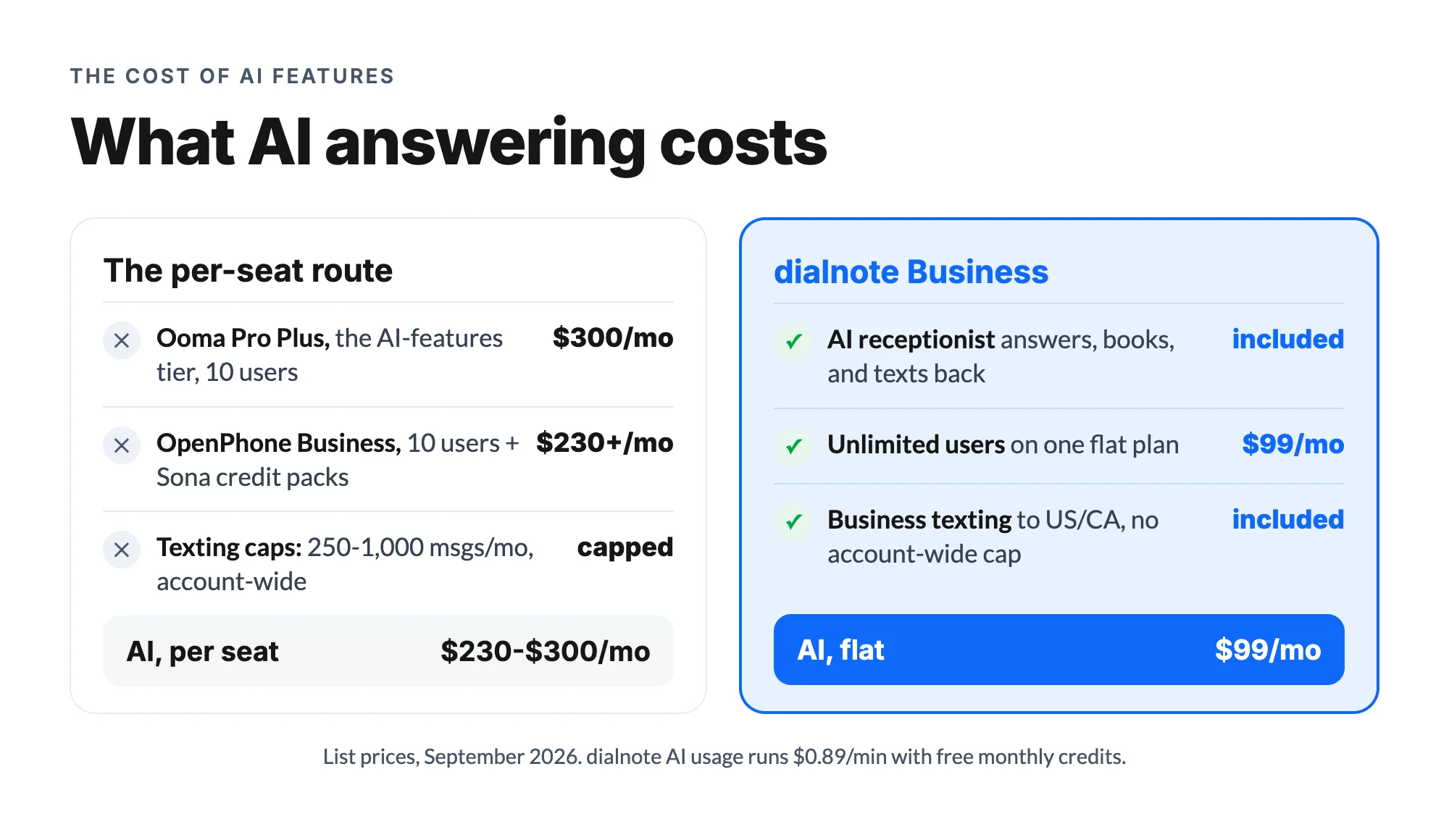
dialnote's pricing is flat: $49/month (Team), $99/month (Business), $199/month (Pro), unlimited users on all three, monthly billing you can cancel anytime, so Ooma's no-contract comfort carries over without the per-seat bill. One note on the dialnote column: the flat plan covers the phone system and every seat, and AI calls are billed on top: $25/mo for 65 calls with the AI call pack, or $0.49/minute from the wallet without one. Light months cost little extra; heavy months are still cheaper than a per-seat AI tier. For the direct matchup with OpenPhone, see our dialnote vs OpenPhone page.
And a texting note from real customer conversations: account-wide SMS caps are sneakier than they look. Ooma Pro's 250 messages a month across an entire team is about 12 texts per person per week for a 5-person shop. One day of appointment confirmations can eat that.
Does either one answer calls for you?
According to Gartner, businesses moving to cloud phone systems typically cut telecom costs by 30-50%, but in my experience the bigger number is hiding on the revenue side: the value of the calls that finally get answered. That's the lens for this section.
Here's what actually happens in a service business, and why I push customers to ask this question first. Elena's front desk answers maybe 70% of calls on a good day. The other 30% ring while hands are literally in someone's hair. Those callers are ready to book. What happens next decides whether the money lands.
Ooma's answer is the virtual receptionist menu plus voicemail. The menu routes ("press 1 to book"), but if nobody picks up, the call ends in a mailbox. It organizes the miss; it doesn't prevent it.
OpenPhone's answer is Sona, a genuine AI agent that greets callers, handles common questions, and takes structured messages. The limit is the meter: about 10 AI-handled calls a month included, then credit packs from $25/month. For a salon missing 10 calls a week, the free tier is a demo, not a solution.
dialnote makes the AI receptionist the core product. It answers 24/7 in 14 languages, asks your booking questions, schedules through Calendly or Cal.com, sends confirmation texts, and transfers to the front desk when someone's free. The AI call summary then syncs to your CRM. And you're not locked into one behavior: per number, you can run the full AI receptionist, an automated text-back, a we'll-call-you-back voice message, or plain voicemail with a transcript. Try it live on dialnote's site before signing up for anything.
I'll admit some uncertainty here: Ooma has started adding AI transcription on Pro Plus, so an AI answering feature may arrive eventually. But that's a roadmap guess, and Elena's phone is ringing today.
What are they like to run day to day?
The daily experience is where these two really part ways, and it's the thing I always ask customers to picture before they buy.
Ooma's day feels familiar: a handset at the counter, a light on the base station, calls that behave like calls always have. The mobile app exists, but the desk phone is the center of gravity. That's comforting until work leaves the counter. A stylist confirming tomorrow's appointments from the bus can't text from Essentials at all, and on Pro, every text she sends draws down the whole account's 250-message pool. The system assumes the business happens where the hardware is.
OpenPhone's day lives wherever your phone is. Calls, texts, and voicemails sit in one thread per customer, the whole team sees the same history, and there's no hardware to outgrow or unplug. The trade-offs are the annual plan for the good price, the Business-tier gate on recording and integrations, and the absence of any desk-phone option for the folks who genuinely want one.
One more everyday detail that surprises people: numbers. Ooma includes one free number per account and sells extras; OpenPhone includes one per user with extras at $5/month; dialnote's Business plan includes 3 numbers with additional local numbers at $1.25/month. If your ads, bookings, and front desk each deserve their own line, that little row changes the monthly math.
How do you switch without losing your number?
Porting is less scary than it sounds, and it's the same four steps in any direction:
- Sign up with the new provider first. Don't cancel Ooma or OpenPhone yet; a closed account can release your number before the port starts.
- Submit the port request from the new side. Have your account number and PIN ready; the new provider handles the paperwork.
- Keep working normally. The port takes about 1 to 3 weeks and your current line works the entire time.
- Confirm the cutover, then cancel the old service. Calls route to the new system the moment the port completes.
The number on the salon window, the booking site, and every saved contact stays exactly the same.
Where both fall short
Ooma's gaps:
- The "virtual receptionist" is a menu, not an AI; nothing converses with callers.
- No texting on Essentials, and tight account-wide caps (250/1,000 per month) above it.
- AI transcription and CRM integrations sit only on the $29.95 Pro Plus tier.
- US-focused product with a desk-phone-era feel in the apps.
- Per-seat pricing that makes Pro Plus the priciest option here at team size.
OpenPhone's gaps:
- Per-user pricing, with the useful features on the $23/user Business tier.
- Sona is credit-metered: about 10 free AI calls a month, then paid packs.
- No desk phone support; if you love handsets, this isn't your product.
- US and Canadian numbers only, plus a fair-use cap around 1,000 minutes per user.
- The Quo rebrand still splits reviews and documentation across two names.
Why dialnote might be the better pick
The most common thing I hear after a business switches: "I didn't realize how many calls we were losing." Not dropping. Losing. dialnote is an AI business phone system with no per-user pricing. AI voice agents answer calls, capture leads, and book meetings 24/7. Plans from $19/mo. It's built around that discovery.
A real AI receptionist, included. Not a menu, not a 10-call demo. It answers every missed call, captures the caller's details with your questions, books the appointment, and texts the confirmation. AI calls run about $0.38 a call on the AI call pack, or $0.49/min without one.
Flat pricing with Ooma's flexibility. $49 to $199 a month, unlimited users, monthly billing, cancel anytime. Elena's six chairs cost $99 on Business; hiring two more stylists changes nothing.
Texting without an account-wide meter. Business texting to the US and Canada is included, so confirmations and reschedules just work.
The after-call work done for you. Automatic recording, AI summaries, and CRM sync to HubSpot, Salesforce, Pipedrive, or Zoho.
Step-by-step migration. Porting from Ooma or OpenPhone takes about 1 to 3 weeks with no downtime; our switching guide walks through each step, and the wider field is ranked in our Quo (OpenPhone) alternatives guide and our roundup of Ooma Office alternatives.
"A menu that routes a call is table stakes. What businesses actually need is something that finishes the call," says Akhilesh Betanamudi, dialnote's co-founder. "Captured details, a booked slot, a confirmation text. That's the job."
OpenPhone or Ooma: which should your business use?
Pick Ooma if you want physical desk phones at a counter, month-to-month billing, and simple reliable calling, and texting or AI genuinely aren't part of how your customers reach you. For that office, it's a fair fit.
Pick OpenPhone if your team works from phones and laptops, texting is a real channel, and you're comfortable with per-seat pricing and a metered AI agent.
Pick dialnote if the calls that ring while everyone's busy are the ones you can't afford to lose. You get the answered call, the booked appointment, and the flat bill, and the "virtual receptionist" actually talks.
And Elena? She kept her desk phone. That's the part people don't expect: switching to an AI-first system didn't mean throwing out the counter workflow, because the AI only takes the calls nobody picks up. Her front desk answers like always; the blow-dry-hour callers get answered too, booked straight into the calendar, with a confirmation text on their phone before the rinse.
One last practical tip from the support desk: whichever way you go, test the missed-call path before you commit. Call your own number while nobody's free and listen to what a customer would hear. That one test tells you more than any pricing page.
Start a free 10-day trial of dialnote, no credit card needed, or compare your team's costs side by side.
Frequently asked questions
No, and this trips people up. Ooma's virtual receptionist is a menu ("press 1 for sales") that routes calls. It can't answer questions, capture lead details, or book anything. An AI receptionist, like dialnote's, actually holds the conversation.
OpenPhone (now Quo) is app-first: shared numbers, team texting, and an AI agent. Ooma is hardware-friendly and desk-phone oriented, with month-to-month plans. OpenPhone suits teams living on mobile; Ooma suits offices that still want handsets.
Yes. The Essentials plan has no texting at all, Pro includes 250 messages per month, and Pro Plus includes 1,000, and those caps are shared across your whole account, not per user. Text-heavy businesses hit them fast.
They're close. Ooma runs $19.95 to $29.95 per user per month (month-to-month, no contract) and OpenPhone runs $15 to $35 (annual billing). Both are per-seat, so a 10-person team pays $200 to $300 either way, vs $99 flat on dialnote.
Yes. Both support number porting, and the process takes about 1 to 3 weeks. Keep your old account active until the port completes and your callers won't notice a thing.

Written by
Chinmayee Kelkar
Customer Success Specialist, SmartReach.io
Chinmayee Kelkar is a Customer Success Specialist at SmartReach.io with over 10 years of experience in customer service, client management, and business process optimization. She holds a Master's degree in Industrial and Organizational Psychology and...
Chinmayee Kelkar is a Customer Success Specialist at SmartReach.io with over 10 years of experience in customer service, client management, and business process optimization. She holds a Master's degree in Industrial and Organizational Psychology and...
Related Articles
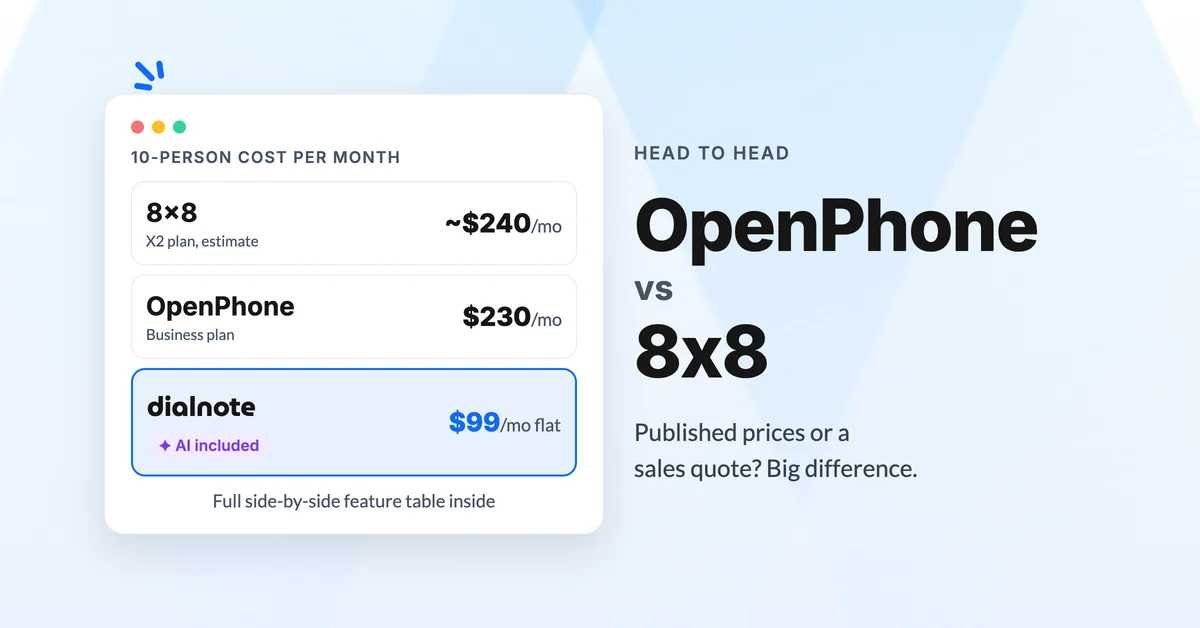
OpenPhone vs 8x8: Which Should You Choose?
Compare OpenPhone vs 8x8 on pricing, quote-only sales, and AI answering, then see why dialnote may fit small teams better than both.
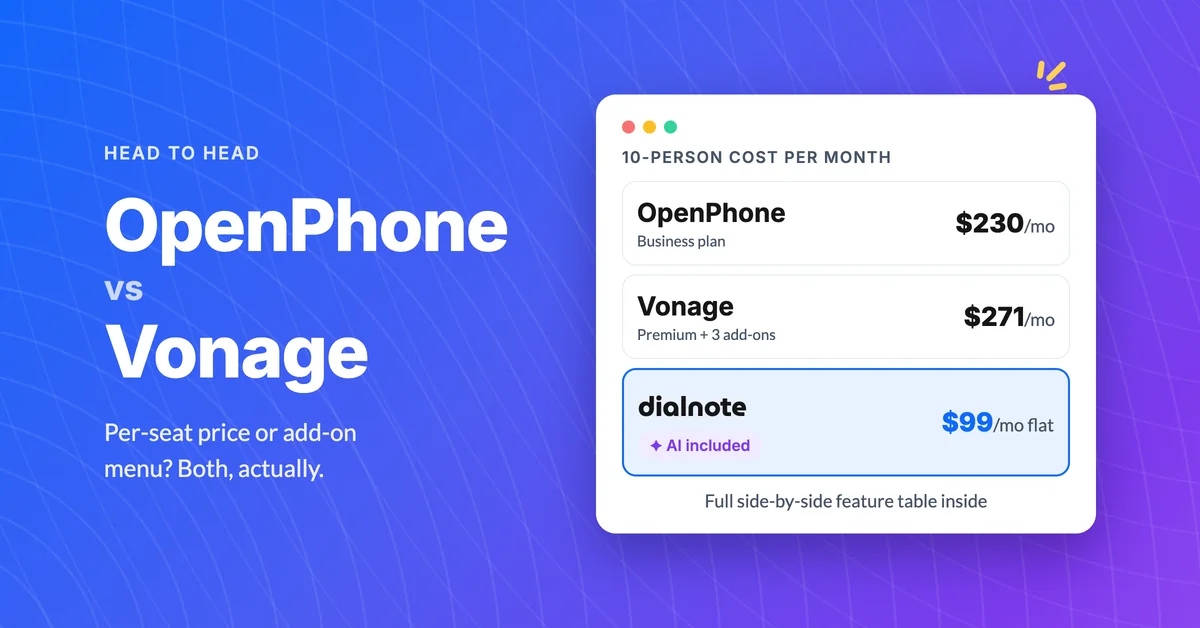
OpenPhone vs Vonage: Which Is Better Value?
Compare OpenPhone vs Vonage on pricing, add-on fees, and AI answering, then see why dialnote may be the better value for small teams.
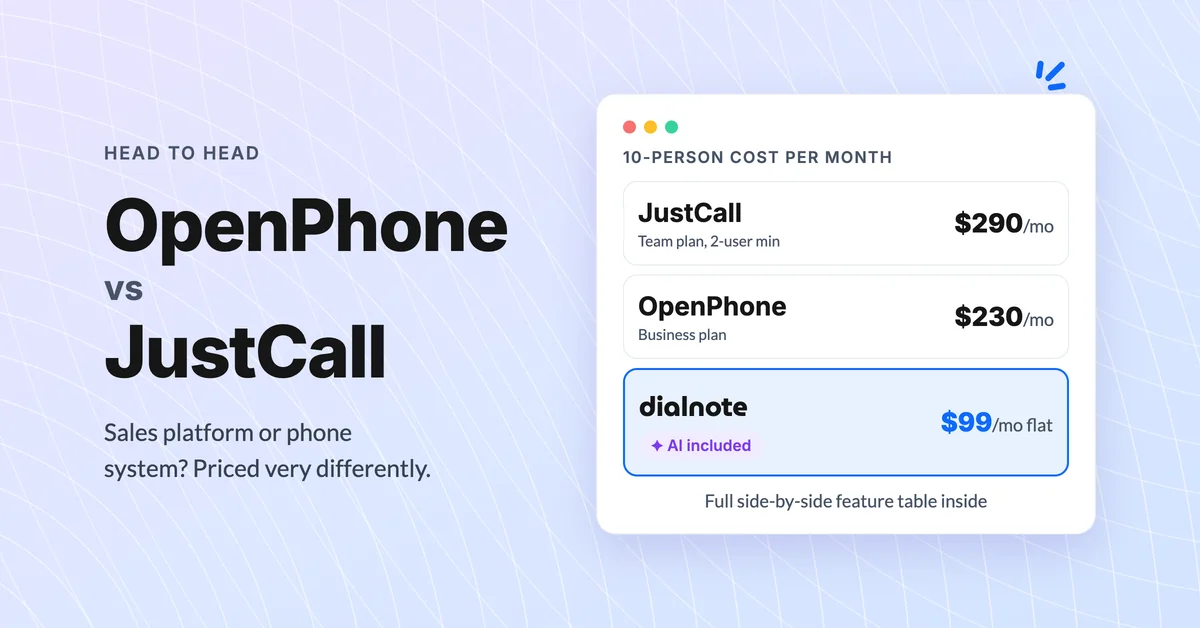
OpenPhone vs JustCall: Which Is Better for Teams?
Compare OpenPhone vs JustCall on pricing, AI tiers, and hidden minimums, then see why dialnote may be the smarter pick for small teams.
