Dialpad vs Nextiva: Which Phone System Wins?
Nick heads business operations at a 15-person fintech startup. His team had been using a legacy phone system that came with the office, and it wasn't cutting it anymore: no call transcription, no way to track customer conversations, and a support line that rang unanswered whenever a client called after 5 PM. He shortlisted Dialpad vs Nextiva. Both had strong brand recognition, solid feature pages, and sales reps ready to demo within the hour. Then he opened a spreadsheet and started running actual cost scenarios for his team at 15, 30, and 50 people. The numbers looked nothing like what the pricing pages suggested.
Sound familiar?
The real challenge in a Dialpad vs Nextiva evaluation isn't picking between two good platforms. It's figuring out what each platform actually costs once you add the features your team needs, especially AI. Both tools make decisions that look simple on the surface and get complicated the moment you build a real-world cost model.
This comparison covers both platforms honestly, including pricing, AI capabilities, user feedback, and real limitations. We'll also include dialnote as a third option worth examining. dialnote is part of the SmartReach.io group, and it addresses several of the cost and AI gaps that come up repeatedly in this evaluation. If you're doing this comparison properly, it belongs in your analysis.
TL;DR:
- Dialpad vs Nextiva comes down to AI cost: Dialpad bundles AI transcription, summaries, and sentiment analysis on every plan from $15/user/month, while Nextiva locks the same features behind its $75/user/month Power Suite CX plan.
- Nextiva fits enterprise unified communications with a 99.999% uptime SLA; Dialpad fits teams that want AI-first calling at a lower per-seat price.
- Neither Dialpad nor Nextiva includes an AI receptionist, AI SMS agent, or automatic CRM updates in their base plans, so a full AI workflow means paid add-ons.
- dialnote offers all three on flat plans ($49, $99, $199/month) with unlimited users and calling to 90+ countries, costing a 20-person team about $99/month versus $500 on Dialpad and $1,600+ on Nextiva.
The price you see vs. the price you actually pay
Most Dialpad vs Nextiva comparisons lead with features. This one starts with cost, because the cost structure is where the real decision usually gets made.
Dialpad pricing:
- Standard: $15/user/month (annual billing)
- Pro: $25/user/month (annual billing)
- Enterprise: custom pricing, 100-seat minimum
- Add-ons: toll-free numbers ($15-17/number/month plus $0.02/minute overage), internet fax ($10/month), large group video meetings ($15/user/month extra)
A 20-person team on the Pro plan runs $500/month. Add a toll-free number and internet fax and you're at $560-580/month. AI call evaluation is included on Pro. But SMS automation and automatic CRM syncing still require manual integration work, regardless of which Dialpad plan you're on.
Nextiva pricing:
- Core: $23/user/month ($15/user/month billed annually)
- Engage: mid-tier plan that adds call center capabilities and higher SMS allowances
- Power Suite CX: $75/user/month (required for AI transcription, summaries, and analytics)
- XBert AI Receptionist: $99+/month as a separate add-on
- SMS: Core plan includes 100 texts/user/month; Engage includes 250 texts/user/month
Here's where the cost math surprises most buyers. A 20-person team that wants AI transcription and summaries needs the Power Suite CX plan. That's $1,500/month for the team base cost, before any add-ons. Stack in the XBert AI Receptionist ($99+/month) and you're looking at $1,600-1,700/month for a 20-person team. That's over three times what Dialpad charges for a similar AI-capable setup.
To make this concrete, here's what each platform costs at different team sizes when you're buying for AI capabilities:
5-person team:
- Dialpad Pro: $125/month ($25 × 5 users)
- Nextiva Power Suite CX (for AI): $375/month ($75 × 5 users), plus AI Receptionist add-on ($99+/month)
- dialnote: $49/month flat (unlimited users)
20-person team:
- Dialpad Pro: $500/month (AI evaluation included, but no AI receptionist, no AI SMS agent, no auto CRM updates)
- Nextiva Power Suite CX (for AI): $1,500/month base + $99+/month AI Receptionist add-on = ~$1,600/month
- dialnote: $99/month flat (unlimited users, AI receptionist + AI SMS agent + auto CRM updates included; AI call evaluation on Pro plan)
At 20 people, dialnote costs roughly one-fifth what Dialpad charges and one-sixteenth what Nextiva charges for an equivalent AI-capable setup. You're not giving anything up to get that price. You're actually getting more. The AI receptionist, AI SMS agent, and auto CRM updates that neither Dialpad nor Nextiva include in their base plans come standard with dialnote.
50-person team:
- Dialpad Pro: $1,250/month
- Nextiva Power Suite CX (for AI): $3,750/month + AI Receptionist add-on
- dialnote: $199/month (Unlimited Users plan, same features, no seat math)
The numbers explain why "starts at $15/user" and "starts at $23/user" can be misleading entry points for this comparison. Per-seat pricing compounds with every hire. And as headcount grows, the gap between what you expected to pay and what you actually pay gets harder to absorb. dialnote's flat plans ($49, $99, $199/month) are priced on call volume and feature depth, not on how many people you add to the account.
One note that applies to all three platforms: every provider that advertises "unlimited calling" runs a fair use policy. dialnote's included calling pool applies when you've taken a number in your region and are calling within that same region, with anything beyond the pool or outside your region billed from your wallet at published per-country rates. Dialpad and Nextiva apply similar fair use limits for US and Canada calling. Verify overage terms with any provider before signing a contract if your team runs high call volumes.
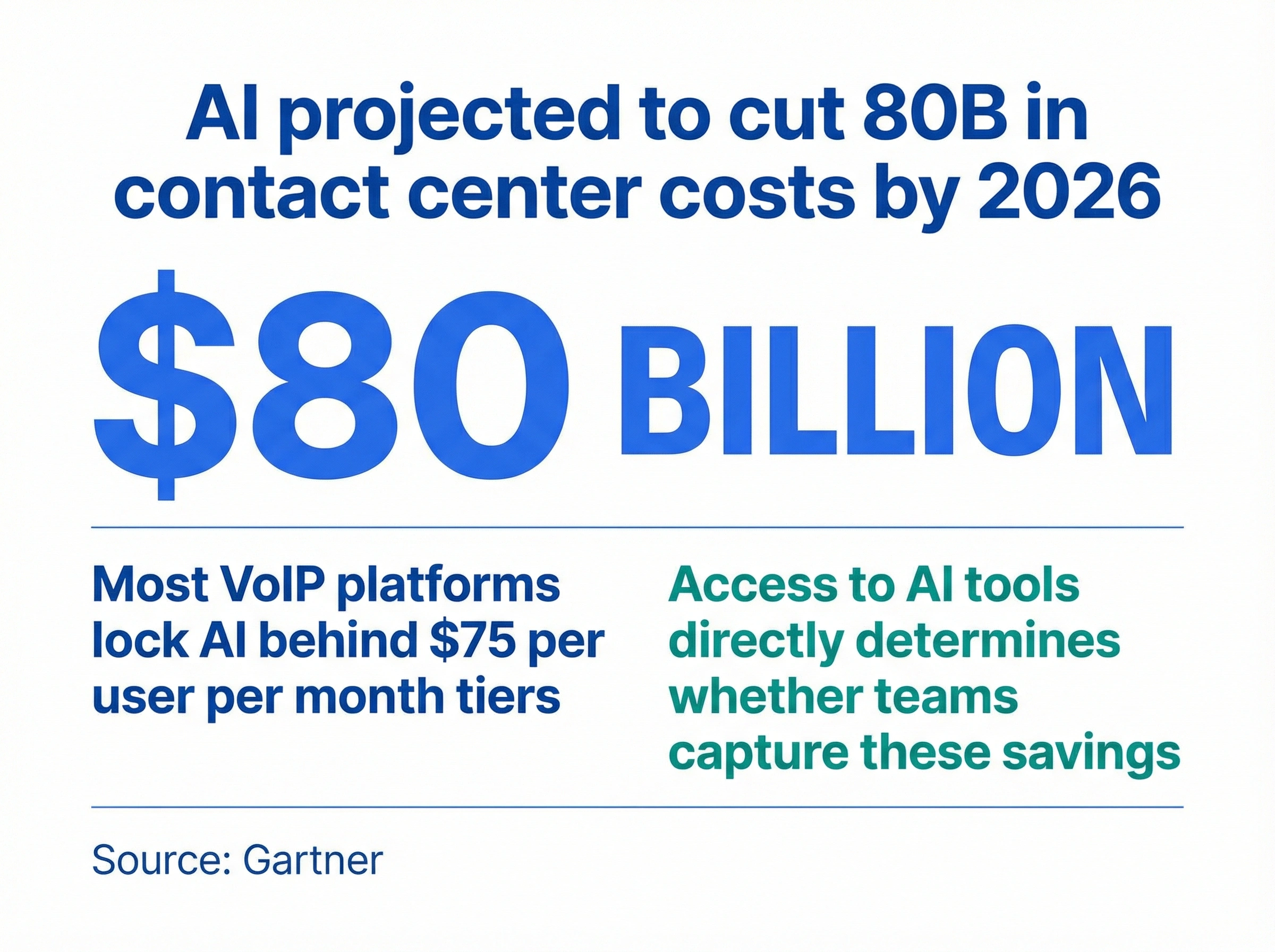
According to Gartner's research on conversational AI, AI-powered communication tools are projected to cut contact center agent labor costs by $80 billion by 2026. But capturing those savings requires AI to be accessible at a plan level your team can actually afford, not sitting behind a $75/user/month paywall.
Side by side: how the features stack up
The table below covers the full feature comparison across all three platforms. It's where the per-seat and AI access gaps become visually obvious.
| Feature | Dialpad | Nextiva | dialnote |
|---|---|---|---|
| Starting price | $15/user/month | $23/user/month | $49/month (unlimited users) |
| Pricing model | Per seat | Per seat | Unlimited users or per seat |
| Unlimited users option | No | No | Yes |
| AI transcription | All plans | Power Suite CX only ($75/user/mo) | All plans |
| AI summaries | All plans | Power Suite CX only ($75/user/mo) | All plans |
| AI receptionist | Add-on | Add-on ($99+/month) | Business+ ($99/mo) |
| AI SMS agent | No | No | Business+ ($99/mo) |
| AI call evaluation | Pro+ plans | No | Pro ($199/mo) |
| Auto CRM updates | Via integrations | Via integrations | Included |
| Bulk SMS | No | No | Coming soon |
| Call queueing | Pro+ plans | Engage+ plans | Included |
| IVR | Yes | Yes | Yes |
| SMS limits | Fair use, plan-limited | 100/user/month (Core); 250 (Engage) | Fair use included |
| Integrations | 10-20 | 20+ | 20+ integrations |
| Video conferencing | Yes (5-hr cap) | Yes | No (calls only) |
| International numbers | Limited countries | Limited countries | US, CA, UK, India, France |
| Calling limits / fair usage | Fair use, US/Canada | Fair use, US/Canada | In-region pool + wallet (fair use) |
The table shows that Dialpad leads on bundled AI for the entry price. Nextiva leads on unified communications breadth and reliability. dialnote leads on pricing model and AI feature depth across its plan tiers.
What each platform is actually built for
With the cost picture established, here's what each platform was designed to do.
Dialpad launched as an AI-first phone system and has largely maintained that positioning. It includes real-time transcription, AI call summaries, and sentiment analysis on every plan, including the $15/user/month Standard tier. That's a genuine edge over most competitors that lock AI features behind premium tiers. Dialpad targets teams from small businesses up to mid-market. Its Enterprise plan requires a 100-seat minimum and moves to custom pricing.
Nextiva took a broader path. It's built as a unified communications suite covering voice, video, team messaging, and customer experience tools. The platform is reliable (backed by a 99.999% uptime SLA) and has a strong reputation for supporting customer-facing teams. But Nextiva's AI story is more complicated than the feature page suggests. Most AI capabilities require the Power Suite CX plan at $75/user/month or a separate add-on purchase layered on top of per-seat costs.
Neither platform made a wrong architectural decision. But their different starting assumptions (AI-first for Dialpad, unified communications for Nextiva) shape every pricing and feature decision both platforms have made since.
That design philosophy also shapes where each platform falls short. Dialpad's AI-first approach means it prioritizes transcription and call intelligence but hasn't built the same depth in customer experience tools, multi-channel inboxes, or enterprise CRM workflows that Nextiva focuses on. Nextiva's unified communications approach means it covers more channels but treats AI as a premium add-on rather than a core capability. Knowing which trade-off matters less to your team is the first filter in this comparison.
Dialpad vs Nextiva on AI: which platform gives you more?
Dialpad is the clearer winner between these two on base-level AI access. AI transcription, call summaries, and sentiment analysis on the $15/month Standard plan is a meaningful advantage over Nextiva, where those same features require the $75/user/month Power Suite CX plan.
But "more AI than Nextiva on the base plan" isn't the same as "enough AI for how modern teams actually work."
Think about what a real AI workflow looks like on a busy Wednesday. A prospect calls in while your team is on other calls. An AI receptionist picks up, answers common questions about pricing or availability, and routes the lead to the right rep. No missed opportunity. After the call, a summary auto-generates, the lead's CRM record updates automatically, and the rep gets a clean briefing when they're available. That's the complete loop.
Neither Dialpad nor Nextiva delivers that complete loop out of the box. Dialpad's AI receptionist is an add-on, not included in any plan. There's no AI SMS agent. CRM updates after calls require a manual integration you build yourself. Nextiva's gap is even wider. The AI receptionist (XBert) requires a $99+/month add-on on top of the $75/user/month Power Suite CX plan. No AI SMS agent exists on any Nextiva plan.
For Dialpad specifically, AI call evaluation (which scores calls and flags coaching moments based on predefined criteria) is only available on Pro and Enterprise plans. The $15/month Standard plan gets transcription and summaries but not the deeper coaching automation that makes AI genuinely useful for managing a sales team. If you're evaluating Dialpad specifically for coaching and performance management, that means the $25/user/month Pro plan is the effective entry point, not the $15 Standard plan most comparisons lead with.
Nextiva's Engage plan (mid-tier, between Core and Power Suite CX) adds call center tools and higher SMS limits, but still doesn't include AI transcription or summaries. You need Power Suite CX for AI to work at all. So Nextiva's pricing structure essentially gives buyers two choices: a phone system without AI (Core or Engage) or a significantly more expensive AI-capable platform (Power Suite CX at $75/user/month).
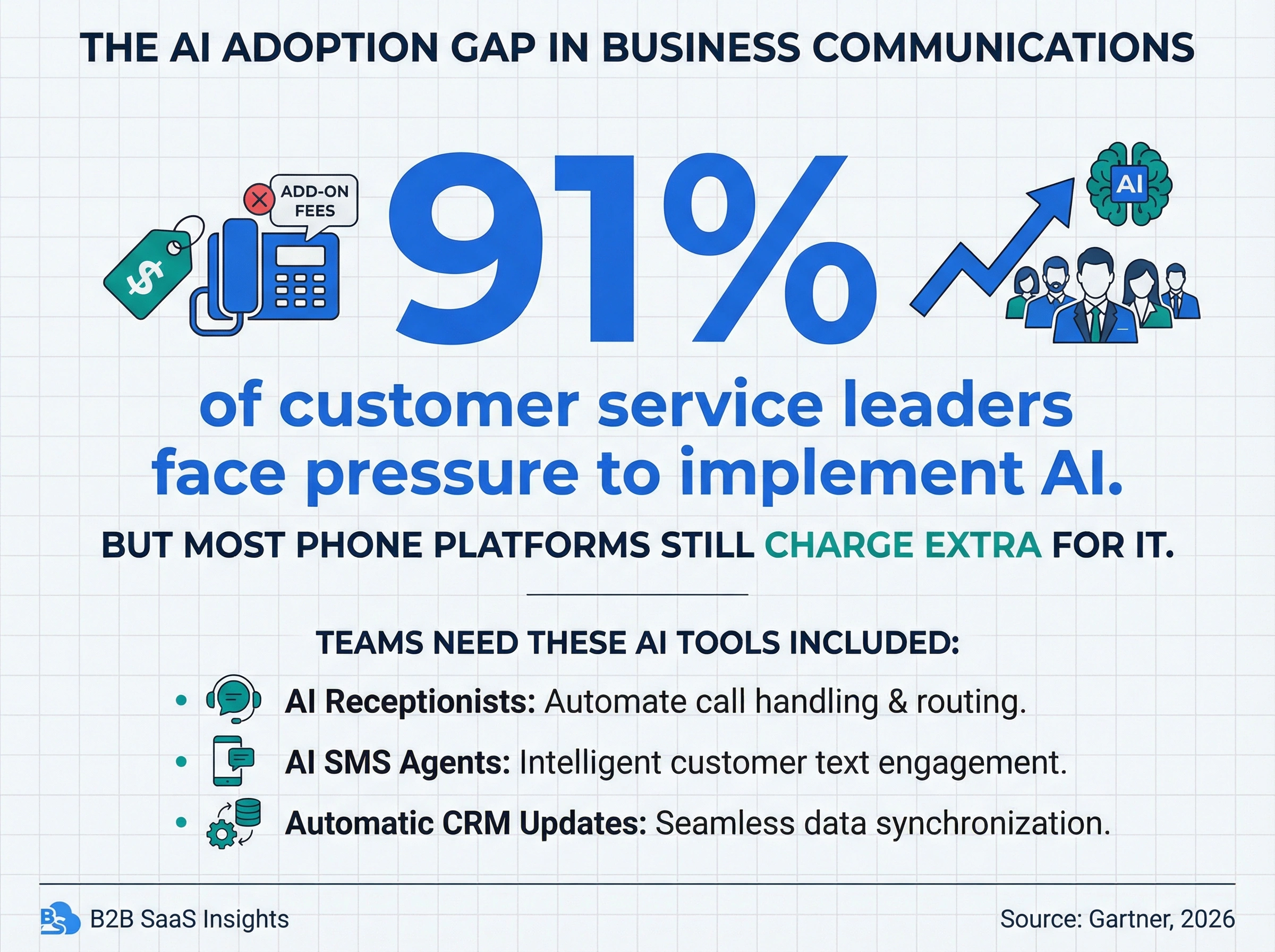
According to a Gartner survey published in early 2026, 91% of customer service leaders are now under pressure to implement AI in their operations. For teams evaluating this comparison, the practical question isn't "does the platform have AI?" It's "which AI features are actually included at the plan level my budget supports?"
dialnote includes AI transcription, AI summaries, and auto CRM updates on all plans. The Business plan ($99/month) adds an AI receptionist and AI SMS agents. The Pro plan ($199/month) includes AI call evaluation. If you want to see how the AI receptionist actually handles inbound calls before booking a demo, you can test it live on dialnote's website. That kind of direct testing is more useful than a scripted product walkthrough.
What real users say about both platforms?
Feature pages describe what platforms do. Review patterns on G2, Capterra, and Reddit describe what it's actually like to use them month-to-month. Those are different conversations.
What Dialpad users flag most often: AI transcription accuracy drops noticeably with accents, cross-talk, or noisy environments. Phone numbers and email addresses get mangled during transcription more often than they should. Mobile app quality has declined in recent reviews. Dropped inbound calls and intermittent crashes come up consistently, which matters if your team uses mobile as its primary calling interface. Billing and contract terms are another recurring friction point: auto-renewals, difficulty porting numbers out when leaving, and slow account-level support resolution.
What Nextiva users flag most often: Unexpected fees are the most consistent complaint across platforms. Users describe costs increasing significantly despite fixed contracts, and difficulty getting refunds after cancellation. SMS limits are a practical problem. 100 texts/user/month on the Core plan disappears fast for any team doing proactive customer communication. SMS registration issues and poor support responsiveness show up across G2 and Capterra with enough frequency to take seriously before committing.
We're not 100% sure why Nextiva's SMS limits are as tight as they are at the Core tier. The 100 text per user per month limit feels arbitrary for a platform positioned for business communications, and the pattern of complaints is consistent enough to flag before signing. Verify the actual SMS limits directly with their sales team if texting is part of your workflow.
Both platforms do have genuine strengths. Dialpad's AI transcription in clean audio environments is solid, and real-time coaching prompts on live calls give sales managers a useful tool for developing new reps. Nextiva's 99.999% uptime SLA holds up under independent testing, and their customer support responsiveness is consistently rated as one of the stronger aspects in user reviews. They're faster to reach than most UCaaS competitors at this price point.
The frustrations and the strengths don't cancel each other out. They just land in different places.
Five gaps neither platform fully solves
Here's the honest take: both Dialpad and Nextiva were designed when AI was an optional feature, not a core part of how teams work. That fundamental assumption runs through every pricing decision both platforms have made. Here are the five limitations that show up regardless of which plan you're on.
1. No AI receptionist on base plans. Both Dialpad and Nextiva treat the AI receptionist as an add-on or premium feature. For Dialpad, it's available as a paid add-on. For Nextiva, it requires XBert ($99+/month) on top of the Power Suite CX plan. For teams where inbound call handling is critical (sales, support, healthcare practices, service businesses), this is a meaningful gap that shows up in every budget conversation.
2. No AI SMS agent on any plan. Neither platform includes an AI agent for inbound SMS. As more customer interactions shift to text, this means your team handles every inbound text manually or builds a separate automation on top of your phone system. For outbound sales teams running text follow-up sequences, this is a workflow gap that requires additional tooling to fill.
3. No automatic CRM updates built in. Both Dialpad and Nextiva sync with CRMs through integrations, but neither auto-updates CRM records after every call without custom integration work. Sales and support teams typically solve this with manual post-call data entry or a separate integration layer. For a rep making 15 calls a day and spending 5 minutes per call updating records, that's over an hour of admin time daily, just on CRM hygiene. Across a 10-person sales team, you're losing 10+ hours of selling capacity every day to post-call admin. That's the gap that automated CRM updates actually close, and it's not a feature either platform includes without building an integration stack on top.
4. International coverage is limited. If your team calls customers in Southeast Asia, India, Latin America, or Eastern Europe, both Dialpad and Nextiva focus their most complete features on US and Canada operations. Local numbers outside these core markets are limited. Outbound calls from a US number into international markets get filtered more aggressively by local carriers, which affects answer rates directly. Both platforms also document fewer features for international teams, and some capabilities simply don't apply outside their primary markets.
5. Per-seat pricing that compounds with headcount. Every time you hire, both platforms add another line to your invoice. For a 10-person team, that's manageable. At 30 or 50 people, the monthly cost becomes a recurring conversation in budget reviews. Platforms built around per-seat models don't get cheaper as you grow. For growing B2B teams, this is one of the most predictable and consistent sources of friction over a two-to-three year contract.
Comparing the RingCentral vs Nextiva comparison or looking at Dialpad alternatives shows the same pattern repeating across most traditional VoIP platforms. AI layered on top of a per-seat model creates friction for teams that want AI as a core workflow tool, not an optional feature they budget for separately each quarter.
Why dialnote belongs in this evaluation
When we built dialnote as part of the SmartReach.io group, the starting point was that the gaps listed above (missing AI receptionist, no AI SMS agent, no auto CRM updates, per-seat pricing) shouldn't require premium plan upgrades to solve. SmartReach builds B2B tools used by thousands of companies globally. It competes with platforms like Outreach, Salesloft, Lemlist, and Pardot. The team understands what a phone system needs to do for a B2B sales workflow from the inside, and that shows in what dialnote actually includes.
Unlimited users pricing. dialnote plans start at $49/month for your entire team. Adding a new hire doesn't automatically increase your phone bill. Per-seat plans exist for teams that want billing below $49/month, but the unlimited users model removes the per-seat math from every hiring conversation.
AI features that grow with your plan. AI transcription, AI summaries, and auto CRM updates come with the base Team plan ($49/month). The Business plan ($99/month) adds an AI receptionist and AI SMS agents. The Pro plan ($199/month) adds AI call evaluation and bulk SMS. To put that in context: Nextiva requires its $75/user/month Power Suite CX plan just for AI transcription and summaries, and the XBert AI Receptionist costs $99+/month extra on top. Dialpad includes transcription and summaries on all plans, but has no AI receptionist or SMS agent without a separate add-on.
AI SMS agent included. Two-way AI texting ships on the Business plan and up; bulk SMS campaigns are on the roadmap.
Calling to 90+ countries. For teams calling customers across multiple regions, dialnote's shared wallet covers international calls to 90+ countries at published per-country rates, with local numbers in the US, Canada, UK, India, and France (more opened on request). Both Dialpad and Nextiva focus their standard plans primarily on US and Canada coverage.
No video bloat. dialnote focuses on calls rather than building a competing video product; teams keep their meetings on the Zoom or Meet account they already use.
If you want to see the AI receptionist in action before committing, test it live on dialnote's website. It handles a real inbound call, which gives you an honest quality evaluation before any sales conversation. For teams that have already compared OpenPhone vs Nextiva or explored the standard VoIP alternatives, dialnote consistently stands out on AI depth per dollar at the team level.
Which platform fits your team?
Dialpad and Nextiva are both capable platforms. That's the honest answer. Dialpad wins on bundled AI at entry price. Nextiva wins on enterprise communications breadth and support quality. Neither is a bad choice in isolation.
But if you're building a team that actually runs on AI workflows (where missed calls get handled automatically, CRM records update without a rep's manual input after every call, and text conversations get responded to by an agent when your team is unavailable) neither platform gets you there without a significant budget commitment in add-ons and plan upgrades. That's not a criticism. It's just a structural limitation of per-seat platforms that added AI on top of a model built before AI mattered.
Choose Dialpad if:
- You want AI transcription and call summaries on every plan without upgrading
- Your team is small, US/Canada-focused, and headcount is stable
- Per-seat pricing works for your billing model
Choose Nextiva if:
- You need enterprise unified communications with strong uptime SLAs and support
- Your organization has the budget for Power Suite CX
- Contact center features and broad channel coverage are priorities
Choose dialnote if you're serious about AI:
This is where dialnote isn't just a cheaper option. It's a structurally different one. Here's what that difference looks like in practice.
A 20-person team on dialnote's Business plan pays $99/month. That same team on Dialpad Pro pays $500/month, and still doesn't get an AI receptionist or AI SMS agent. On Nextiva Power Suite CX, they pay $1,600+/month, and the AI receptionist is still a paid add-on on top of that. With dialnote's Business plan, the AI receptionist handles inbound calls when no one's available. The AI SMS agent responds to text inquiries automatically. After every call, the CRM updates itself. If you need AI call evaluation too, that's the Pro plan at $199/month flat for the whole team, still less than half what Dialpad charges per seat.
That's a more complete AI workflow than either per-seat platform delivers, at a fraction of the cost.
Nick built his 12-month cost model and saw the gap plainly. At 20 people, dialnote was $99/month. Dialpad was $500/month with gaps. Nextiva was $1,600+/month. The decision wasn't close.
If you're in the same evaluation, start with the AI receptionist demo. Test it live before any sales call. It's the fastest way to judge AI quality honestly, and it sets a benchmark that most per-seat platforms will struggle to match at anything near dialnote's price.
Frequently asked questions
Dialpad is better for AI access — transcription, call summaries, and sentiment analysis come with every plan from $15/user/month. Nextiva requires $75/user/month for those same features. Choose Nextiva for enterprise unified communications; Dialpad for AI at a lower per-seat price.
Yes. Every Dialpad plan, including the $15/user/month Standard tier, includes AI transcription, call summaries, and sentiment analysis. AI call evaluation is Pro and Enterprise only. Dialpad has no AI receptionist or SMS agent built in — both require paid add-ons.
dialnote offers the most AI per dollar. The $49/month Team plan includes AI transcription, summaries, and CRM updates. Business ($99/month) adds an AI receptionist and SMS agents. Pro ($199/month) adds AI call evaluation. Nextiva requires $75/user/month for any AI features at all.
dialnote is the strongest alternative — unlimited users from $49/month, calling to 90+ countries, AI transcription and auto CRM sync included. RingCentral suits large enterprises. OpenPhone works for small teams. The right fit depends on team size, budget, and workflow needs.
Nextiva's Core plan starts at $23/user/month ($15 annually). AI transcription and summaries require the Power Suite CX plan at $75/user/month. The XBert AI Receptionist is a $99+/month add-on. A 20-person team wanting AI on Nextiva pays roughly $1,600/month.

Written by
Akhilesh Betanamudi
Co-Founder, SmartReach.io
Akhilesh Betanamudi is a technology entrepreneur and engineer with over 12 years of experience in hardware engineering, SaaS, and business communications. As Co-Founder of SmartReach.io - a sales engagement platform for startups and enterprises, he h...
Akhilesh Betanamudi is a technology entrepreneur and engineer with over 12 years of experience in hardware engineering, SaaS, and business communications. As Co-Founder of SmartReach.io - a sales engagement platform for startups and enterprises, he h...
Related Articles
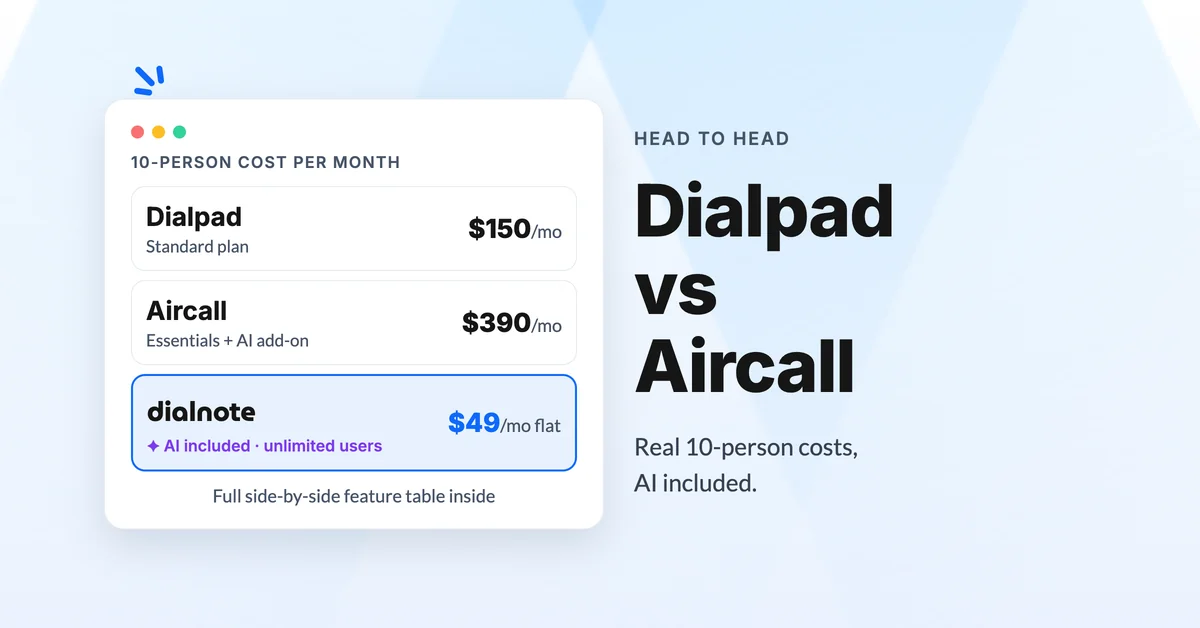
Dialpad vs Aircall: Which Phone System Wins?
Compare Dialpad vs Aircall on pricing, AI features, and real user reviews. Find out which business phone system best fits your growing team.
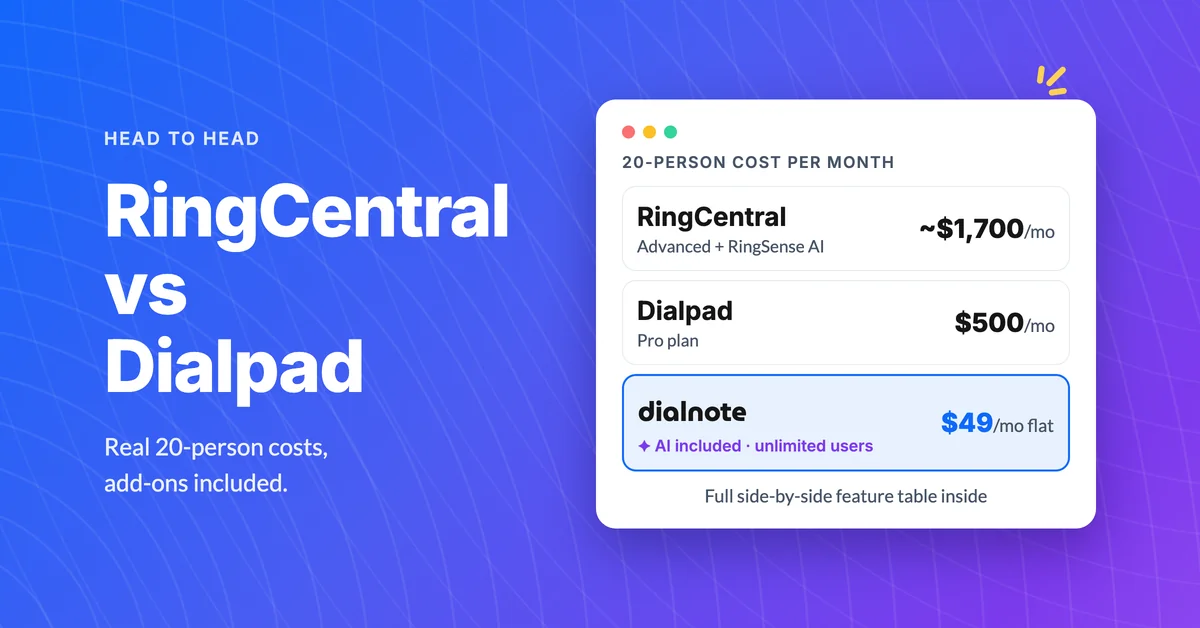
RingCentral vs Dialpad: Best Business Phone?
Compare RingCentral vs Dialpad on pricing, AI features, and real-world limits. Find out which business phone system fits your team.
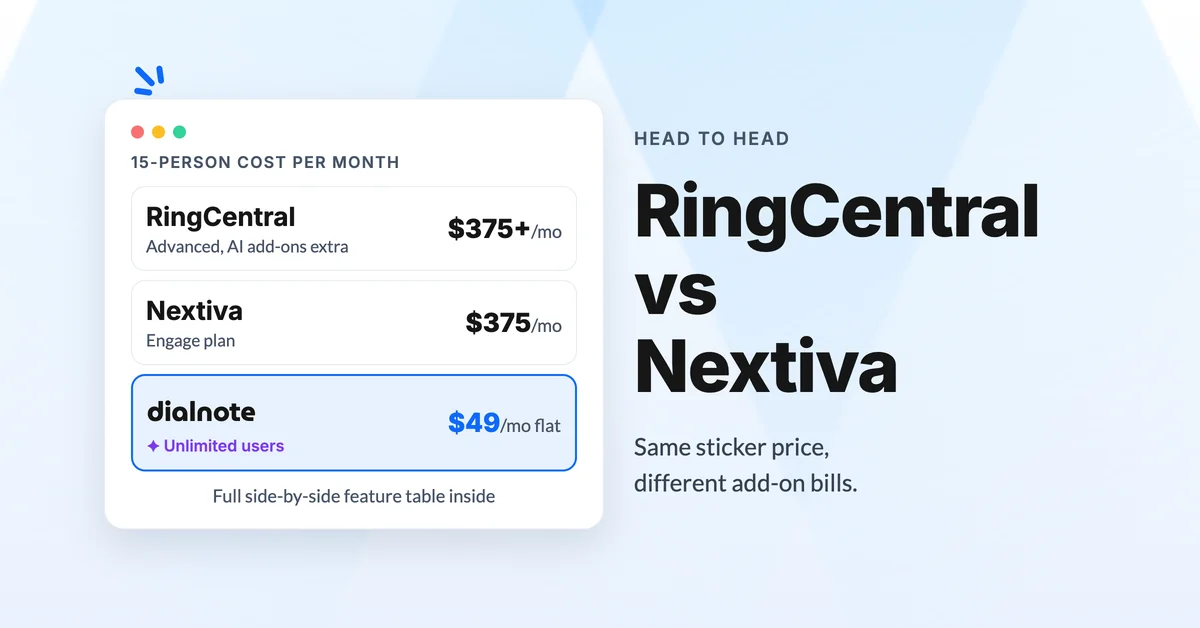
RingCentral vs Nextiva for Business Phone Systems
Compare RingCentral vs Nextiva on pricing, AI features, and user reviews. See why dialnote is the smarter choice for modern teams.
