Is OpenPhone or RingCentral Better for Your Business?
Picking a business phone system shouldn't feel like a second job. But when you start comparing OpenPhone vs RingCentral, that's exactly what it turns into. Feature lists, pricing tiers, add-on costs, fine print. It adds up fast.
Ben runs sales ops at a 20-person SaaS company. He spent an entire week reading comparison articles and digging through product pages. Every provider said the same thing: "powerful features," "built for teams," "easy to set up." None of that helped him figure out which platform actually fit his team's workflow. Sound familiar?
Both OpenPhone and RingCentral are solid products. But they're built for very different kinds of businesses, and neither one nails the AI side of things without pushing you into pricier plans or paid add-ons. This OpenPhone vs RingCentral comparison breaks down the real differences in pricing, features, and AI capabilities, and brings in a third option, dialnote, that fills the gaps both leave behind. Especially for small teams that want AI doing the after-call busywork without paying extra for it.
Let's break it all down.
TL;DR:
- In the OpenPhone vs RingCentral matchup, base prices are close ($19 vs $20 per user/month), but their AI models differ sharply.
- OpenPhone (now Quo) includes AI on all plans, yet the free tier caps at roughly 10 AI-handled calls per month before you pay for more credits.
- RingCentral keeps its best AI behind paid add-ons: AI Receptionist is $39/user/mo, Call Queues Booster $35/user/mo, and AI Conversation Expert $60/user/mo.
- Neither platform auto-updates your CRM after a call without extra cost, so sales teams still log calls by hand.
- dialnote offers a third path: AI transcription, call summaries, and auto CRM updates on every plan, with Unlimited Users pricing that starts at $49/month flat.
A quick look at OpenPhone and RingCentral
OpenPhone launched as a lightweight phone system for startups and small teams. It's clean, simple, and built around calling and texting with shared inboxes. In late 2025, OpenPhone rebranded to Quo and raised $105 million in growth financing. The core product stayed mostly the same, just under a new name with a bigger push toward AI-powered front office tools.
If you've been searching for "OpenPhone" lately, you might've noticed some confusion. Review sites and comparison pages still use the old name. Some list it as "Quo (formerly OpenPhone)," others just stick with OpenPhone. For this post, we'll use "OpenPhone" since that's what most people still search for. Just know that it's officially Quo now.
RingCentral sits on the opposite end of the spectrum. It's a full unified communications platform with voice, video, messaging, and fax. The company has been around since 1999 and serves thousands of businesses worldwide. If you've ever seen a "best business phone systems" list, RingCentral is probably on it. It's big, feature-packed, and built to serve everyone from 5-person teams to enterprises with thousands of seats.
Both platforms give you VoIP calling, mobile and desktop apps, and basic integrations. But the similarities stop pretty quickly after that, and the differences matter more than most comparison charts let on.
OpenPhone vs RingCentral: how do the features compare?
OpenPhone keeps things focused. You get calling and texting in the US and Canada, shared phone numbers, voicemail transcription, and AI call summaries through their Sona AI agent. The interface is clean and intuitive, which matters more than most comparison charts give it credit for. If your team mostly needs voice and text, OpenPhone does that well without burying you in settings you'll never use.
But here's the catch with Sona: you only get 1,000 free automation credits per month, which covers about 10 AI-handled calls. After that, you're paying $25-199/month for more credits depending on volume. So while AI is technically "on all plans," the free tier runs out fast for any team making real call volume.
RingCentral packs in a lot more. Video meetings for up to 200 participants, team messaging channels, call queues, multi-level IVR, and advanced analytics. If you need a full communications suite that handles voice, video, and internal collaboration, RingCentral delivers.
But RingCentral's AI story has a different problem. Their AI Receptionist is a separate add-on at $39/user/month. Call Queues Booster? Another $35/user/month. AI Conversation Expert for call insights? $60/user/month. These aren't included in any plan. They're all paid extras on top of your per-user fee. For a team of 10, adding just the AI Receptionist costs an extra $390/month.
Why does this matter? Because the whole point of AI in a phone system is to save your team time. If you have to pay $39/user just to get an AI receptionist, or $60/user for conversation intelligence, the math stops working for most small businesses. Every add-on chips away at the ROI you were hoping for.
Here's what both platforms miss: neither OpenPhone nor RingCentral auto-updates your CRM after a call without significant extra cost. Think about what that means for a sales team making 30 calls a day. Every call needs to be manually logged, notes typed up, outcomes recorded. That's hours of admin work every week. OpenPhone gives you call summaries, but you still have to copy that info into HubSpot yourself. RingCentral can connect to CRMs, but only on the $25/user Advanced plan and up.
That's the problem dialnote was built to solve. dialnote is a business phone system from the SmartReach.io group (the same team behind the sales engagement platform that competes with Outreach.io and Salesloft). It's designed for small teams that want AI handling the after-call work, not sitting behind a paywall. It transcribes calls, writes summaries, pushes key details into your CRM, and even sends follow-up SMS messages, automatically, on every plan. And instead of charging per user, dialnote's Unlimited Users plans start at just $49/month flat, so your cost doesn't climb as your team grows.
With that context, here's how all three platforms compare side by side:
| Feature | OpenPhone (Quo) | RingCentral | dialnote |
|---|---|---|---|
| Starting price | $19/user/mo | $20/user/mo | $49/mo (unlimited users) |
| Calling (US/CA) | Included (fair use) | Included (fair use) | Included (fair use) |
| UK calling included | ✗ | ✗ | ✓ |
| International numbers | US/CA only | Limited countries | US, CA, UK, India, France |
| Shared phone numbers | ✓ | ✓ | ✓ |
| Video conferencing | ✗ | ✓ (200 participants) | No (calls only) |
| AI call transcription | ✓ (limited credits) | Add-on ($60/user/mo) | ✓ (all plans) |
| AI call summaries | ✓ (limited credits) | Add-on ($60/user/mo) | ✓ (all plans) |
| AI receptionist | Sona (limited credits) | Add-on ($39/user/mo) | ✓ (Business plan+) |
| AI SMS agent | ✗ | ✗ | ✓ |
| AI call evaluation | ✗ | Add-on ($60/user/mo) | ✓ (Pro plan) |
| Auto CRM updates | ✗ | ✗ | ✓ (AI-powered) |
| Bulk SMS | ✗ | Add-on ($25/user/mo) | Coming soon |
| Call queueing | ✗ | Add-on ($35/user/mo) | ✓ (Pro plan) |
| IVR / phone menus | Business plan+ ($33/user) | ✓ | ✓ |
| HubSpot integration | Business plan ($33/user) | Advanced plan ($25/user) | All plans |
| Call recording | Manual (Starter only) | ✓ | ✓ |
A few things jump out. RingCentral charges separately for AI receptionist, call queues, bulk SMS, and conversation intelligence. Those aren't plan features. They're paid add-ons. OpenPhone includes Sona on all plans, but the free tier is capped at roughly 10 AI-handled calls per month. dialnote bundles AI transcription, summaries, CRM updates, and SMS agents into every plan without per-user fees.
And about that "unlimited calling" claim all three platforms advertise? It's worth a closer look. Every VoIP provider has a fair use policy that caps your actual usage. OpenPhone doesn't publish specific limits but reserves the right to throttle or charge overage if they decide your usage isn't "normal and reasonable." RingCentral caps toll-free minutes at 100-10,000 per account depending on your plan tier, with overage at $0.039/minute. And their Core plan only includes 25 SMS messages per user per month. dialnote's fair use allows 1,000-6,000 pooled inbound minutes depending on plan, with outbound at $0.016/minute. For any business making real call volume, "unlimited" isn't really unlimited on any platform. Just something to factor into your cost planning.
If your team relies on video meetings, RingCentral has it built in. dialnote focuses on calls and doesn't bundle video, so most teams pair it with the Zoom or Meet account they already pay for rather than paying for video inside the phone bill.
What does each platform cost?
Pricing is where things get interesting. And a little messy.
OpenPhone starts at $19 per user per month for the Starter plan. That includes calling and texting in the US and Canada, shared numbers, and basic AI through Sona (capped at about 10 free AI calls per month). Their Business plan runs $33/user/month and adds CRM integrations, analytics, auto call recording, and IVR. There's also a Scale tier at $47/user/month for priority support and dedicated onboarding.
RingCentral starts at $20 per user per month for the Core plan. You get domestic calling, team messaging, and basic phone system features. But the stuff most growing teams need, like auto call recording, CRM integrations, and analytics, sits behind the Advanced plan at $25/user/month. The Ultra plan at $35/user/month adds deeper analytics and more storage. And remember: AI features like the AI Receptionist ($39/user/mo), Call Queues Booster ($35/user/mo), and AI Conversation Expert ($60/user/mo) are all separate add-ons on top of any plan. Plus there's a $3-5 per line "administrative cost recovery fee" that doesn't show up on the pricing page.
dialnote takes a different approach. Instead of per-user pricing that scales with headcount, dialnote offers Unlimited Users plans at a flat monthly rate:
- Team: $49/month ($39 on annual): unlimited users, 2 phone numbers, AI transcription, auto CRM updates
- Business: $99/month ($79 on annual): unlimited users, 3 phone numbers, 5 AI agents, visual call flow builder
- Pro: $199/month ($159 on annual): unlimited users, 5 phone numbers, 10 AI agents, call queueing, AI call evaluation
Per-seat plans are also available starting at $15/user/month for teams that want billing under $49. But for most teams of 4 or more, the Unlimited Users plans are the better deal because your cost stays flat whether you have 5 users or 50.
But is cheaper always better? Not necessarily. What matters is what you actually get at each price point.
Here's where the Unlimited Users model changes the math completely. With per-user pricing, every new hire increases your phone bill. With dialnote, it doesn't. And that gap widens fast as teams grow.
According to Tech.co, businesses save an average of 50-75% on phone costs after switching to VoIP from traditional setups. But the real question is: which VoIP provider gives you the most value once you're in?

For a team of 10 on annual billing, here's what you'd spend per month for comparable features (AI + CRM included):
| What you get | OpenPhone | RingCentral | dialnote |
|---|---|---|---|
| Base plan (10 users, with CRM) | $230/mo (Business) | $250/mo (Advanced) | $79/mo (Business) |
| + AI receptionist | Sona (10 free calls/mo) | +$390/mo ($39/user) | Included (5 agents) |
| Estimated monthly total | $230/mo+ | $640/mo+ | $79/mo |
That's not a rounding error. For the same AI and CRM capabilities, RingCentral costs over 8x more than dialnote when you add the AI receptionist. And OpenPhone's "included" AI runs out after about 10 calls per month.
One thing every team should factor in: calling charges. All three platforms advertise "unlimited calling," but fair use policies mean you'll likely hit caps with normal business usage. Budget an extra 10-20% on top of plan prices for overages, especially if your team makes outbound calls at volume. International calls are extra on all three platforms, though dialnote covers 90+ countries with transparent per-minute rates grouped into three zones.
If you're watching your budget (and who isn't?), check out our breakdown on VoIP cost savings for a deeper look at the numbers.
Where both platforms fall short
Every tool has trade-offs. Here's where OpenPhone and RingCentral miss the mark, backed by what actual users say on G2, Trustpilot, and Reddit.
OpenPhone's weak spots
Call quality issues. This is one of the most frequent complaints on review sites. Users report dropped calls, jittery audio, and lag. One G2 reviewer put it bluntly: "I just want calls to not get dropped." For a phone system, that's a pretty basic ask. OpenPhone scores 4.5 on G2 but Capterra reviewers (4.2/5) flag reliability more often.
Email-only support. When your phones go down, the last thing you want is to submit an email ticket and wait. As one reviewer noted, "When your phones are down, submitting an email ticket is a business-stopping problem." Phone support only comes with the $47/user Scale plan.
AI that runs out fast. Sona sounds great on paper, but 1,000 free credits (about 10 calls) per month isn't much. A team of 5 handling 20 inbound calls a day would burn through the free tier in half a day. After that, you're paying $25-199/month for credit packs.
CRM integrations cost more. HubSpot and Salesforce connections only come with the $33/user Business plan. If CRM data matters to your sales workflow (and it should), that's a steep price just for integration access.
The Quo rebrand is still creating confusion. Some review sites list it as "OpenPhone," others as "Quo," and a few show both names. If you're researching options, you might miss recent reviews because of the name change.
RingCentral's weak spots
Contract lock-in. This is the biggest complaint on Trustpilot (2.2/5 rating) and consumer review sites. Users report auto-renewing contracts that are extremely difficult to cancel. Multiple reviewers describe being charged $1,500+/month for months after requesting cancellation. RingCentral scores 4.0 on G2 but just 1.4/5 on PissedConsumer.
Everything useful is an add-on. AI Receptionist, Call Queues Booster, Bulk SMS, Conversation Intelligence. None of these come with any plan. They're all separate charges that stack up fast. A team that wants AI receptionist + call queues is looking at $74/user/month in add-ons alone, on top of their plan cost.
Complexity. RingCentral is a full UCaaS platform, which means more settings, more menus, and a steeper learning curve. For a 5-person team that just wants to make and receive calls, the admin panel can feel overwhelming.
Hidden fees. That $3-5 per line "administrative cost recovery fee" doesn't appear on the pricing page. Neither do early termination fees or charges for number porting. Users regularly report final bills that are 20-30% higher than expected.
SMS limits that bite. The Core plan includes just 25 text messages per user per month. That's enough for about one message per business day. The Advanced plan bumps it to 100, but for any team that texts clients regularly, you'll hit overages fast.
Honestly? Most small teams don't need half the features RingCentral throws at you. And the add-on pricing model means the features you actually want cost extra on top of an already higher base price. OpenPhone is simpler, but the AI credit limits and lack of CRM on the starter plan leave gaps too.
That leaves room for a platform built specifically for smaller teams that want AI and integrations from day one, without the complexity or the add-on tax.
Why dialnote might be the better pick
We've covered the gaps. Now let's look at how dialnote fills them. And before we go further: dialnote isn't some unknown startup. It's built by the same team behind SmartReach.io, a sales engagement platform that competes with Outreach.io, Salesloft, and Lemlist. They've been in the B2B SaaS space for years. dialnote brings that same focus on sales team productivity to the phone system.
Here's what sets it apart:
AI that doesn't just listen, it acts. Every call gets transcribed and summarized automatically. But dialnote's AI goes further. It extracts key details (contact info, action items, outcomes) and pushes them straight into your CRM. It can send follow-up SMS messages and transfer calls to the right team member with full context. This works on every plan, not as a paid add-on. For a sales team making 20-30 calls a day, this alone saves 5-10 hours per week in manual data entry.
AI receptionist you can test right now. dialnote's AI receptionist answers calls, handles FAQs from your knowledge base, captures leads, and schedules appointments in 14 languages. Want to see how it works? Call +1 650 772 6683 and try the live demo yourself. No signup needed.
Unlimited Users pricing that doesn't punish growth. The Business plan at $99/month gives you unlimited users, 3 phone numbers, 5 AI agents, and the visual call flow builder. Whether your team is 5 people or 25, the price stays the same. Compare that to OpenPhone at $23/user/month (Business, annual) or RingCentral at $25/user/month (Advanced, annual) where every new hire bumps your bill.
Integrations from day one, not behind a paywall. HubSpot, Slack, Shopify, Calendly, Zapier, and Make are all available on every plan. With OpenPhone, you need the $33/user Business plan just to connect HubSpot. With RingCentral, CRM integrations start at the $25/user Advanced tier. dialnote doesn't gate your tools behind an upgrade.
Beyond US and Canada. Both OpenPhone and RingCentral focus primarily on the US and Canada. dialnote sells numbers in the US, Canada, UK, India, and France, opens new countries on request, and covers calling to 90+ countries at transparent per-minute rates grouped into three zones. If your business talks to customers across international markets, this is a major advantage.
Video stays on the tool you already use. Like OpenPhone, dialnote doesn't build a competing video product; teams keep running meetings on the Zoom or Meet account they already have, without paying for redundant video features inside the phone system.
Features built for inbound teams. Call queueing, AI call evaluation, AI SMS agents. These are the features inbound call centers and support teams actually need. RingCentral charges $35-60/user/month as add-ons for these capabilities. dialnote includes them in the Business and Pro plans.

Here's an example of what this looks like in practice. Your rep finishes a 10-minute call with a prospect. With OpenPhone, they'd get a call summary, then manually open HubSpot, find the contact, paste the notes, update the deal stage, and schedule a follow-up. That takes 3-5 minutes per call. With dialnote, the AI does all of that automatically. The call ends, and within seconds, the transcription, summary, and CRM update are done. Your rep moves on to the next call immediately. Over a day of 25 calls, that's over an hour saved. Over a month, it's 20+ hours back in your team's schedule.
Is dialnote perfect? No. It's a newer brand without the decades of track record that RingCentral has (though the SmartReach.io team behind it is well established in B2B SaaS). And if you need built-in video conferencing without a separate Zoom account, RingCentral is still the better fit there. But for small teams that need a phone system that reduces work instead of adding it, the trade-off makes sense.
Thinking about switching? You can port your number from OpenPhone or port your number from RingCentral in just a few steps. Your existing business number moves over, and the process usually takes 1-2 weeks.
If you want to understand the basics before making a move, our getting started with VoIP guide covers everything you need to know.
Which phone system fits your team?
There's no single right answer here. But here's a quick framework to help you decide:
Pick OpenPhone (Quo) if:
- You're a small startup that mostly needs calling and texting
- You want a clean, simple interface with minimal setup
- AI handling 10 or fewer calls per month is enough for your needs
- You're comfortable paying $33/user for CRM integrations
Pick RingCentral if:
- You need video, voice, and messaging all in one platform
- Your team is 50+ people and needs enterprise-grade compliance
- You don't mind paying separately for AI add-ons
- You want 24/7 phone support from your provider
Also comparing RingCentral against 8x8? Our RingCentral vs 8x8 breakdown covers how the two platforms compare on pricing, international calling, and AI features.
Pick dialnote if:
- You want AI transcription, summaries, CRM updates, and an AI receptionist included, not as paid add-ons
- You're tired of per-user pricing that climbs with every new hire
- You're a team of 2-50 that wants a phone system built to save time from day one
- You need numbers beyond the US and Canada (UK, India, France), or calling to 90+ countries
- Post-call admin is eating into your team's selling time
For most small teams we talk to, the choice comes down to this: do you want to pay extra for AI features, or get them included from the start? dialnote's Unlimited Users plan at $99/month gives you AI transcription, call summaries, CRM auto-sync, 5 AI agents, and HubSpot on day one, for your whole team, regardless of size.
Still working out what kind of phone system your business needs? Our guide to choosing the right business phone system walks through all the key decision factors. If you're weighing RingCentral vs Dialpad specifically, that comparison covers pricing, AI features, and which teams each platform fits best. And if you're looking beyond just these two, our OpenPhone alternatives guide compares five options side by side.
One thing worth noting: the phone system market is moving fast. Hard to say exactly what things will look like in two years, but the trend is clear. More AI, more automation, more competition. Which is great for buyers. Pick a platform that's flexible enough to grow with you, not one that locks you into features you don't need yet.
The best phone system is the one your team will actually use every day. If you're spending more time configuring tools than talking to customers, something's off.
Start your free trial and see if it's the right fit, or compare the cost side by side. Prefer to hear it first? Give the AI receptionist a spin: +1 650 772 6683.
Frequently asked questions
OpenPhone (now Quo) is a lightweight phone system for calling and texting. RingCentral is a full communications platform with voice, video, and messaging. OpenPhone is simpler; RingCentral has more features but charges extra for AI add-ons like the AI Receptionist ($39/user/mo).
They're close on base pricing. OpenPhone starts at $19/user/month and RingCentral at $20/user/month. But RingCentral's AI features are paid add-ons ($39-60/user/mo extra), and OpenPhone's AI caps at about 10 free calls per month. dialnote starts at $49/month flat for unlimited users.
Yes. RingCentral's AI Receptionist costs $39/user/month, Call Queues Booster is $35/user/month, and AI Conversation Expert is $60/user/month. None of these are included in any plan tier. They're all separate add-ons.
Not exactly. Every VoIP provider has a fair use policy. RingCentral caps toll-free minutes at 100-10,000 per account by tier. OpenPhone doesn't publish specific limits but can throttle usage. Always check the fair use policy before signing up.
Yes. You can port your existing business number to most VoIP providers. The process typically takes 1-2 weeks, and your new provider handles the paperwork.

Written by
Lancelot Dsouza
Chief Marketing Officer, SmartReach.io
Lancelot Dsouza is the Chief Marketing Officer at SmartReach.io, where he built the Marketing, Sales, and Customer Success verticals from the ground up. With over 25 years of experience spanning digital marketing, business development, and strategic...
Lancelot Dsouza is the Chief Marketing Officer at SmartReach.io, where he built the Marketing, Sales, and Customer Success verticals from the ground up. With over 25 years of experience spanning digital marketing, business development, and strategic...
Related Articles
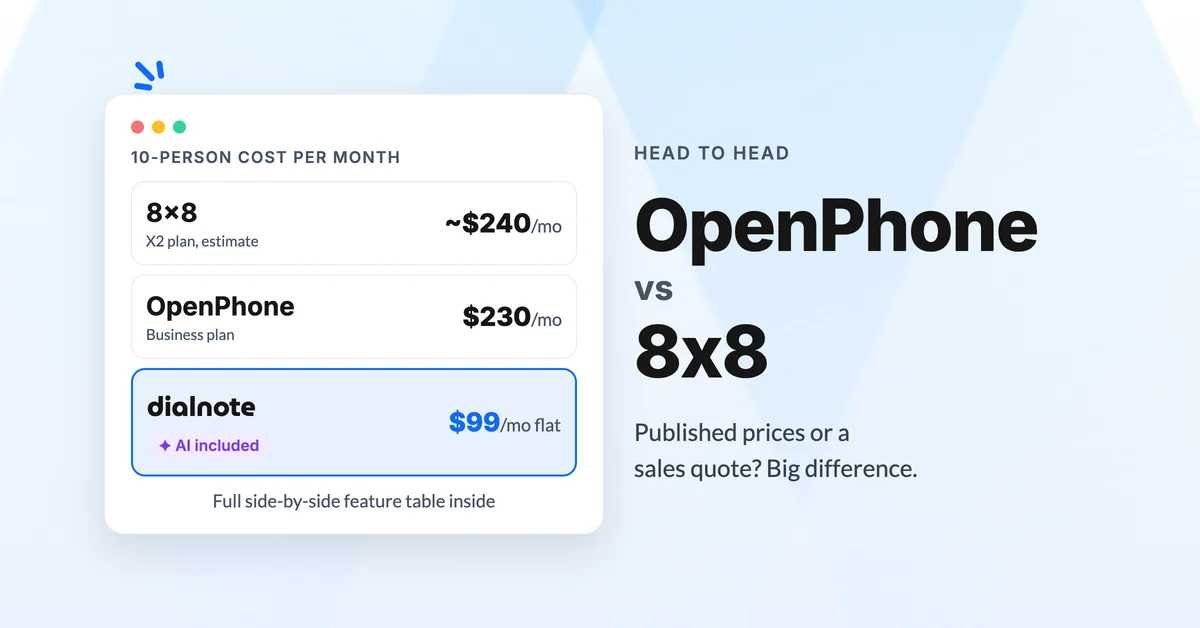
OpenPhone vs 8x8: Which Should You Choose?
Compare OpenPhone vs 8x8 on pricing, quote-only sales, and AI answering, then see why dialnote may fit small teams better than both.
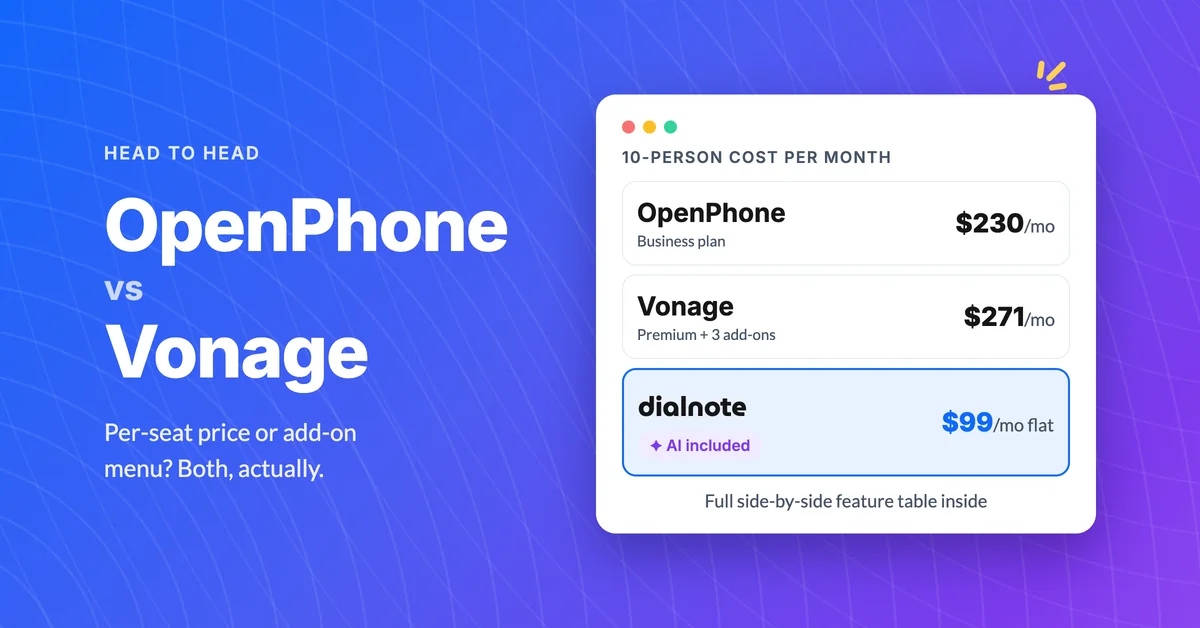
OpenPhone vs Vonage: Which Is Better Value?
Compare OpenPhone vs Vonage on pricing, add-on fees, and AI answering, then see why dialnote may be the better value for small teams.
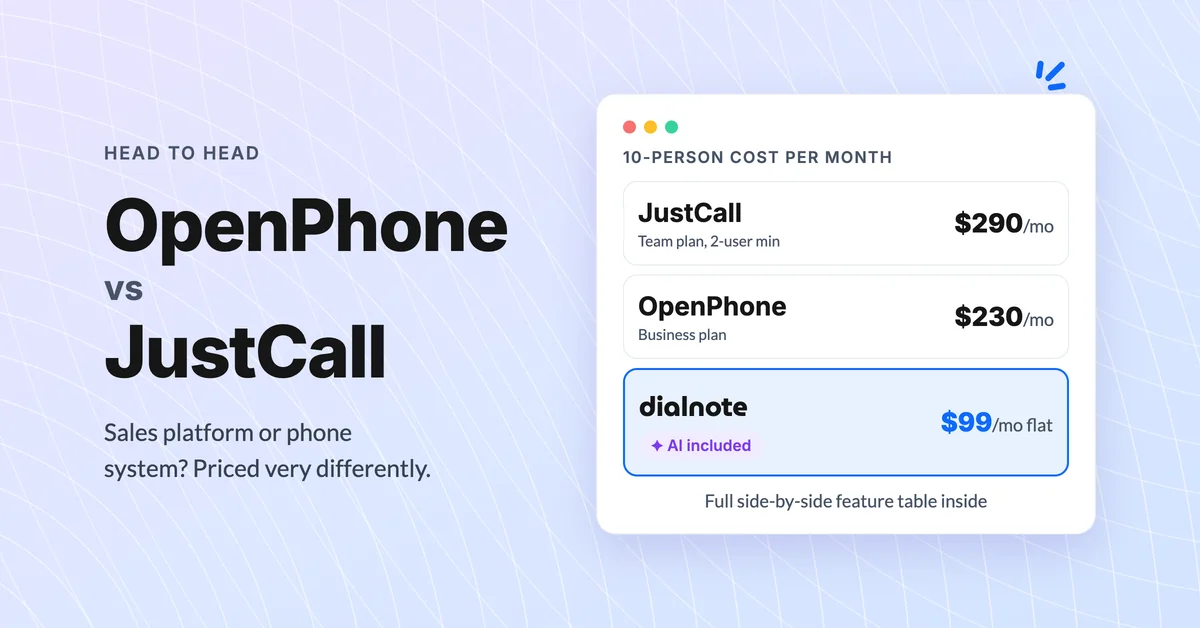
OpenPhone vs JustCall: Which Is Better for Teams?
Compare OpenPhone vs JustCall on pricing, AI tiers, and hidden minimums, then see why dialnote may be the smarter pick for small teams.
