Desk Phones After the UK Switch Off: What Still Works
The desk phone question comes up in almost every switch-off conversation, and it deserves a straight engineering answer. Desk phones after the UK switch off fall into exactly three camps: handsets that keep working with a small adapter, handsets that keep working with a settings change, and handsets whose job an app now does better.
Dana's clinic has four handsets its team genuinely likes: two at reception, one in the office, one in the staff room. When the switch-off letters started arriving, the first supplier who visited quoted for replacing all four with new hardware, plus installation. Nobody mentioned that two of them were SIP phones that would have worked with the new service after a two-minute re-registration. That quote is why this guide exists.
Here's how to tell what you own, what each path costs, and when the honest answer is to let the handsets go.
TL;DR:
- Desk phones after the UK switch off split three ways: analogue handsets need an analogue telephone adapter (ATA), SIP phones re-register to a new provider, and PBX systems move to SIP trunking.
- The copper socket dies on 31 January 2027, not the phones. Most handsets can be kept if you want them.
- An ATA is a small converter box between an analogue phone and your router; SIP phones plug into the network directly and just need new credentials.
- Check before you buy anything: an Ethernet-connected handset is probably SIP, a thin phone-socket cable means analogue.
- Many small teams skip the hardware question entirely: app-based cloud systems put the number on phones and laptops the team already carries.
Jump straight to: check what you own · the three keep paths · the cost math · when to let them go
Analogue or SIP: check what you actually own
The single most useful five minutes in this whole migration is turning a handset over and reading the label, because the two kinds of desk phone have completely different paths.
An analogue phone connects with a thin cable into a phone wall socket (an RJ11 connector, the small square click plug). It was built for the copper network, and when the PSTN switches off on 31 January 2027, the socket it depends on goes silent. Fax machines and most cordless base stations are in this camp too.
A SIP phone (also called an IP phone) connects with an Ethernet network cable, often has a screen and a model name from an IP range, and never touched the copper network at all. It speaks the same protocol every cloud phone service uses. If your office was fitted out in roughly the last decade, there's a decent chance at least some handsets are SIP without anyone knowing.
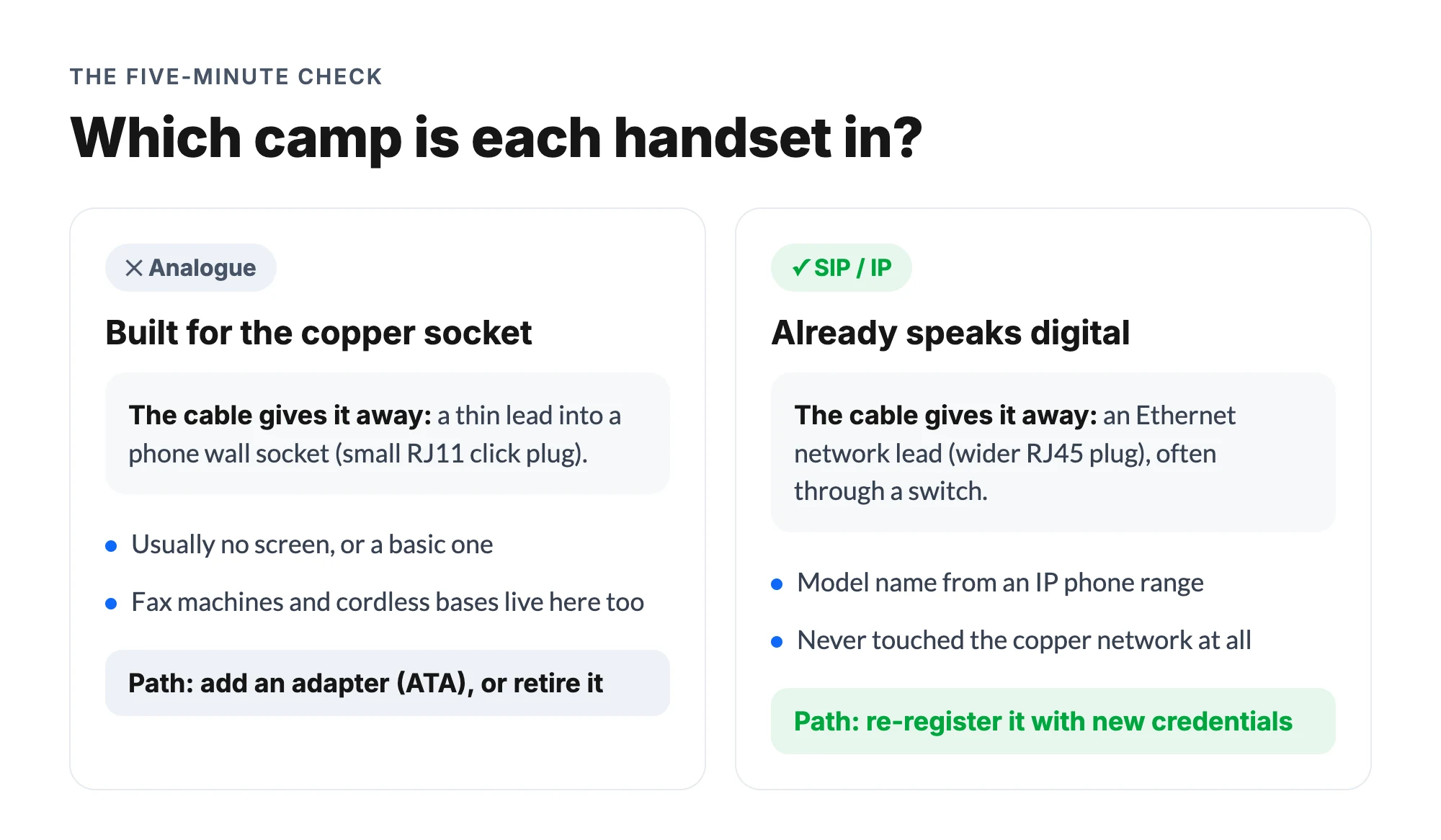
Can't tell? The model number plus a web search settles it in a minute, and it's worth doing for every handset before any supplier quotes you for "replacing the phones". Dana's clinic nearly bought four new handsets when two needed nothing but new credentials.
The three ways to keep desk phones working
Each camp has a path, and none of them involves keeping copper:
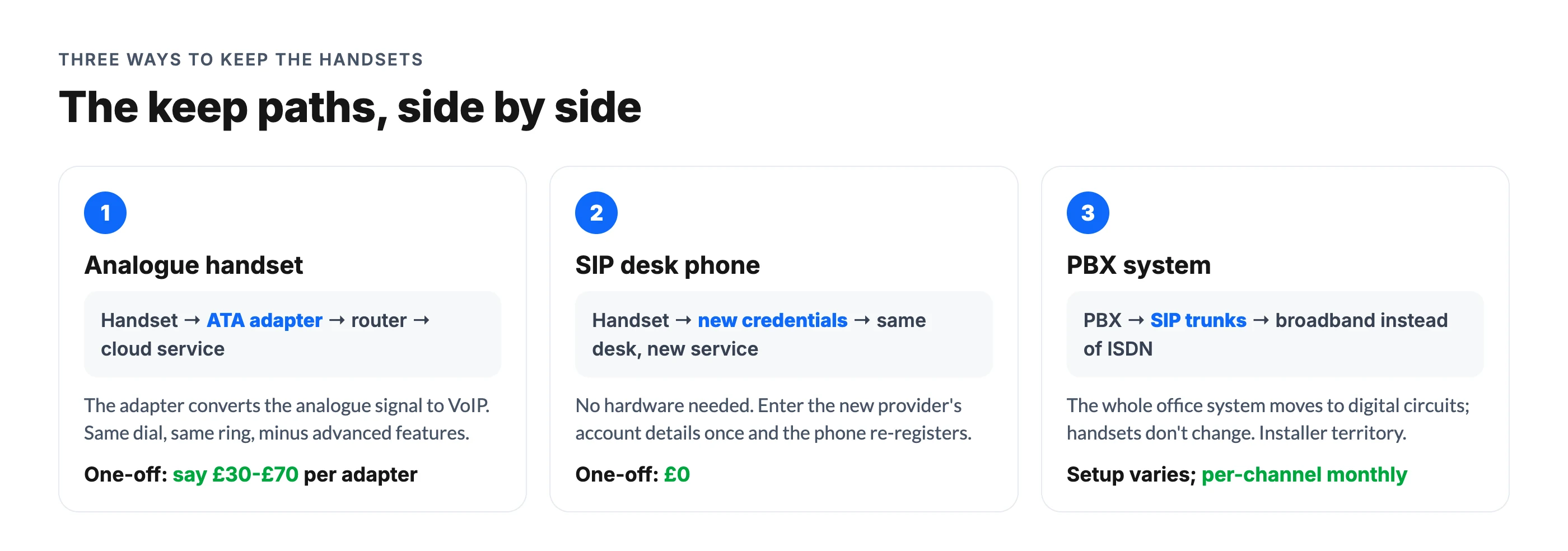
- Analogue handset → add an ATA. An analogue telephone adapter is a small box: the phone plugs into it, it plugs into your router, and it converts the handset's analogue signal into VoIP traffic. VoIP Supply's adapter overview covers the mechanics well. The handset dials and rings as before, though advanced features (transfer buttons, presence lights, on-screen anything) stay out of reach.
- SIP handset → re-register it. A SIP phone doesn't need hardware, it needs an account: your new provider's credentials entered once, after which the same handset rings on the new service. Check the specific model with whichever provider you choose, since support lists vary.
- PBX system → SIP trunking. If your handsets hang off an office phone system (a PBX, often fed by ISDN lines), the system itself can usually move to SIP trunks that deliver calls over broadband into the same hardware. Our SIP trunking guide explains how those circuits map across.
What about faxes, card terminals, and door entry?
The same analogue camp includes devices that aren't phones, and they need their own answers. Fax machines technically work through an ATA, but fax signalling over VoIP is famously temperamental; if fax genuinely matters to your business, ask your new provider about their supported fax path rather than assuming the adapter route. Card terminals, alarm panels, lift lines, and door-entry systems on phone sockets should go back to their own suppliers for digital upgrades, because their monitoring and certification requirements are stricter than a phone's. Don't let a working handset migration convince you the alarm line sorted itself.
The 20-minute handset audit
Before any supplier visit, walk the building once:
- Flip every handset and note the model number.
- Check the cable: Ethernet means SIP, thin phone-socket cable means analogue.
- Search each model number to confirm its camp.
- Mark which desks genuinely need a fixed phone versus inherited one.
- List the non-phone devices (fax, card terminal, alarm) separately for their suppliers.
That list turns every sales conversation from "replace it all" into a priced, itemized decision you control.
One warning that applies to all three paths: the wall socket's death is on a fixed schedule, so test the chosen path while the copper still works. A port-first migration (move the number, confirm it rings on the new setup, then cancel) gives you a live fallback the whole way; the full order of operations is in our guide to keeping your number in the switch off.
What each path costs
Rough numbers, because hardware questions deserve pound signs. These are typical retail ranges to swap for real quotes:
| Path | Typical one-off cost | Ongoing |
|---|---|---|
| ATA for an analogue handset | Say £30-£70 per adapter | None beyond your phone plan |
| Re-register a SIP handset | £0 | None |
| New SIP desk phone, if you want one | Say £60-£150 per handset | None |
| SIP trunking for a PBX | Setup varies by installer | Per-channel monthly fees |
| App-based, no desk phones | £0 | Just the phone plan |
Two things jump out of that table. The keep-the-handset paths are cheap: a clinic like Dana's could ATA its two analogue phones for under £150 and re-register the SIP pair for nothing. And the bottom row is the one suppliers quoting handset refreshes rarely mention: for a lot of small teams, the right number of desk phones after the switch off is zero, at a hardware cost of zero.
Where does the phone plan itself land? That's the bigger budget line either way, and it's covered properly in our landline alternatives comparison: flat-rate cloud phone system plans run £29-£79 a month for whole small teams in the UK.
When the right answer is no desk phones
Here's our honest bias as people who build an app-based system: the desk phone earned its place when the phone number lived in a wall. Once the number lives in the cloud, a handset is one more place calls ring, and for many small businesses it's no longer the best one.
Think about where Dana's calls actually need answering: at reception when the desk is staffed, on someone's mobile when it isn't, and by something helpful at 8 AM when nobody's in. dialnote is an AI business phone system with no per-user pricing. AI voice agents answer calls, capture leads, and book meetings 24/7. Plans from $19/mo. It treats the number as the fixed point instead of the desk: the same clinic number rings the reception laptop, the team's mobiles, and an AI receptionist that takes caller details and books appointments when humans are busy. No adapter converts an analogue handset into any of that.
We're not absolutists. A fixed station still makes sense where a role sits all day (a busy reception, a dispatch desk), and paths 1 and 2 above keep those alive cheaply. What we'd push back on is the reflex refresh: replacing four handsets because four existed. Count the desks where a fixed phone genuinely beats the phone already in everyone's pocket, keep those, and let the rest retire with the copper.
Hard to say exactly how long ATAs will stay a common sight; our guess is they're a bridge technology that quietly disappears as analogue handsets age out, but a bridge is exactly what a 2027 deadline calls for.
The socket dies, the phones don't have to
The UK switch off retires the copper socket on 31 January 2027, and everything else is your choice. Check each handset's camp (Ethernet means SIP, phone socket means analogue), price its keep path from the table above, and be skeptical of any quote that starts with replacing everything. The wider deadline picture is in our UK PSTN switch off guide.
And if the audit talks you into fewer desk phones rather than more, test that version first: put the number on the phones your team already carries for a trial week, and see how many desks actually miss the handset.
Test the zero-handset setup first
10-day free trial, no credit card. See how many desks miss the handset.
Frequently asked questions
Analogue handsets plugged into copper wall sockets stop working when the PSTN closes on 31 January 2027. The phones themselves aren't broken: an analogue telephone adapter (ATA) can connect many of them to a digital service, and SIP desk phones just re-register to a new provider.
A small box that converts an analogue phone's signal into digital VoIP traffic over your broadband. Plug the handset into the ATA and the ATA into your router, and a phone from the copper era can make and receive calls on a digital service, minus some advanced features.
Check the connector and the label. A SIP (IP) phone plugs into the network with an Ethernet cable and usually shows a model name from an IP phone range; an analogue phone plugs into a phone wall socket with a thin RJ11 cable. The model number plus a quick search settles it.
For many small teams, yes. Cloud phone systems put the business number in an app on mobiles and laptops, which removes the hardware question entirely, adds routing and AI answering, and costs nothing per handset. Keep desk phones where a fixed station genuinely helps.

Written by
Akhilesh Betanamudi
Co-Founder, SmartReach.io
Akhilesh Betanamudi is a technology entrepreneur and engineer with over 12 years of experience in hardware engineering, SaaS, and business communications. As Co-Founder of SmartReach.io - a sales engagement platform for startups and enterprises, he h...
Akhilesh Betanamudi is a technology entrepreneur and engineer with over 12 years of experience in hardware engineering, SaaS, and business communications. As Co-Founder of SmartReach.io - a sales engagement platform for startups and enterprises, he h...
Related Articles
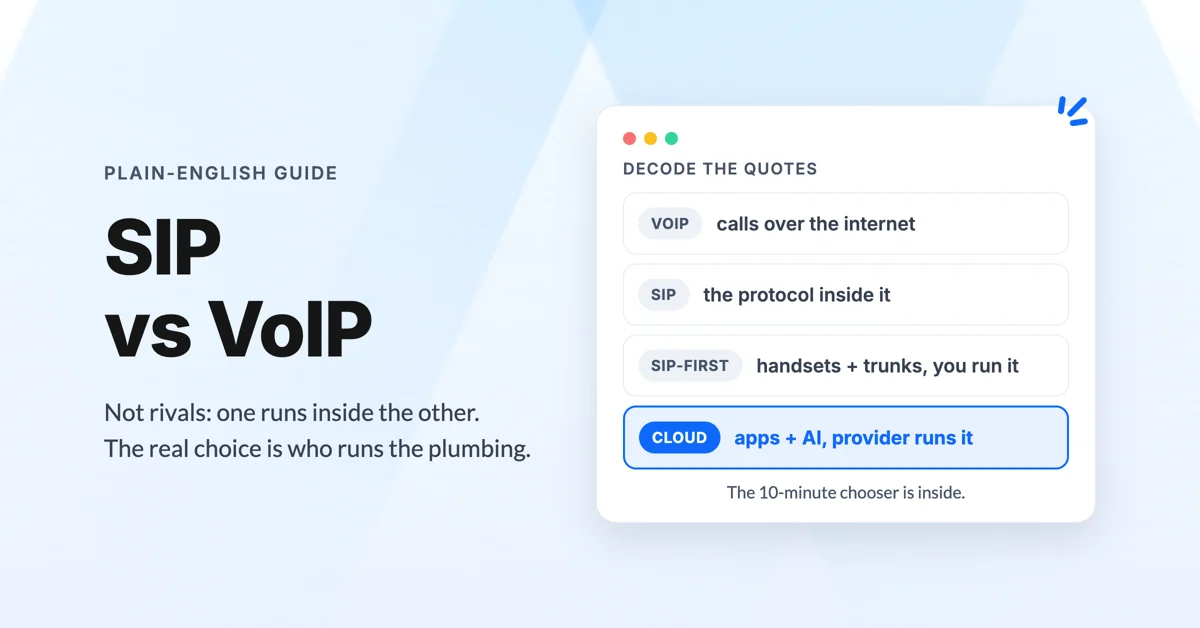
What's the Difference Between SIP and VoIP?
Confused by SIP vs VoIP and cloud phone systems? Get the plain-English difference, a real 10-person cost comparison, and a calculator for your numbers.
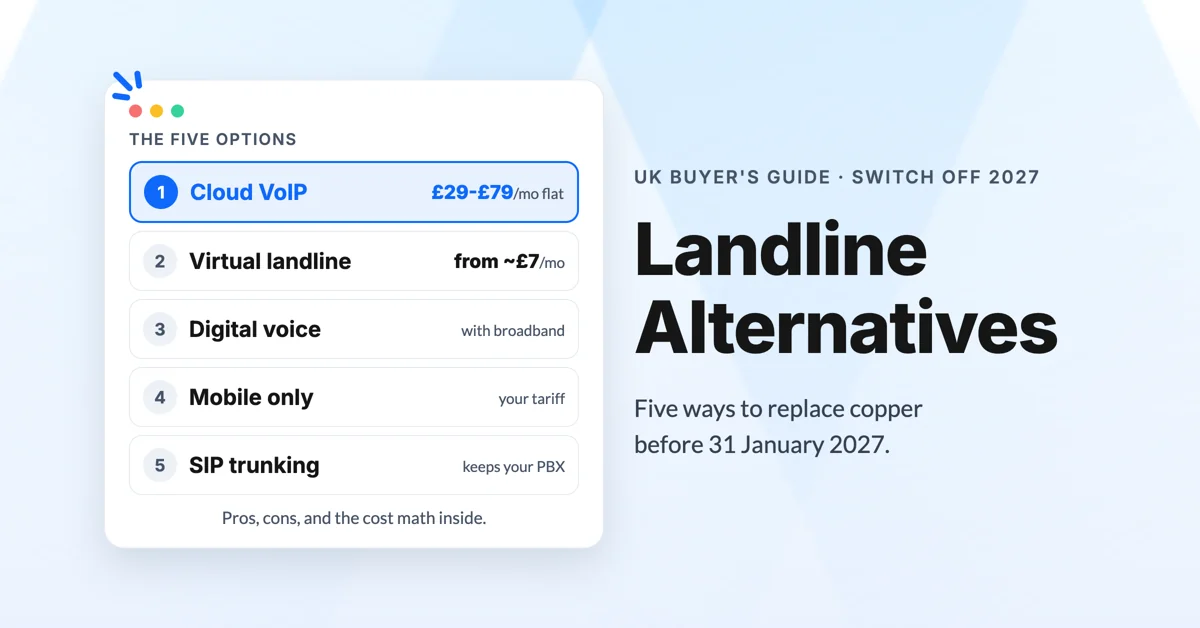
Best Landline Alternatives for UK Small Businesses (2026)
Compare the best landline alternatives for UK small businesses before the 2027 switch off: cloud VoIP, digital voice, mobile and SIP, with real costs.
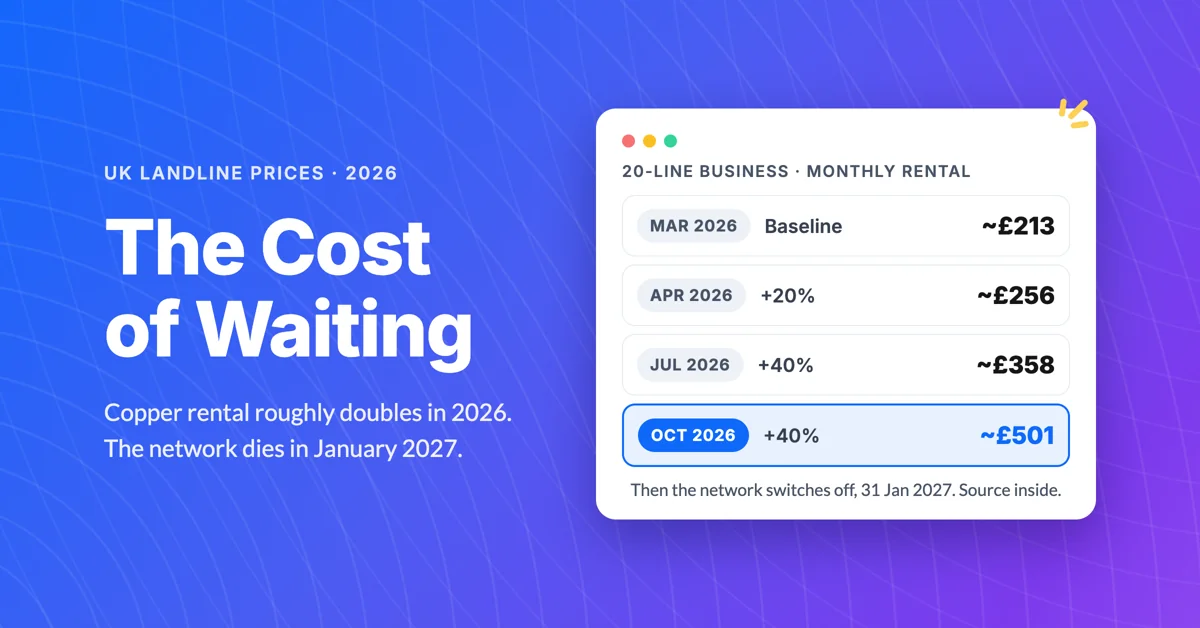
UK Landline Price Increases: The Real Cost of Waiting
See the UK landline price increases hitting businesses in 2026, the math on what waiting costs, and the cheaper switch to make before January 2027.
