10 Best RingCentral Alternatives for Small Business
RingCentral does almost everything: calls, video, chat, webinars, a contact center. That's exactly why so many small businesses end up shopping for a way out. You're paying for an enterprise platform, using a fraction of it, and the invoice grows every time you hire.
The sticker price isn't the real price either. That $20 per user headline needs an annual contract, month-to-month billing runs about 50% more, and reported invoices land 10 to 30% above the advertised rate once fees and add-ons pile on. Marcus runs a seven-person HVAC company and learned this the slow way. He signed up for RingCentral Advanced at $25 per user, about $175 a month for his crew. Then he wanted the AI receptionist: a $39 add-on. Texts beyond his cap: metered. The renewal notice, with fees: closer to $300. His phone system now costs more than his van insurance.
Sound familiar? You've got more options than ever. We compared the 10 best RingCentral alternatives for small business, with current pricing (checked August 2026), fresh screenshots, and the billing gotchas the sales pages don't mention.
TL;DR:
- The best RingCentral alternatives for small business either charge a flat rate (dialnote, Grasshopper) or a lower per-seat price (Zoom Phone, Google Voice), so your bill doesn't balloon as you hire.
- dialnote is our top pick: $49/month covers unlimited users, and the AI receptionist plus phone menus are included, not sold as a $39+ add-on the way RingCentral's AIR is.
- Watch the AI line item: RingCentral, Nextiva, Dialpad, Ooma, and GoTo all bill AI answering as an extra on top of your seats.
- Two popular picks (GoTo Connect and 8x8) no longer publish prices at all. You'll need a sales call just to see a number.
Quick comparison at a glance
| Tool | Best for | Cost: 8 users | AI receptionist | Rating |
|---|---|---|---|---|
| dialnote | Best overall, flat rate | $49 flat, unlimited users | Included from $49 plan | 4.5★ G2 |
| Nextiva | All-in-one CX suite | $120–200/mo | XBert add-on, from $99/mo | 4.5★ G2 |
| Dialpad | Built-in AI transcription | $120–200/mo | Ai Agents, quote only | 4.4★ G2 |
| Quo (was OpenPhone) | Texting-first small teams | $120–184/mo | Sona, 10 free calls/mo included | 4.7★ G2 |
| Zoom Phone | Teams already on Zoom | $84–128/mo | None (summaries only) | 4.6★ G2 |
| Ooma Office | Desk phones, no contract | $160–240/mo | Add-on, from $49.99/mo | 4.6★ G2 (few) |
| Grasshopper | Solos on personal phones | $25–80/mo flat | None | 3.9★ G2 |
| Google Voice | Google Workspace users | $80–160/mo (+ Workspace) | None | 4.1★ G2 |
| GoTo Connect | Phone + meetings bundle | Quote only (~$26/user) | Unpriced add-on | 4.4★ G2 |
| 8x8 | International calling | Quote only (~$24–44/user) | Contact-center add-on | 4.2★ G2 |
| RingCentral (reference) | What you're leaving | $160–280/mo + fees | AIR add-on, from $39/mo | 4.2★ G2 |
Prices are as of August 2026, annual billing where offered, and they shift often, so check each vendor before you buy. Ratings are G2 scores for each vendor's core phone product.
Why are small businesses leaving RingCentral?
The short answer: cost creep, contract friction, and complexity built for companies ten times bigger. RingCentral's product is genuinely capable. The pricing model just works against small teams.
Start with the math. RingEX advertises Core at $20, Advanced at $25, and Ultra at $35 per user per month, and those are annual-billing prices. Pay month to month and they jump to $30, $35, and $45. Texting is capped (25 to 200 texts per user by tier), toll-free minutes are pooled, CRM integrations don't start until Advanced, and RingCentral's own pricing page lists the taxes and recovery fees that land on top. So what are you actually paying for?
Then there's the AI. RingCentral's AI Receptionist (AIR) is the headline feature, but it's an add-on on every tier: $39 a month bundled with RingEX (or $49 standalone), with 100 AI minutes included and $0.50 per minute after that, billed in 30-second increments. There's a reason vendors meter this so hard. According to Gartner, conversational AI will cut contact center agent labor costs by $80 billion in 2026, with one in ten agent interactions automated. That value is real. Which is exactly why it stings to pay for it twice.
The reviews tell the same story from both sides. Daily users rate RingEX a solid 4.2 stars on G2, and RingCentral ranked as G2's top VoIP provider in spring 2026. But its Trustpilot page sits at 1.8 stars with roughly 63% one-star reviews, and the BBB has logged over 540 complaints in three years, most about billing and cancellation. That gap is the tell: people like using RingCentral and hate paying for it. Auto-renewing contracts, non-refundable prepaid terms, and early-termination fees that reviewers report can equal the rest of the contract keep the exit door heavy.
What should you look for in a RingCentral alternative?
Look for four things: pricing that doesn't punish hiring, AI answering that's included rather than metered as an add-on, no long contract, and a feature set you'll actually use. Miss one and you'll be back on a comparison page in a year.
Flat rate beats per seat once you pass a few people. Per-user pricing feels cheap at two seats and gets painful at eight. We ran the numbers: an 8-person team pays about $3,360 a year on RingCentral Advanced month to month (or $2,400 on the annual contract), while the same team on dialnote's $49 flat plan pays $588. The gap only widens as you hire.
Check how AI answering is billed. An AI receptionist that picks up when you can't is the single most useful phone feature a small business can add. Some tools include it (dialnote from $49, Quo with capped free calls), some sell it as an add-on (RingCentral at $39+, Nextiva at $99+, Ooma at $49.99+, GoTo unpriced), and some don't have one at all (Google Voice, Zoom Phone, Grasshopper).
Avoid contracts and quote-gated pricing. Month-to-month billing keeps the power on your side of the table. And honestly? If a vendor makes you book a sales call just to see a price, that's your answer about how they treat small customers. Two providers on this list do exactly that.
Match features to your actual week. If your team never hosts webinars, stop paying for webinar seats. Most small businesses need calls answered, routed, recorded, and logged. The rest is shelf-ware.
Still comparing the big incumbents head to head? Our RingCentral vs Nextiva breakdown goes deeper on that matchup.
The 10 best RingCentral alternatives for small business in 2026
The first eight publish their prices, so you can judge them from your desk. The last two are solid platforms that now hide pricing behind a sales call, and we've said so plainly.
1. dialnote: best overall RingCentral alternative
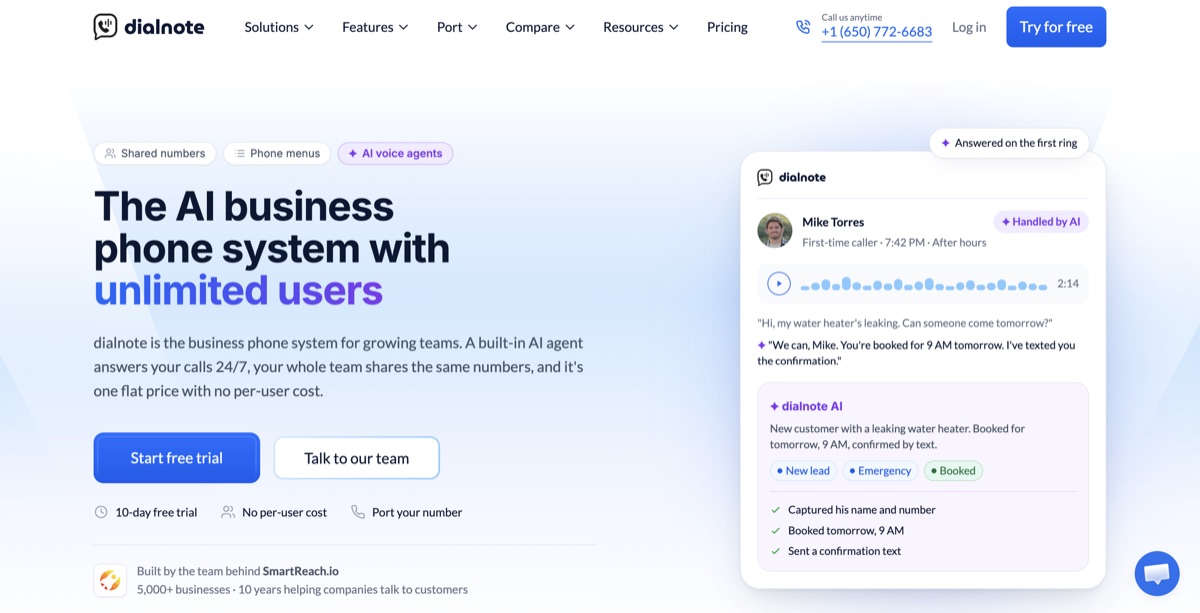
dialnote flips the pricing model that makes RingCentral expensive. Instead of charging per user, the $49 Team plan covers your whole company with unlimited users, one shared bill, and the AI receptionist included. The AI agent itself isn't a separate add-on, which is exactly the line item RingCentral charges $39+ for; you pay only for the AI calls it handles.
The AI receptionist answers 24/7, asks the qualifying questions you set, captures the caller's details, books meetings through Calendly or Cal.com, sends texts, and transfers urgent calls to a teammate. It speaks 14 languages. Phone menus route calls before the AI ever picks up, so sales can ring your cell while support goes to the agent. AI calls are $25/mo for 65 calls with the AI call pack, or $0.49/min from your wallet without one, and you control which calls reach it. Calling covers 90+ countries.
| SoloPhone system only, no AI | $19/mo |
| TeamUnlimited users; AI receptionist + phone menus, most popular | $49/mo |
| BusinessUnlimited users; advanced routing | $99/mo |
| ProUnlimited users | $199/mo |
Flat monthly pricing, no per-user fees and no annual contract. AI calls from $25/mo for 65 with the AI call pack, or $0.49/min without one. 10-day free trial, no credit card. As of August 2026.
Pros
- One flat $49 plan covers unlimited users, so hiring never raises your phone bill
- AI receptionist and phone menus are included, not a $39+ add-on like RingCentral's AIR
- Shared numbers, call recording, transcripts, and after-call CRM sync without tier-hopping
- 10-day free trial with no credit card, and no annual contract after it
Cons
- AI calls cost extra, about $0.38 a call on the AI call pack or $0.49/min without one (phone menus keep that in check)
- No video meetings or webinars, it's a phone system first
- A newer name than RingCentral, built for small and mid-size teams rather than enterprise call centers
Ready to stop paying by the call?
10-day free trial, no credit card needed.
What users say: Teams switching from per-seat platforms mention the same two things: the bill stopped moving when they hired, and after-hours calls finally get answered instead of hitting voicemail. The G2 rating sits at 4.5 stars.
Best for: Small businesses that want the whole team on one predictable bill, with an AI receptionist included instead of priced as an add-on. Moving off RingCentral? dialnote will move your number over, and you can see the full head-to-head here.
2. Nextiva: best all-in-one customer experience suite
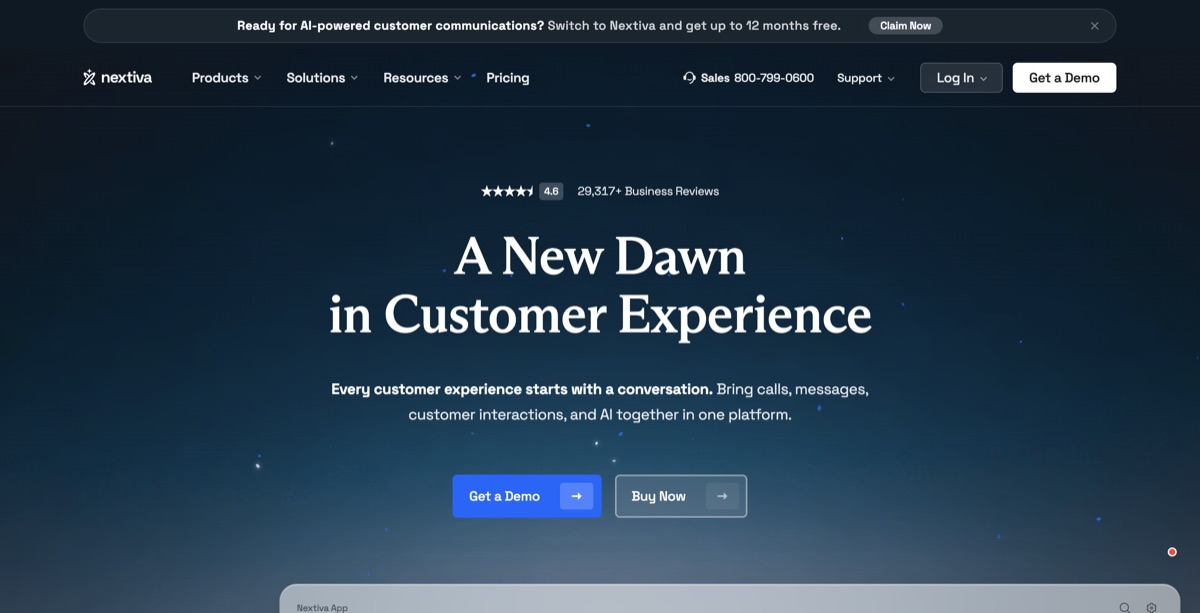
Nextiva has grown from a business phone company into a full customer experience platform: calls, texts, live chat, social inboxes, and chatbots in one place. For a small business that wants support and marketing channels beside the phone system, it's the broadest option here, and its support reputation is stronger than RingCentral's.
| CoreAnnual ($23 monthly); 100 texts/user, video meetings, call routing | $15/user/mo |
| EngageAnnual ($50 monthly); toll-free minutes, chatbot, advanced reporting | $25/user/mo |
| ScaleUnlimited texting, AI transcription, skills-based routing | $75/user/mo |
| XBert AI ReceptionistAI answering, sold as an add-on on every plan | From $99/mo |
Annual prices are for new customers on 12+ month agreements; month to month costs far more (Engage doubles to $50). Call recording is an add-on on Core. As of August 2026.
Pros
- Strong support and guided onboarding, a consistent bright spot in reviews (4.5★ on G2 across 3,500+ reviews)
- Calls, texts, chat, and social threads live in one shared inbox
- Reliable call quality with an entry price ($15) well under RingCentral's
Cons
- XBert, the AI receptionist, is a separate add-on from $99/mo
- The 12-month agreement is where the good pricing lives, and billing disputes are a recurring complaint theme
- Reviewers report app glitches like missed-call notifications not firing
What users say: Support and audio quality earn steady praise, and the unified inbox genuinely simplifies a front desk. The gripes cluster around app reliability and contract terms at renewal time.
Best for: Small businesses that want phone, chat, and social support in one platform and will trade an annual agreement for the lower rate.
3. Dialpad: best built-in AI on a per-seat plan
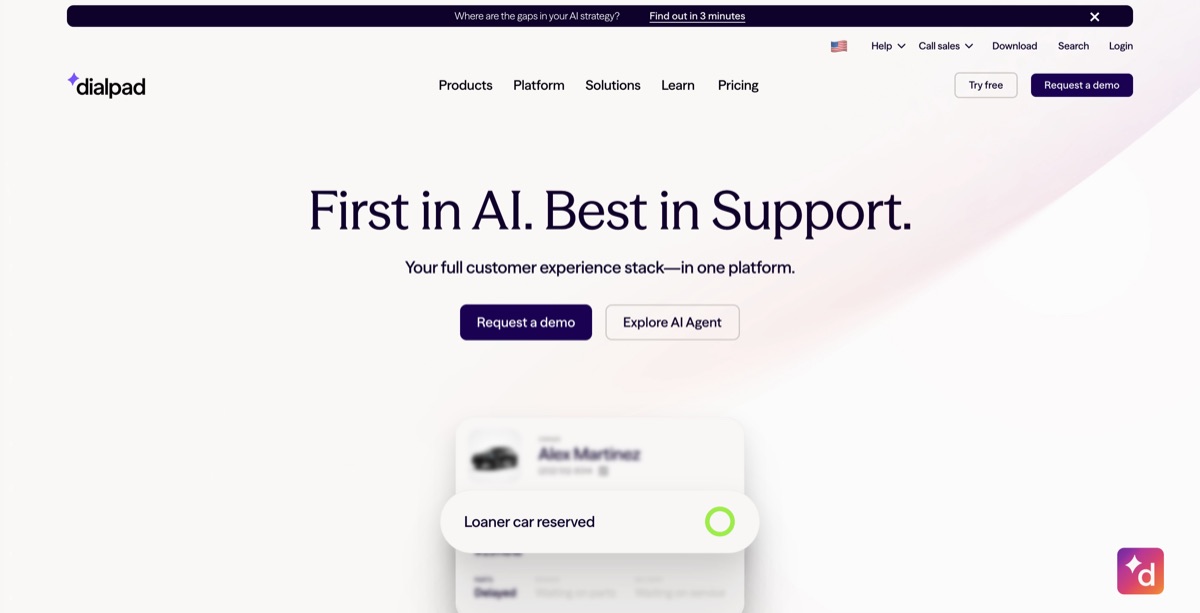
Dialpad is the AI-forward pick among the per-seat providers. Live transcription, AI call summaries, and coaching cues are included on every plan, even the $15 one, and the apps feel modern in a way RingCentral's don't.
| StandardAnnual ($27 monthly); transcription + AI summaries included | $15/user/mo |
| ProAnnual ($35 monthly); 3-license minimum; CRM integrations | $25/user/mo |
| Enterprise100-license minimum | Custom |
| Ai AgentsAI that answers calls; conversation-based pricing, contact sales | Quote only |
Watch the extras: reported ~$4–5/user/mo admin fees, SMS overages past ~250 messages, extra numbers $5–15/mo. Monthly billing runs up to 80% above annual. As of August 2026.
Pros
- AI transcription and call summaries on every tier at no extra cost
- Clean, modern apps that need almost no training
- $15 entry point undercuts RingCentral Core with more AI included
Cons
- CRM integrations sit behind the Pro tier, which has a 3-license minimum ($75/mo floor)
- The AI that actually answers calls is quote-only, not self-serve
- Reported admin fees and metered texting push real cost above sticker
What users say: With a 4.4 on G2 across roughly 4,100 reviews, users praise the AI notes and interface, and flag transcription accuracy on accents and background noise, plus cost creep from fees and add-ons.
Best for: Teams that want call intelligence baked into every call without buying an enterprise contact center.
4. Quo (formerly OpenPhone): best for texting-first small teams
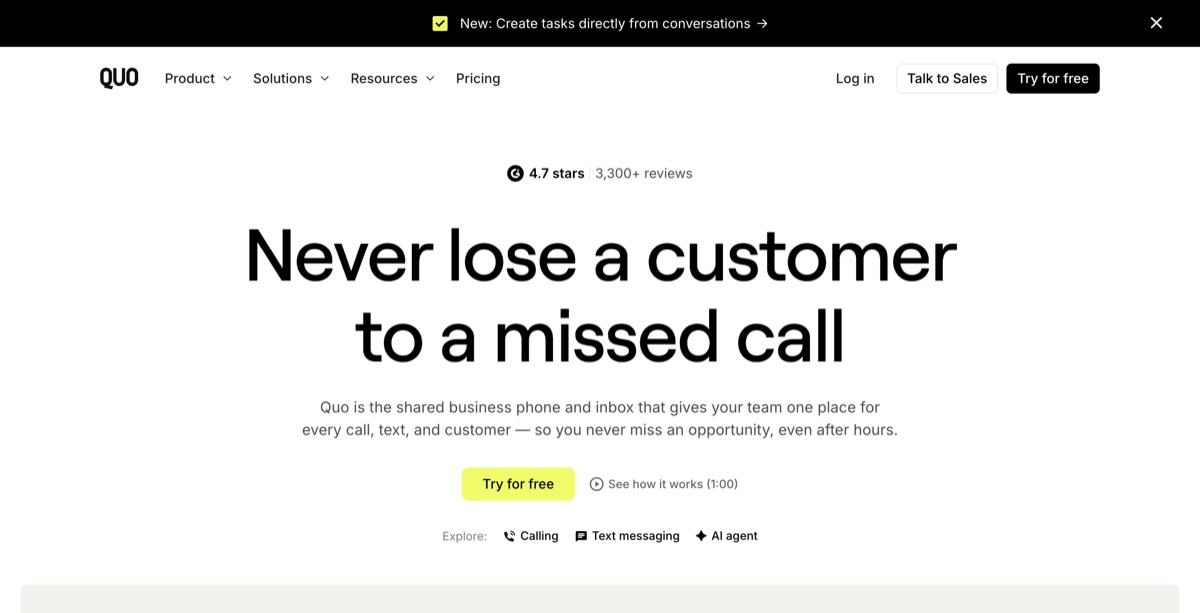
Quo is the new name for OpenPhone (rebranded September 2025), and it's the most-loved product on this list by review score. It treats your phone like a shared inbox: numbers are shared across teammates, texts and calls sit in one thread, and its Sona AI agent answers the calls you miss. Every plan includes 10 free Sona calls a month, with paid bundles from $25/month after that.
| StarterAnnual ($19 monthly); no phone menus or CRM integrations | $15/user/mo |
| BusinessAnnual ($33 monthly); phone menus, auto recording, HubSpot/Salesforce | $23/user/mo |
| ScaleAnnual ($47 monthly); AI call tags, priority support | $35/user/mo |
Per-user pricing. Sona AI agent: 10 free calls/mo on every plan, then $25–$199/mo bundles with ~$0.45–$1.00/call overage. Extra numbers $5/mo. 7-day trial. As of August 2026.
Pros
- Highest-rated tool on this list (4.7★ on G2 across 3,300+ reviews)
- Shared numbers and threaded calls + texts feel like a team inbox, not a PBX
- Sona AI agent is included with usage caps on every plan, with published overage prices
Cons
- Per-user pricing stacks up as you grow, and the useful features start on the $23 Business tier
- No video meetings, and international calling is always metered extra
- Support is ticket-heavy below the top plan, and reviewers flag mobile call quality on weak signal
What users say: Reviewers love the setup speed and the shared-inbox model, and the AI summaries get consistent praise. The recurring gripes are support response times and the gap between the $15 headline and the realistic cost on Business.
Best for: Teams of one to ten that live in text threads with customers and want calls, texts, and an AI safety net in one app.
5. Zoom Phone: best if your team already lives in Zoom
Zoom Phone bolts a full cloud phone system onto the meetings app your team already knows. It's one of the cheapest per-seat entry points here, and the admin experience is far simpler than RingCentral's. Just know that nothing in Zoom Phone answers calls for you.

| US & Canada MeteredOutbound calls billed ~$0.03/min | $10.50/user/mo |
| US & Canada UnlimitedUnlimited domestic calling | $16/user/mo |
| Global SelectDirect numbers across 40+ countries | ~$20+/user/mo |
| Workplace bundlesFull Zoom Meetings + Phone together | ~$21–27/user/mo |
Zoom raised standalone Phone prices in 2026 (from $10/$15). Auto-attendant, recording, and AI Companion summaries are included; toll-free numbers and Power Pack analytics cost extra. As of August 2026.
Pros
- Cheap per-seat entry with auto-attendant and recording included
- AI Companion (call summaries, voicemail triage) comes free on paid plans
- One familiar app for meetings and calls
Cons
- No AI receptionist: Zoom's Virtual Agent is a separate, quote-priced product
- Standalone Phone includes only basic Meetings; full video needs a Workplace bundle
- Reviewers report thin support access on lower tiers and fiddly admin settings
What users say: At 4.6 stars on G2 across 2,600+ reviews, Zoom Phone scores on ease and value. Complaints center on reaching support and on extras (toll-free, analytics) quietly inflating the bill.
Best for: Teams already paying for Zoom meetings that want calling in the same app for a few dollars more per seat.
6. Ooma Office: best for desk phones and no contracts
Ooma Office is the pick for businesses that still want physical desk phones, think retail counters, front desks, and workshops, without an annual contract. Everything is month to month, setup is famously simple, and analog phones keep working.
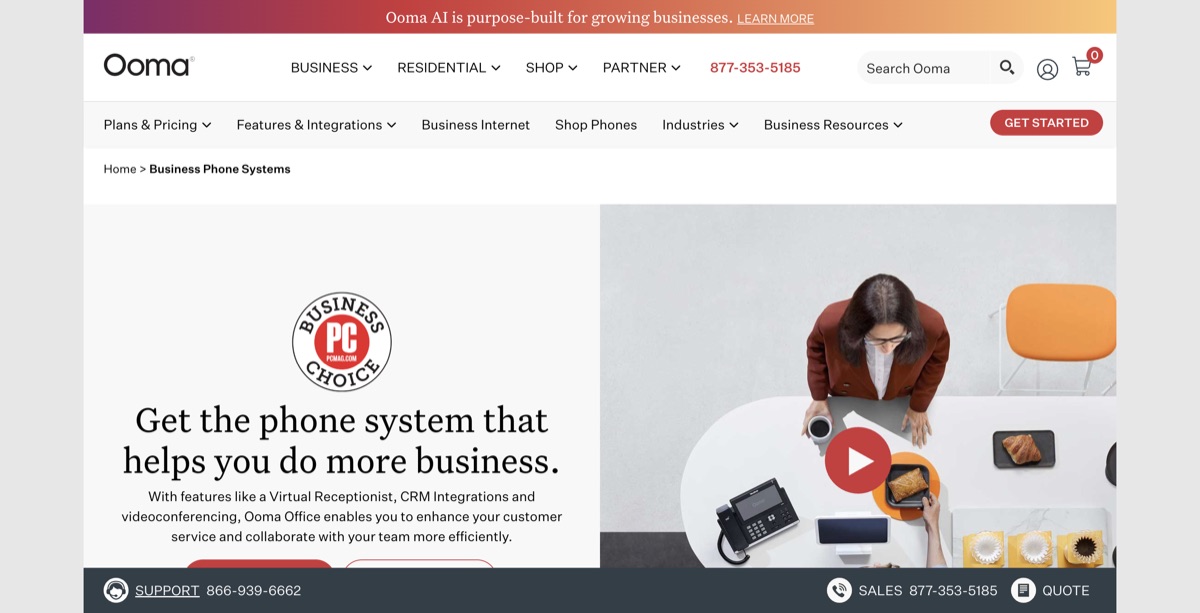
| EssentialsVirtual receptionist menus, ring groups, a free toll-free number | $19.95/user/mo |
| ProAdds desktop app, call recording, texting, voicemail transcription | $24.95/user/mo |
| Pro PlusCRM integrations, call queues, AI transcripts, video meetings | $29.95/user/mo |
| AI ReceptionistAdd-on per license, 100 minutes included (launched May 2026) | From $49.99/mo |
True month-to-month, no contracts and no annual lock-in, but taxes and regulatory fees land on top. As of August 2026.
Pros
- No contract at all: every plan is month to month at one flat rate
- Works with analog desk phones and non-technical teams, with well-reviewed live support
- Auto-attendant menus included on the cheapest tier
Cons
- The desktop app is paywalled to Pro, and the admin dashboard feels dated
- AI answering is a $49.99+ add-on, and AI transcripts need Pro Plus
- Thin analytics, and reviewers note scaling pains past ~15 seats
What users say: Ooma holds a 4.6 on G2, though from a small review base, and its simplicity and support are the consistent wins. Complaints target the aging dashboard, occasional call lag, and weak spam blocking.
Best for: Brick-and-mortar businesses on desk phones that want a predictable bill and refuse to sign a contract.
7. Grasshopper: best flat rate for solos and side businesses
Grasshopper isn't a full phone system. It's a business number layer that rings your personal phone, with extensions, greetings, and business texting. For a solo operator who mostly needs to look professional and keep work separate from life, that's often enough, and the flat account pricing never rises when you add people.
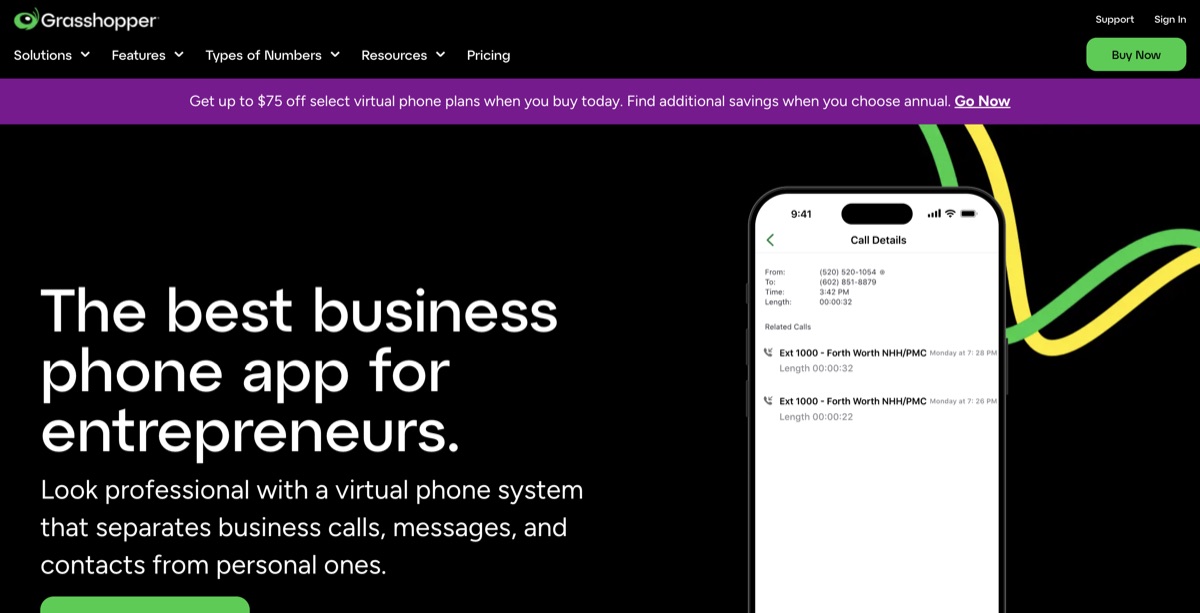
| True SoloAnnual ($18 monthly); 1 number, 1 extension, 1 user | $14/mo |
| Solo PlusAnnual ($32 monthly); 1 number, 3 extensions, unlimited users | $25/mo |
| Small BusinessAnnual (~$92 monthly); 4 numbers, unlimited extensions | ~$80/mo |
Flat account pricing, not per user. Extra numbers $9/mo. No integrations, no API, no video. Call recordings auto-delete after 30 days. As of August 2026.
Pros
- Flat pricing that ignores headcount: unlimited users from $25/mo
- Dead-simple setup on the phones you already carry
- Unlimited US calling and texting on every plan
Cons
- No AI receptionist (Grasshopper AI only summarizes recorded calls) and no integrations of any kind
- Product development has visibly slowed since the GoTo acquisition
- G2 sits at 3.9 and Trustpilot near 2 stars, mostly billing and support complaints
What users say: Solos like the price and the professional image, and that's the honest ceiling. Reviews repeat the same phrase, "the app feels old," and the billing and cancellation complaints on Trustpilot are hard to ignore.
Best for: One-person businesses and side hustles that need a business number on a personal phone, not a phone system.
8. Google Voice: cheapest entry for Google Workspace users
Google Voice is the minimalist option: clean apps, Google-grade reliability, and the lowest credible starting price here. The catch is that business use with your own domain effectively requires Google Workspace, and the feature ceiling is low.
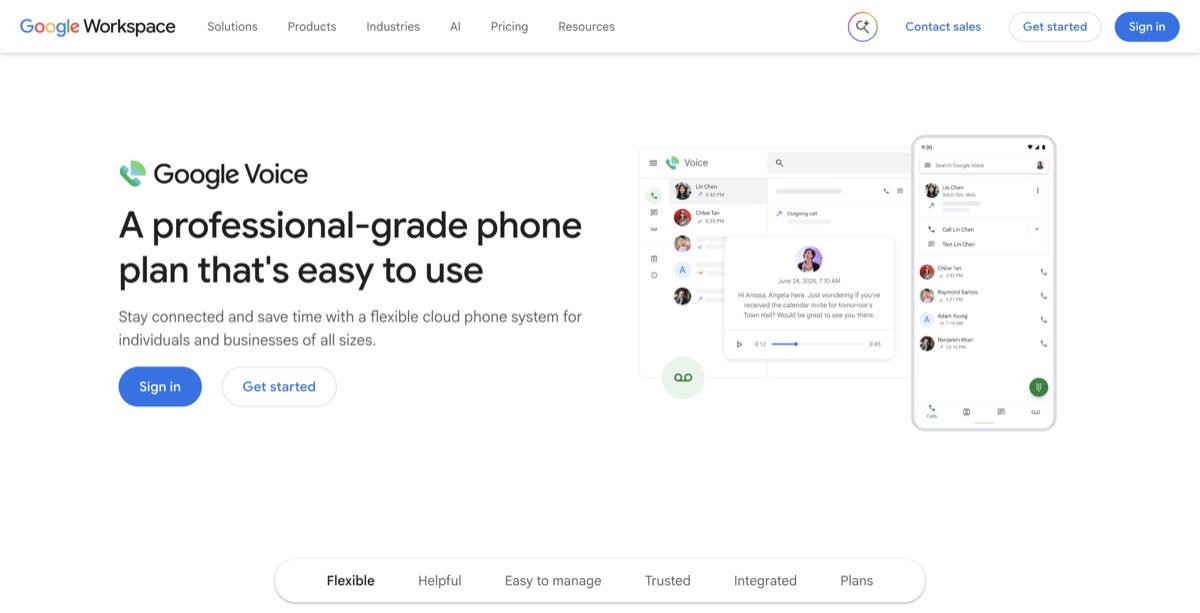
| StarterUp to 10 users, US only; no auto-attendant or ring groups | $10/user/mo |
| StandardMulti-level auto-attendant, ring groups, on-demand recording | $20/user/mo |
| PremierAutomatic recording, advanced reporting, international locations | $30/user/mo |
For business use on your own domain, add Google Workspace (from $7/user/mo annual), so the realistic floor is ~$17/user. No AI receptionist on any tier. As of August 2026.
Pros
- Cheapest credible entry point, and setup takes minutes with no hardware
- Native fit with Gmail, Calendar, and Meet, plus strong AI spam filtering
- Easy number porting in and out
Cons
- No AI receptionist, no CRM integrations, and recording is locked to upper tiers
- The $10 Starter plan has no auto-attendant at all
- Reviewers report call-quality wobbles on mobile and thin support
What users say: Small teams praise the simplicity and price (4.1 stars on G2, with most reviews from small businesses). The complaints start once teams grow: missing integrations, feature gaps, and nowhere to escalate issues.
Best for: Solos and tiny teams already paying for Google Workspace who need a reliable number, not a phone system.
The quote-gated tier: strong platforms, hidden prices
The last two are capable systems we'd still shortlist, but neither publishes a price anymore. You'll sit through a sales call to learn what you'd pay, and your quote may not match your neighbor's. We're honestly not sure why either vendor thinks that helps small buyers, and we can't tell you what quote you'll get. The estimates below are third-party reporting, nothing more.
9. GoTo Connect: best phone and meetings bundle (if you'll take the call)
GoTo Connect pairs a deeply customizable phone system (its visual dial-plan editor is genuinely great) with the GoTo Meeting heritage, so phone plus video plus chat comes standard. In 2026 its pricing page lists plans with no dollar amounts at all, just "Contact Sales."
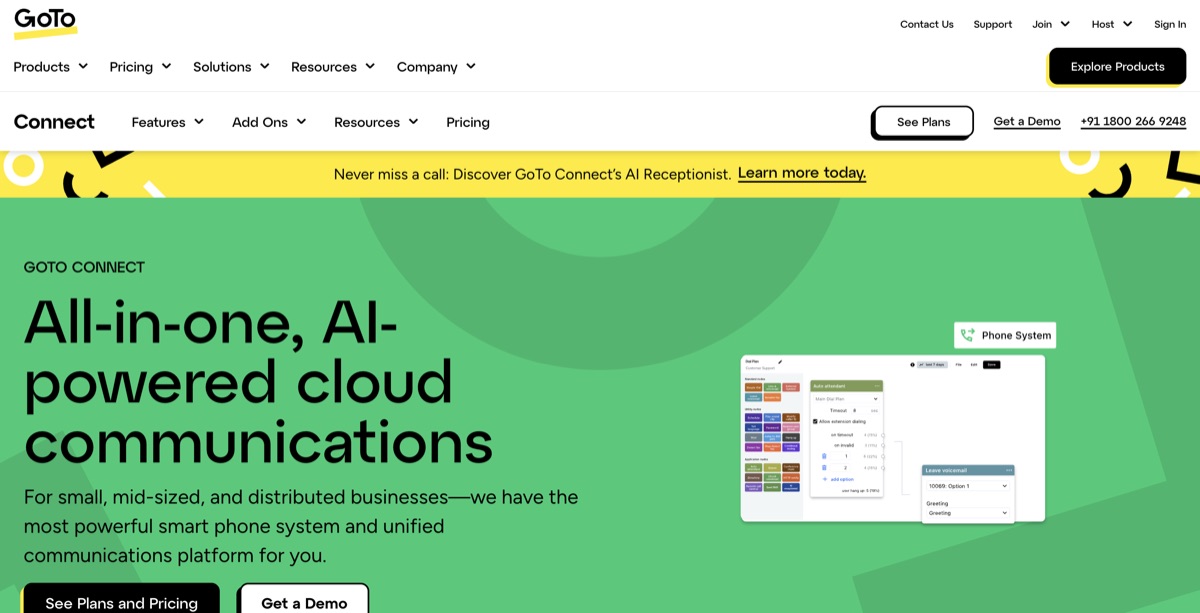
| Phone SystemThird-party estimates ~$26/user/mo | Quote only |
| Customer ExperienceEstimates ~$34/user/mo; adds SMS campaigns, surveys, AI summaries | Quote only |
| AI Receptionist24/7 AI answering, sold on top of every plan | Add-on, unpriced |
No published pricing as of August 2026; every plan routes to sales. All plans include 1,000 shared toll-free minutes and international calling to 50+ countries.
Pros
- Phone, video meetings, and chat in one app with solid uptime
- Unlimited auto-attendants and a visual dial-plan editor admins love
- International calling to 50+ countries included on every plan
Cons
- Zero published pricing, every plan is a sales conversation
- The AI receptionist is an unpriced add-on on top of whatever you're quoted
- 2025–2026 reviewers report longer support waits and surprise SMS and toll-free fees at invoice time
What users say: Admins rate it well (4.4 stars on G2 across 1,400 reviews) for reliability and customization. The sliding support quality and pricing opacity are the recurring sore points.
Best for: Small businesses that want RingCentral-style breadth with better call-flow control, and don't mind negotiating for it.
10. 8x8: best for international calling (also quote-gated)
8x8 built its reputation on global reach: unlimited calling to 14 or 48 countries depending on tier, five-nines uptime, and mature admin tools. It retired its published X-series pricing, so every deal is now negotiated.
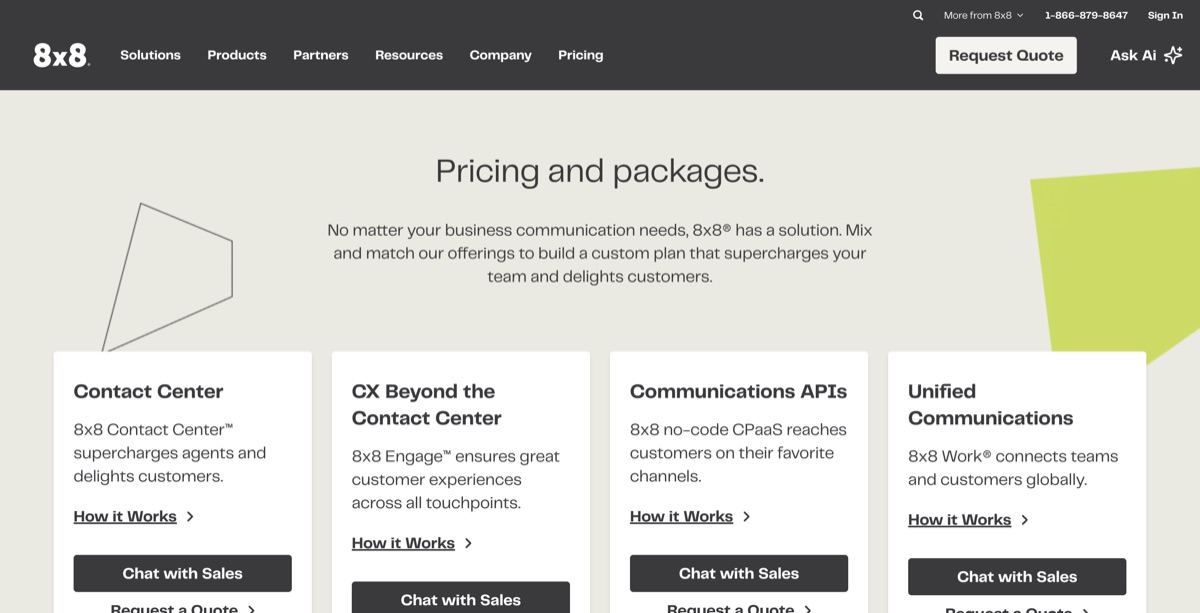
| 8x8 WorkThird-party estimates ~$24–44/user/mo depending on tier | Quote only |
| Contact CenterSeparate quoted product; AI self-service lives here | Quote only |
No published pricing as of August 2026. Unlimited calling to 14 or 48 countries by tier. AI answering exists only as a contact-center product, not a small-business receptionist.
Pros
- The standout for international calling, with unlimited country zones instead of per-minute bills
- 99.999% uptime SLA and consistently clear call quality
- Deep feature set: attendant console, analytics, Microsoft Teams integration
Cons
- No published pricing, and negotiated annual contracts auto-renew
- Reviewers consistently flag slow support and billing disputes on cancellation
- No turnkey AI receptionist at a small-business price point
What users say: Long-time customers trust the reliability and global coverage (4.2 stars on G2 for 8x8 Work). The loudest complaints are support responsiveness and contract friction when leaving.
Best for: Small businesses with real international call volume, where unlimited country zones beat everyone else's per-minute rates.
How to choose the right RingCentral alternative
Ten options is a lot. Here's the fast way to narrow it, built around one question: what does your team actually do on the phone all day?
- Count your seats and do the 12-month math. Multiply the real per-user price (post-promo, monthly billing if you won't sign a contract) by your headcount, then compare it to a flat plan. Past three or four people, flat pricing usually wins.
- Decide who answers when you can't. If missed calls cost you customers, prioritize an included AI receptionist (dialnote, or Quo's capped Sona calls). If voicemail is genuinely fine for your business, a cheaper bare-bones pick works.
- Check the AI line item. Add-on AI (RingCentral's $39+, Nextiva's $99+, GoTo's unpriced) can double a small team's bill. Included AI changes the math.
- Refuse what you can't see. If the price requires a sales call and the contract auto-renews, know that going in. Confident negotiators can win there; everyone else pays list.
- Test with a real call. Trial your top pick, call your own number, ask a hard question, and see what lands in your inbox afterward. Ten minutes of testing beats any comparison table, including this one.
The bottom line
RingCentral isn't a bad platform. It's an enterprise platform, priced and packaged for buyers with procurement teams, and small businesses end up funding features they never open.
The pattern to notice across every option here: per-seat prices rise as you hire, add-ons meter the features you actually wanted, and two vendors won't even show you a number. dialnote answers all three problems at once: $49 flat for unlimited users, the AI receptionist and phone menus included, month to month with no contract.
If your renewal notice is sitting in your inbox right now, start a free 10-day trial of dialnote, no credit card needed, or put dialnote's pricing next to your last RingCentral invoice and do the math yourself.
Frequently asked questions
For most small teams, dialnote is the best RingCentral alternative. The $49 plan covers your whole team with unlimited users, and it includes an AI receptionist, phone menus, and call recording. There's no per-user math, no annual contract, and no per-agent fee to have AI answer your calls.
RingCentral prices per user, and the advertised rates need annual billing. Add taxes and regulatory fees, metered texting, toll-free overages, and the $39+/month AI Receptionist add-on, and reported real invoices run 10 to 30% above the sticker price. Costs climb every time you hire.
Google Voice starts at $10 per user and Zoom Phone's metered plan at $10.50, so they're the cheapest per-seat picks for tiny teams. But per-user math catches up as you grow. A flat-rate plan like dialnote's $49 for unlimited users usually costs less once your team passes three or four people.
Yes. Number porting is a legal right in the US, so you can move your RingCentral number to any new provider. The new provider handles the transfer, which usually takes one to two weeks. Don't cancel RingCentral until the port completes, or you could lose the number.
RingCentral's advertised prices assume annual billing, and month-to-month costs about 33% more. Reviewers also report auto-renewals and early-termination friction. Several alternatives on this list, including dialnote, Ooma, and Zoom Phone, run month to month with no contract.
Some do. dialnote includes its AI receptionist from the $49 plan, and Quo bundles limited AI agent calls on every plan. RingCentral charges $39+/month extra for AIR, Nextiva's XBert starts at $99/month, GoTo's is an unpriced add-on, and Google Voice and Grasshopper have none at all.

Written by
Upasana Sahu
Senior Digital Marketing Specialist, SmartReach.io
Upasana Sahu is a Senior Digital Marketing Specialist at SmartReach.io with over 10 years of experience in content marketing, SEO, and digital strategy. She manages end-to-end blog operations, from content creation and on-page/off-page SEO to traffic...
Upasana Sahu is a Senior Digital Marketing Specialist at SmartReach.io with over 10 years of experience in content marketing, SEO, and digital strategy. She manages end-to-end blog operations, from content creation and on-page/off-page SEO to traffic...
Related Articles
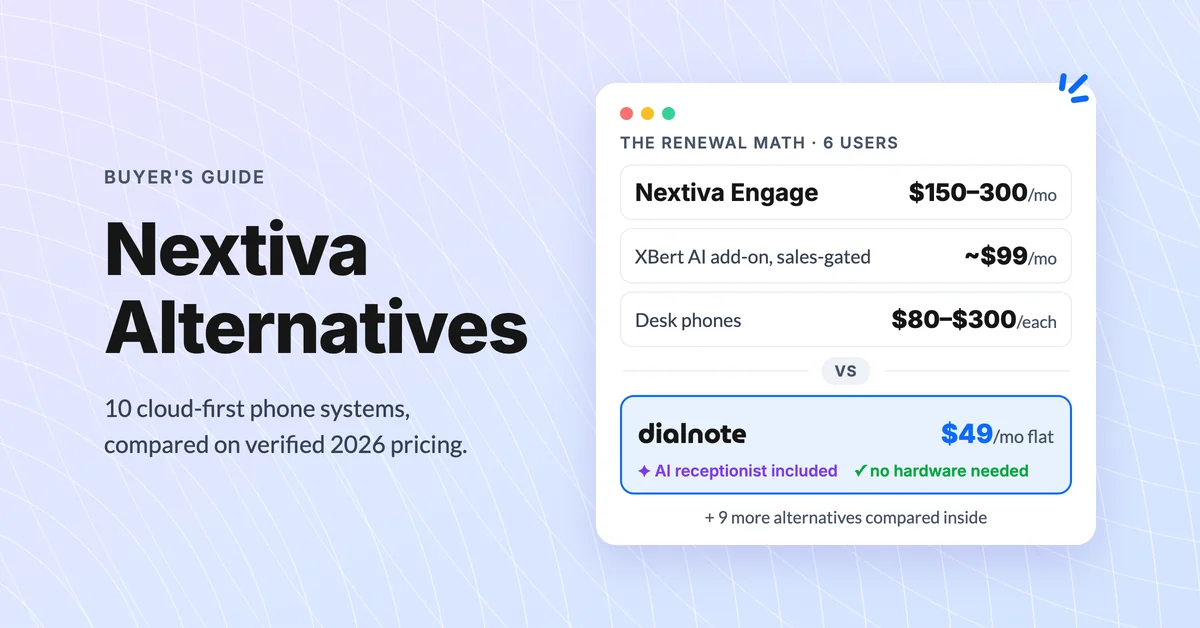
10 Best Nextiva Alternatives for 2026 (Cloud-First)
Compare the 10 best Nextiva alternatives with verified August 2026 pricing, AI answering costs, and desk phone support before you renew.
Google Voice Alternatives: 7 Picks for Business
Compare 7 Google Voice alternatives built for serious business use by AI features, multi-level IVR, CRM sync, and real per-user costs.
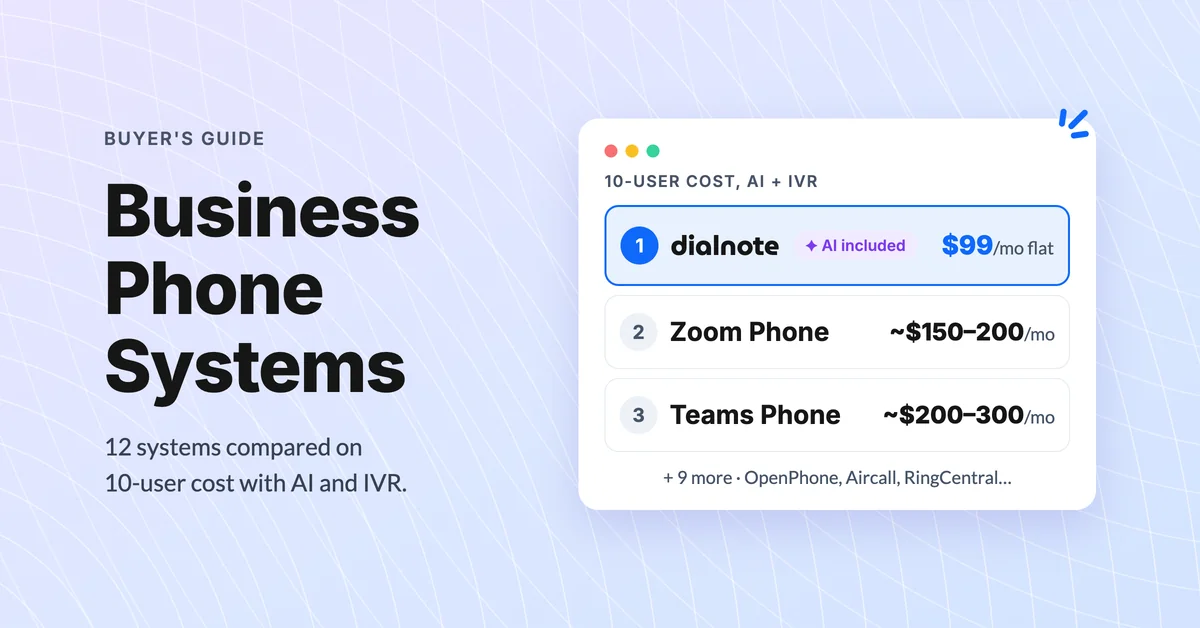
Best Business Phone Systems: Traditional, VoIP & Cloud
Compare the 10 best business phone systems for small business. Find the right VoIP solution for your team size, budget, and features without overpaying.
