Google Voice Alternatives: 7 Picks for Business
Your phone rings during a client demo. You can't pick up. The call goes to voicemail. By the time you check, the lead booked with a competitor instead.
If that's ever happened to you on Google Voice, you already know the issue. Google Voice was built as a side project, not a business phone system. It's fine for solopreneurs and freelancers. But once you've got a team, customers, and revenue on the line, the gaps get expensive fast.
That's why "Google Voice alternatives" is one of the most searched queries from growing teams right now. People aren't leaving because Google Voice is broken. They're leaving because it was never built for serious business use.
Marco runs an 8-person dental clinic in Phoenix. He started on Google Voice four years ago when it was just him and a hygienist. By the time they hit 8 staff, missed calls were costing them about $4,000 a month in lost bookings. No IVR. No call queueing. No after-hours routing. Patients calling at 5:02 PM just got voicemail.
If that pattern fits your business, here's what to look for in a Google Voice replacement, plus 7 alternatives worth your time.
TL;DR:
- The best Google Voice alternatives for business add multi-level IVR, real call routing, AI receptionists, and CRM sync, the features Google Voice leaves off its base plans.
- dialnote is the top flat-rate pick: the Team plan is $49/month for unlimited users with call routing, AI transcription, and CRM sync included.
- Per-user tools like RingCentral, OpenPhone, Nextiva, Dialpad, Aircall, and 8x8 all work, but their pricing climbs fast as your team grows and most gate AI behind higher tiers.
- You can keep your number: porting a Google Voice number costs $3 from Google's side, takes 1 to 3 weeks, and your new provider handles the paperwork.
Quick comparison at a glance
| Feature | dialnote | RingCentral | OpenPhone | Nextiva | Dialpad | Aircall | 8x8 |
|---|---|---|---|---|---|---|---|
| Pricing model | Flat rate | Per user | Per user | Per user | Per user | Per user | Per user |
| Starting price | $49/mo | $20/user/mo | $15/user/mo | $20/user/mo | $15/user/mo | $30/user/mo | $24/user/mo |
| Min users | 1 | 1 | 1 | 1 | 1 | 3 | 1 |
| Unlimited seats | Yes | No | No | No | No | No | No |
| Multi-level IVR | Yes | Yes | No (basic) | Yes | Yes | Yes | Yes |
| AI features | Built in | Higher tiers | Higher tiers | Higher tiers | All plans | Higher tiers | Higher tiers |
| AI receptionist | Yes | Paid add-on | No | Paid add-on | Paid add-on | No | No |
| CRM integrations | All plans | Higher tiers | Higher tiers | All plans | Higher tiers | All plans | Higher tiers |
| Mobile app quality | Strong | Good | Strong | Good | Strong | Good | Good |
Keep reading for the full breakdown plus what real users say about each.
Why isn't Google Voice good enough for business use?
Google Voice isn't built for business because it skips the essentials teams need: multi-level IVR, call queueing, automatic recording, CRM sync, and real AI features. It also makes you pay twice, once for a Google Workspace seat and again for the Voice add-on. For one person it's fine. For a growing team, the gaps get costly fast.
Google Voice has a clean app and a familiar Google login. That's about where the upsides end for a real business.
The biggest issue? Google Voice for Workspace requires you to pay twice. You need a Google Workspace seat at $7+ per user, plus the Voice add-on at $10 to $30 per user. For a 10-person team on Google Voice Standard with Workspace Business Standard, you're looking at around $340 a month. That's just for phone service and a few Workspace tools you might not even need.
Then there's the feature gap. The Starter tier ($10 per user) has no multi-level auto attendant, no advanced reporting, no ring groups, and no ad hoc call recording. Want any of those? You're on Standard or Premier, paying double or triple per user.
And the AI gap is worse. Google Voice has voicemail transcription. That's it. No call summaries. No AI receptionist that answers when you're busy. No automated tagging or call sentiment. Today, that's a deal-breaker. Most growing teams are getting these features free on competitor base plans.
What about CRM integrations? Google Voice talks to Google Workspace tools. It doesn't talk to HubSpot, Salesforce, Pipedrive, or Zoho. If your sales team logs calls in a CRM (and they should), you're copying notes by hand. We've covered why that's a productivity killer in our guide to CRM integration with phone systems.
Support is another sore spot. Google Voice support is community forums and email tickets that can take days. When your phone system goes down on a Tuesday afternoon and your business goes dark, that's not acceptable. Real business phone providers offer live chat or phone support, often 24/7.
Plus there are operational limits people don't expect:
- No call queueing (callers just get voicemail when everyone's busy)
- No advanced call routing by caller, time, or day
- Limited international calling (Premier only, and rates aren't great)
- No team SMS in shared inboxes
- No call transfer on the Starter plan
According to Fortune Business Insights, the global VoIP market is growing at over 10% per year, with small and mid-size businesses driving most of that growth. There's real demand for proper business phone systems. Google Voice just hasn't kept up.
What to look for in a Google Voice alternative
Not every alternative is an actual upgrade. Some just swap one set of problems for another. Here's what to check before you commit.
Real call routing
Multi-level IVR. Ring groups. Sequential or round-robin distribution. Business hours routing. Call queueing. These aren't fancy add-ons. They're basics for a team. Your phone system should answer calls correctly without anyone hovering over the line.
If a provider gates real routing behind a premium tier, that's a red flag. Look for IVR and ring groups on the base plan.
AI built in, not bolted on
AI features should be included, not upsold. At minimum, you want call transcription, AI summaries, and an AI receptionist that can answer calls when your team is busy. These save hours per week and stop leads from falling through.
Honestly? Most "alternatives" lists just swap Google Voice for another per-seat provider with the same AI gap. That doesn't fix the real problem. If a provider charges extra for basic AI, skip them.
Flat-rate pricing, not per seat
Per-user pricing punishes growth. If you're planning to hire, look for flat-rate plans with unlimited seats. The math gets ugly fast on per-user plans.
Here's a quick example. Google Voice Standard at $20 per user with 10 people costs $200 per month, plus Workspace fees on top. A flat-rate plan at $49 per month saves around $250 once you add Workspace. By the time you've got 20 people on per-user plans? It's $400 plus Workspace, against the same $49 flat rate.
We dig into this in our post on why per-seat pricing gets expensive fast.
Real CRM integrations
HubSpot, Salesforce, Pipedrive, Zoho. These should be on the base plan, not the enterprise tier. If you're still logging calls by hand, you could be losing hours every week per rep. Pick a provider where the CRM sync is plug and play.
Mobile app quality
You'll spend more time in the mobile app than at your desk. Test it before you commit. Does it drain your battery? Does call quality hold up on cellular? Can you handoff from Wi-Fi to mobile mid-call without dropping it?
Google Voice's mobile app is fine for personal use. For business, you need an app that has full IVR controls, can handle transfers, and shows shared contacts. The dialnote mobile app guide covers what to look for.
Real support
Email-only support means waiting hours or days when something breaks. For a phone system that runs your business, that's a problem. Look for live chat or phone support on every plan, not just the top tier.
7 best Google Voice alternatives for business
We've tested these against the criteria above. Here's how they stack up.
1. dialnote: best overall Google Voice alternative
dialnote is a flat-rate business phone system from the SmartReach.io group, built for small and mid-size businesses that have outgrown per-user plans. Unlimited users on every paid plan above Solo, AI voice agents included, and CRM sync available with HubSpot, Salesforce, and Pipedrive. Calls work in 90+ countries with international routing handled through a wallet model (a monthly credit added automatically, with overage at zone rates).
The AI receptionist is the differentiator here. While most competitors gate AI voice agents behind enterprise tiers or sell them as paid add-ons, dialnote includes 1 AI agent on the Team plan, 5 agents and 14-language support on Business, and 10 agents plus AI Call Tags and AI Call Evaluation on Pro. The Calendly and Cal.com integrations let the AI book meetings directly into calendars.
Pricing (monthly):
| Plan | Price | Users | Included minutes | AI agents | Best for |
|---|---|---|---|---|---|
| Solo | $19/mo | 1 | 250 | None | Solopreneurs, single-line setups |
| Team | $49/mo | Unlimited | 700 | 1 | Growing teams up to 5-10 people |
| Business | $99/mo | Unlimited | 1,400 | 5 | Scaling teams with multi-language calls |
| Pro | $199/mo | Unlimited | 2,800 | 10 | 10+ person teams that need AI evaluation |
Every billing period, dialnote credits a monthly wallet allowance: $8 on Team, $15 on Business, and $30 on Pro. The wallet covers international calls, outbound minutes beyond the included pool, and AI agent overage at $0.89 per minute. You can top up the wallet manually any time, so calls never get cut off. Annual billing saves 20% on every tier, and you can compare the full breakdown on dialnote's pricing page.
Pros:
- Unlimited users on every paid team plan
- AI receptionist included, not bolted on
- CRM sync on every plan (HubSpot, Salesforce, Pipedrive, Zoho)
- Free number porting in US/Canada
- 15-language AI support on Business plan
Cons:
- Single-line plan limited to 1 user
- AI agent minutes billed separately from human call minutes
- Newer brand compared to legacy UCaaS players
What users say: Teams switching from Google Voice mention two patterns. First, the relief of having call routing that just works (multi-level IVR, call queueing, ring groups). Second, the time saved by AI summaries dropping straight into HubSpot. The most common quote in reviews: "we stopped missing calls."
Best for: Growing teams that have outgrown Google Voice and want flat-rate pricing with AI included. Clinics, agencies, service businesses, and small B2B teams fit the profile.
Want to see how it stacks up against other comparison guides? Check our best virtual phone systems for business breakdown.
2. RingCentral: best for unified communications
RingCentral is the elder statesman of business VoIP, used by hundreds of thousands of businesses worldwide. The platform handles phone, video conferencing, team chat, and SMS in one app, with the deepest CRM connector catalog in the category. It's the kind of system enterprise IT departments shortlist by default, and the integration depth shows.
That depth comes at a cost. Per-user pricing scales fast. AI features ("RingSense" and "Smart Concierge") are billed separately on top of the base plan, usually adding $30 to $60 per user per month for AI receptionist parity. The dense interface can overwhelm small teams that just need a phone system, not an enterprise comms suite.
Pricing (monthly, annual billing):
| Plan | Price | Best for |
|---|---|---|
| Core | $20/user/mo | Basic phone with single-level IVR |
| Advanced | $25/user/mo | Multi-level IVR, deeper CRM integrations |
| Ultra | $35/user/mo | Full analytics, room phones, video bundles |
Monthly billing typically adds 30 to 40% to these rates. AI receptionist module is paid separately.
Pros:
- Unified phone, video, chat, and SMS
- 99.999% uptime SLA
- Deepest CRM integration catalog
- 24/7 phone support on all plans
Cons:
- Per-user pricing climbs fast at scale
- AI receptionist is a paid add-on, not included
- Annual contracts for best pricing
- Heavy interface for small teams
What users say: Reviewers praise the reliability and integration depth, especially Salesforce CTI. Small teams complain the platform feels like overkill, and pricing climbs quickly once AI add-ons enter the picture.
Best for: Mid-size to enterprise teams that need phone, video, and chat from one vendor and have IT resources to manage the configuration.
3. OpenPhone (now Quo): best for modern small teams
OpenPhone rebranded to Quo in late 2025, but the product is the same. Clean app design, shared phone numbers with team inboxes, and a setup process that takes minutes rather than hours. It's a strong upgrade from Google Voice for solo founders and very small teams who value app polish.
The trade-off shows up as you grow. There's no multi-level IVR, just a single auto-attendant. AI call summaries are available, but the AI receptionist ("Sona") is sold as a separate paid module. CRM integrations beyond HubSpot and basic Zapier connectors require the higher Business plan.
Pricing (monthly):
| Plan | Price | Best for |
|---|---|---|
| Starter | $15/user/mo | Solo founders, freelancers |
| Business | $23-$33/user/mo | Small teams, shared inboxes |
| Enterprise | Custom | Larger teams with API needs |
Annual billing knocks roughly 16% off. Sona AI receptionist adds $80 to $150/mo for a 10-person team's typical call volume.
Pros:
- Clean, modern app design
- Shared phone numbers with team inboxes
- AI call summaries on higher tiers
- Quick onboarding
Cons:
- No multi-level IVR
- AI receptionist (Sona) sold separately
- Per-user pricing scales linearly
- One phone number per user on most plans
What users say: Small teams love the app design and setup speed. Larger teams complain about per-user pricing and the limited IVR. The mobile app gets consistently strong reviews.
Best for: Teams of 2 to 8 people who want a clean upgrade from Google Voice with shared inboxes, and don't yet need advanced routing or an AI receptionist.
For a deeper look, see our OpenPhone alternative guide.
4. Nextiva: best for omnichannel support teams
Nextiva bundles VoIP, video, team chat, and SMS into the NextOS dashboard, with strong analytics and a customer-context view that pulls history from calls, chat, and email into a single screen. That makes it a fit for 5 to 25-person support teams that need omnichannel context during calls.
The catch is the contract. Nextiva's lowest advertised pricing usually requires a 36-month commitment. The voice AI agent module ("Power Suite" tier or paid add-on) carries metered AI minute charges on top of the per-seat fee. Multiple Reddit threads flag auto-renewal terms that lock customers into 3-year cycles, so treat every quote as a contract negotiation.
Pricing (monthly, annual billing):
| Plan | Price | Best for |
|---|---|---|
| Digital | $20/user/mo | Web chat and basic phone |
| Core | $30/user/mo | Phone with omnichannel routing |
| Engage | $40/user/mo | Sales/support teams with AI features |
| Power Suite | $60/user/mo | Voice AI agent module |
Best pricing requires 36-month contracts. Voice AI agent has metered minute charges on top.
Pros:
- Omnichannel dashboard (phone, video, chat, SMS, email)
- 24/7 phone support on all plans
- 99.999% uptime SLA
- Strong analytics and reporting
Cons:
- Long contract commitments for best pricing
- Voice AI agent is gated to top tier with metered minutes
- Feature-heavy interface for small teams
- Hard to negotiate out of auto-renewal
What users say: Support teams praise the omnichannel context view. Pricing complaints almost always involve the contract length and the difficulty of canceling.
Best for: Customer support teams of 10 to 25 people that need omnichannel context and have legal capacity to review long-term contracts.
5. Dialpad: best for AI-first sales teams
Dialpad pioneered native AI in business VoIP, and the real-time transcription product remains the most polished in the category when conditions are good. Sales managers use the Ai Coaching features to identify what top reps do differently, and the post-call summaries land cleanly in connected CRMs.
When conditions aren't good, the AI struggles. Accents, cross-talk, industry jargon, and noisy rooms consistently trip the transcription engine. The Ai Agent module (their AI receptionist equivalent) is sold as a paid add-on. CRM integrations beyond Google Workspace and Microsoft 365 require the Pro plan or higher.
Pricing (monthly, annual billing):
| Plan | Price | Best for |
|---|---|---|
| Standard | $15/user/mo | Solo or 2-3 person teams |
| Pro | $25/user/mo | Sales teams with CRM needs |
| Enterprise | Custom | Larger teams with SLA requirements |
Ai Agent module adds $50 to $100/mo for typical small-team call volume.
Pros:
- AI transcription and coaching on all plans
- Strong mobile and desktop apps
- Real-time call coaching insights
- Google Workspace and Microsoft 365 integrations
Cons:
- Per-user pricing
- Ai Agent (AI receptionist) is a paid add-on
- CRM integrations gated to Pro plan
- International calling costs extra
What users say: Sales teams highlight the transcription accuracy and coaching insights. Common frustrations are CRM gating on Standard and the cost of international calling.
Best for: Sales-driven teams that want AI call intelligence and coaching built into every plan. Our Dialpad alternatives guide covers 10 picks if you're comparing.
6. Aircall: best for customer support automation
Aircall is a per-user VoIP platform popular with support and sales teams that need deep workflow integrations. The catalog of 250+ native integrations includes Salesforce, HubSpot, Zendesk, Intercom, and Pipedrive, and the platform's Power Dialer and call tagging features are well-suited to outbound sales motions.
The minimum team size is 3 users, which prices out solo founders. The AI assistant features (Aircall AI) sit on the Professional plan, and the AI agent that handles inbound calls without humans is on Custom-only. International calling rates vary by country and aren't bundled into the base plan.
Pricing (monthly, annual billing):
| Plan | Price | Min users | Best for |
|---|---|---|---|
| Essentials | $30/user/mo | 3 | Sales and support starter |
| Professional | $50/user/mo | 3 | Advanced analytics, mandatory tagging |
| Custom | Custom pricing | 25 | Enterprise SLA, API support, SSO |
Aircall AI assistant included on Professional. Full AI agent module on Custom-only.
Pros:
- 250+ native integrations including Salesforce, HubSpot, Zendesk
- Power Dialer and Voicemail Drop for outbound sales
- Strong analytics on Professional plan
- Mandatory call tagging for clean reporting
Cons:
- 3-user minimum prices out solo and 2-person setups
- AI agent (full inbound automation) is Custom-only
- Per-user pricing scales linearly
- International calling charged separately
What users say: Outbound sales teams praise the Power Dialer and integration catalog. Smaller teams find the 3-user minimum and Professional-tier pricing steep relative to flat-rate options.
Best for: 5-person and up sales or support teams that already use Salesforce or HubSpot and want deep workflow integrations.
7. 8x8: best for international calling
8x8 stands out for teams that make a lot of international calls. Plans on the X4 tier include unlimited calling to up to 48 countries, which most competitors charge per-minute for. The platform also has strong compliance features (HIPAA, FedRAMP) that fit healthcare and government workflows.
The trade-off is the interface, which feels older than newer competitors, and the pricing structure, which is hard to compare across X-series tiers. Lower tiers feel stripped down, and you usually need at least X4 to access the international calling that's the main reason to pick 8x8 in the first place.
Pricing (monthly, annual billing):
| Plan | Price | Best for |
|---|---|---|
| X2 | $24/user/mo | Domestic phone with team messaging |
| X4 | $44/user/mo | Unlimited international to 48 countries |
| Higher tiers | Custom | Contact center, advanced analytics |
International calling bundle requires X4 or above.
Pros:
- Unlimited international calling on X4 (48 countries)
- Strong compliance (HIPAA, FedRAMP)
- Video conferencing included
- Good for multi-location teams
Cons:
- Older interface compared to newer competitors
- X-series pricing is hard to compare clearly
- Lower tiers feel stripped down
- Per-user pricing
What users say: International teams love the calling coverage. Domestic-only teams often find the interface dated and the pricing tiers confusing.
Best for: Businesses with international clients or distributed teams across multiple countries.
How much does a Google Voice alternative cost?
Most Google Voice alternatives run $15 to $50 per user each month, so a 10-person team often pays $200 to $500. Flat-rate options break that pattern: dialnote's plans start at $19/mo, and the Team plan is $49/mo for unlimited users. You can test it with a 10-day free trial, no credit card needed.
How do you switch from Google Voice without losing your number?
You switch by porting your number to a new provider, and you won't lose it as long as you keep your Google Voice account active until the port finishes. The port costs $3 from Google's side and takes 1 to 3 weeks. Your new provider files the paperwork, and calls keep working the whole time.
Switching sounds scary. In practice, it's straightforward. Here's the short version.
Step 1: Confirm your number is portable. Most Google Voice numbers can be ported to other VoIP providers. The Google Voice port costs $3 from Google's side. Don't disconnect your account before porting. If you do, you'll lose the number.
Step 2: Pick your new provider. Sign up and set up your account while the port is in progress. Configure call routing, add team members, set up voicemail, and connect your CRM. Most modern systems take under an hour to set up.
Step 3: Submit the port request. Your new provider handles the paperwork with Google. The process takes 1 to 3 weeks. Your Google Voice keeps working until the port completes.
Step 4: Test before cutover. Make test calls, check forwarding, verify the mobile app works for your whole team. Make sure everyone's trained on the new system before the switch.
Step 5: Port completes. Calls automatically route to the new system. Your clients won't notice anything. Same number, better phone system.
Imagine you're a 5-person law firm switching from Google Voice. You sign up with a new provider on Monday. By Friday, you've configured IVR, set up the AI receptionist for after-hours, and trained your paralegals. The port finishes in week three. The Friday after, your firm gets a call from a prospective client at 6:47 PM. The AI receptionist picks up, qualifies them, and books a consultation for Monday morning. That call would've gone to voicemail on Google Voice. So would the booking.
For deeper steps on the transition, our getting started with VoIP guide walks through bandwidth, porting timelines, and setup.
Pick the Google Voice alternative that fits your business
The right alternative depends on where you are and where you're headed. If you've got an international team, 8x8 makes sense. If you want unified comms with video on one vendor, RingCentral or Nextiva work. If you're an outbound sales team already in HubSpot or Salesforce, Aircall's integrations are hard to beat.
But if you're building a real business, if you're hiring, if your phone system needs to handle customer calls without dropping leads at 5:02 PM? The math points to flat-rate pricing with AI built in. That's the gap Google Voice can't close and most alternatives don't even try to.
Here's the bottom line:
- Per-user pricing is a tax on growth. Avoid it if you're scaling past 5 people.
- AI features should come standard, not as a paid add-on.
- CRM integrations on the base plan saves you from surprise upgrades.
- Real call routing (multi-level IVR, queueing, ring groups) is non-negotiable for teams.
According to Fortune Business Insights, businesses switching to a real VoIP system can save a meaningful share of their phone costs. But that saving disappears if you're paying per seat and your team keeps growing. The real saving comes from flat-rate models where cost stays predictable.
If you want a phone system that doesn't punish you for hiring, dialnote gives you unlimited seats, built-in AI agents, multi-level IVR, and CRM sync on every paid team plan. No per-seat tax. No feature gating. Just a flat monthly rate that stays the same as your team grows. Start the free 10-day trial and see how it stacks up against your current Google Voice setup.
Frequently asked questions
Google Voice works for solo founders and freelancers who just need a second number. But it's not built for real business use. You don't get multi-level IVR, automatic call recording, CRM sync, or AI features on the base plans. Most growing teams switch within their first year.
dialnote fits small teams that want a real business phone system without per-seat fees. The Team plan is $49/month for unlimited users with call routing, AI transcription, and HubSpot included. RingCentral and Nextiva are bigger picks but charge per user.
Yes. You can port your Google Voice number to most VoIP providers. The port costs $3 from Google's side, takes 1 to 3 weeks, and your new provider handles the paperwork. Don't disconnect your Google Voice account until porting finishes.
No. Google Voice has voicemail transcription and basic spam blocking, but no AI receptionist that answers calls, qualifies leads, or books meetings. For an AI receptionist, you need a platform like dialnote, where AI voice agents are included on plans starting at $49/month.
Google Voice Standard is $20 per user per month, plus Google Workspace at $7+ per user. For 10 users that's roughly $270/month. Flat-rate alternatives like dialnote Business cost $99/month for unlimited users, saving about $170/month at that team size.

Written by
Upasana Sahu
Senior Digital Marketing Specialist, SmartReach.io
Upasana Sahu is a Senior Digital Marketing Specialist at SmartReach.io with over 10 years of experience in content marketing, SEO, and digital strategy. She manages end-to-end blog operations, from content creation and on-page/off-page SEO to traffic...
Upasana Sahu is a Senior Digital Marketing Specialist at SmartReach.io with over 10 years of experience in content marketing, SEO, and digital strategy. She manages end-to-end blog operations, from content creation and on-page/off-page SEO to traffic...
Related Articles
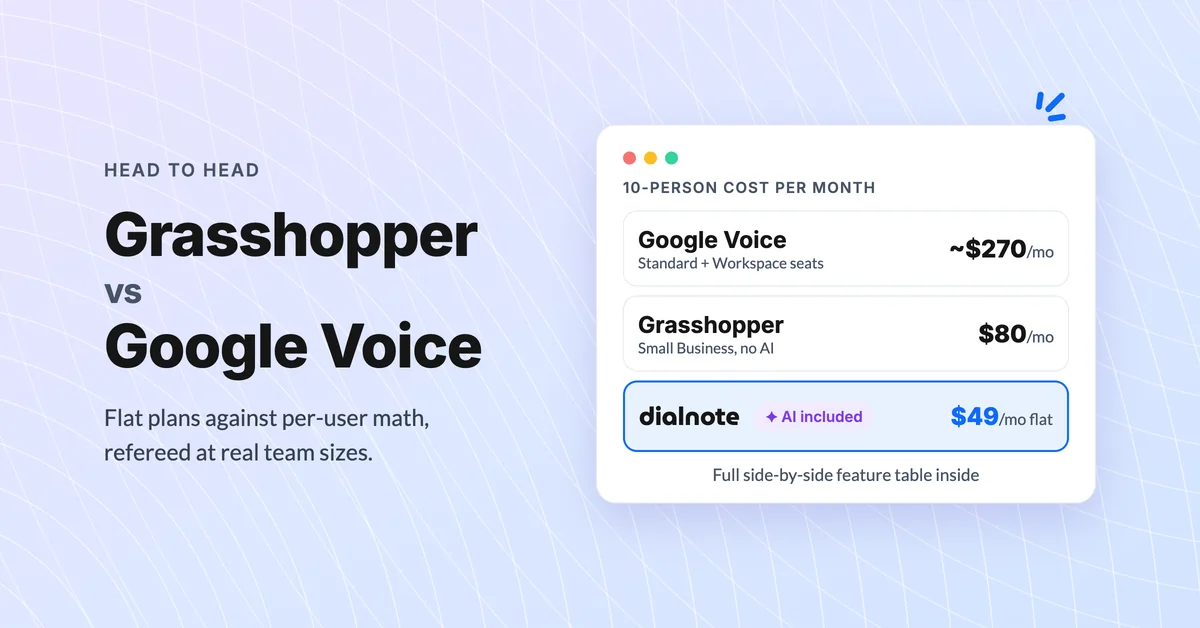
Grasshopper vs Google Voice: Which Wins? [2026]
Compare Grasshopper vs Google Voice on real team cost, texting rules, and what happens to missed calls, plus a third flat-rate AI option.
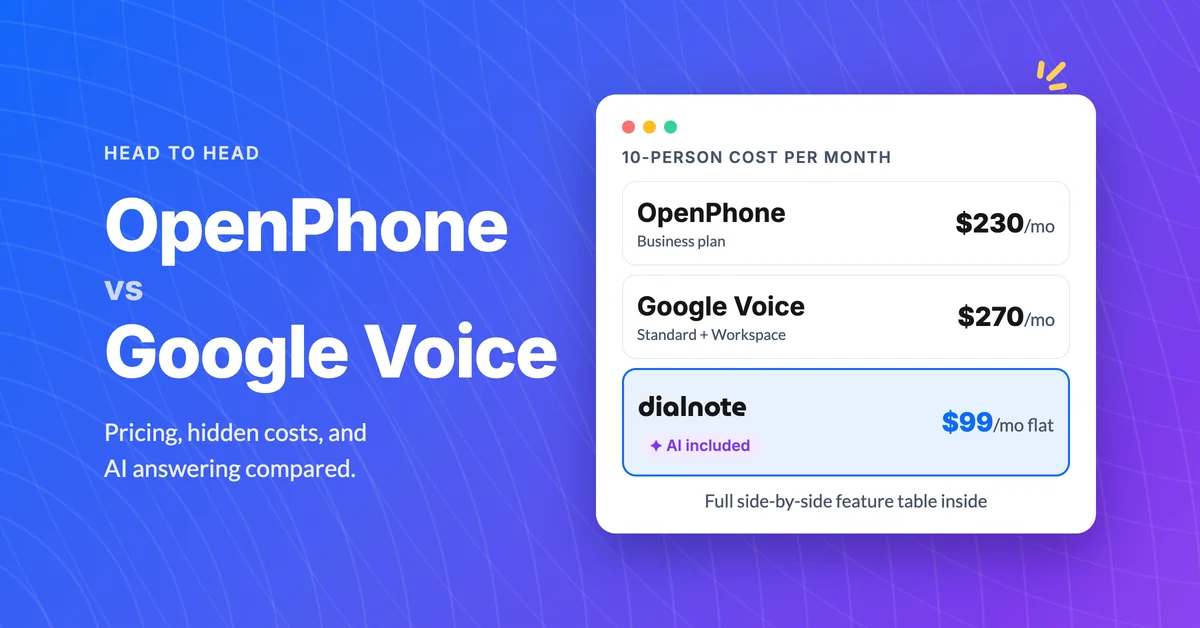
OpenPhone vs Google Voice: Which Should You Pick?
Compare OpenPhone vs Google Voice on pricing, features, and hidden costs, then see why dialnote may be the smarter pick for small teams.
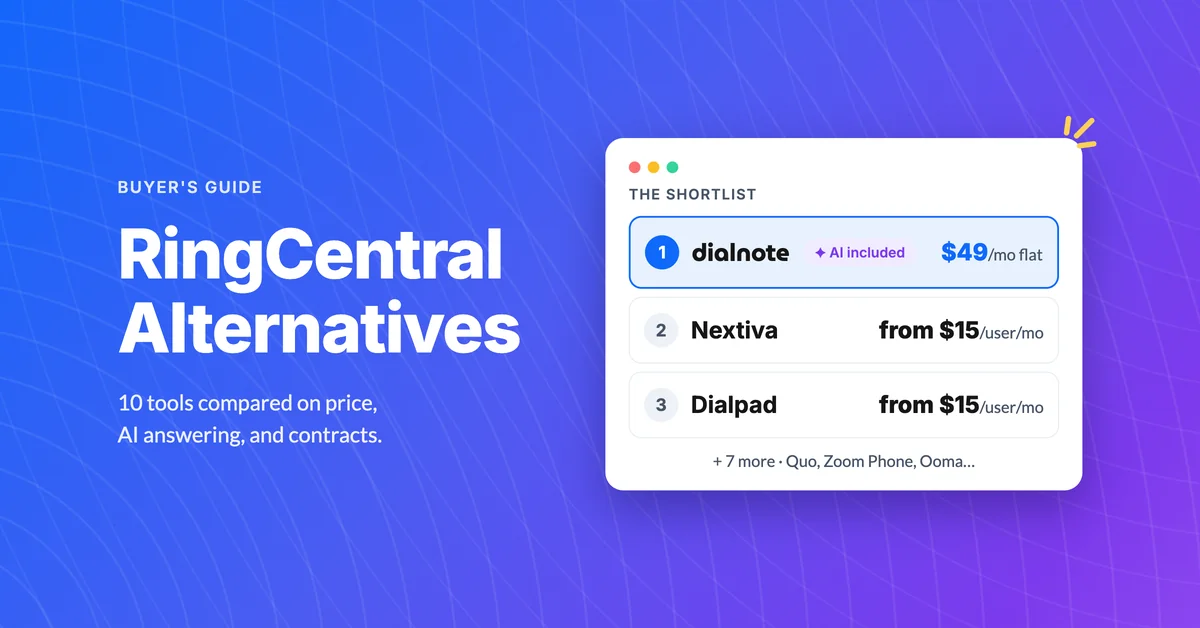
10 Best RingCentral Alternatives for Small Business
Compare 10 RingCentral alternatives for small business by real per-user cost, AI receptionists, and contract traps before you renew.
