Voice AI vs Chatbots: When to Use Each for Your Business
A customer calls your support line. They're frustrated. Their payment failed, and they need it fixed now.
Do they want to type out their problem in a chat window? Or do they want to talk to someone (even an AI someone) who can hear the urgency in their voice?
That's the core question behind the voice AI vs chatbot debate. And honestly? Most businesses are picking the wrong one.
TL;DR:
- The voice AI vs chatbot choice comes down to where and how customers reach out: chatbots win for on-screen, low-urgency, information-heavy questions, while voice AI wins for phone-first, high-stress, on-the-go moments.
- Chatbots are cheaper to build and run (no telephony or speech costs), but voice AI often returns more when missed calls or a jammed phone queue are what's actually costing you money.
- Setup is faster than most teams expect: a basic chatbot can go live in a day, and a voice agent in about a week.
- Most businesses eventually need both. Use chat for discovery and self-service, and voice for high-intent or high-urgency calls.
- The smartest setup shares context between channels, so a customer who starts on chat and moves to a call never has to repeat themselves.
The real difference isn't just text vs speech
Chatbots and voice AI both hold conversations, but they're built for different moments. Chat fits calm, screen-based questions. Voice carries urgency, emotion, and situations where hands and eyes are busy.
Stan manages operations for a 40-person insurance agency. Last year, his team rolled out a chatbot for customer support. It handled FAQs fine. Policy questions, payment status, basic stuff.
But here's what went wrong: when customers had urgent issues (denied claims, payment errors, policy cancellations), they'd hit the chat widget and immediately start typing in all caps. The bot couldn't read frustration. It couldn't hear panic. It just kept serving up FAQ links.
Stan's team ended up with a 2-star review average on their chat support. The phone line, handled by three overworked reps, got 4.5 stars.
We're not 100% sure why typing raises the temperature faster than talking, but we've watched it happen across dozens of support setups. The chatbot wasn't bad. It was just wrong for those situations.
Voice AI vs chatbot: what's the difference?
The main difference is the channel. A chatbot is text-based and lives in a chat widget, so users type and read replies. Voice AI works over phone calls, using speech recognition and text-to-speech to listen and talk back. Both are conversational AI, but they fit very different moments.
Here's the fuller breakdown:
Chatbots are text-based. They live in chat widgets on websites, WhatsApp, Facebook Messenger. Users type, the bot responds with text. Some use simple rules ("if customer says X, reply Y"), others use AI to understand context.
Voice AI (also called voice bots or voice assistants) works through phone calls or voice-enabled apps. Users speak, and the system uses speech recognition, natural language processing, and text-to-speech to hold a real conversation.
Both fall under "conversational AI," but they solve different problems.
When chatbots win (and they often do)
Chatbots win when the customer is already on a screen and the question is routine. They cost less to run, they can show links and visuals, and they leave a written record.
Skip voice AI if most of your customer interactions look like this:
Information-heavy requests
Order tracking. Policy documents. Step-by-step instructions. Anything where the customer needs to see links, buttons, or detailed text.
A chatbot can say: "Here's your order status" and show a visual timeline. A voice bot has to describe it, which takes longer and is harder to follow.
Low-urgency, high-volume questions
"What are your hours?" "How do I reset my password?" "Where's my tracking number?"
These questions don't need a human touch. A well-built chatbot handles thousands of them without breaking a sweat, and without tying up phone lines.
Customers already on screens
Think ecommerce, SaaS, or any business where customers are already browsing your website. They're on a screen. Chat is natural. Asking them to call feels like friction.
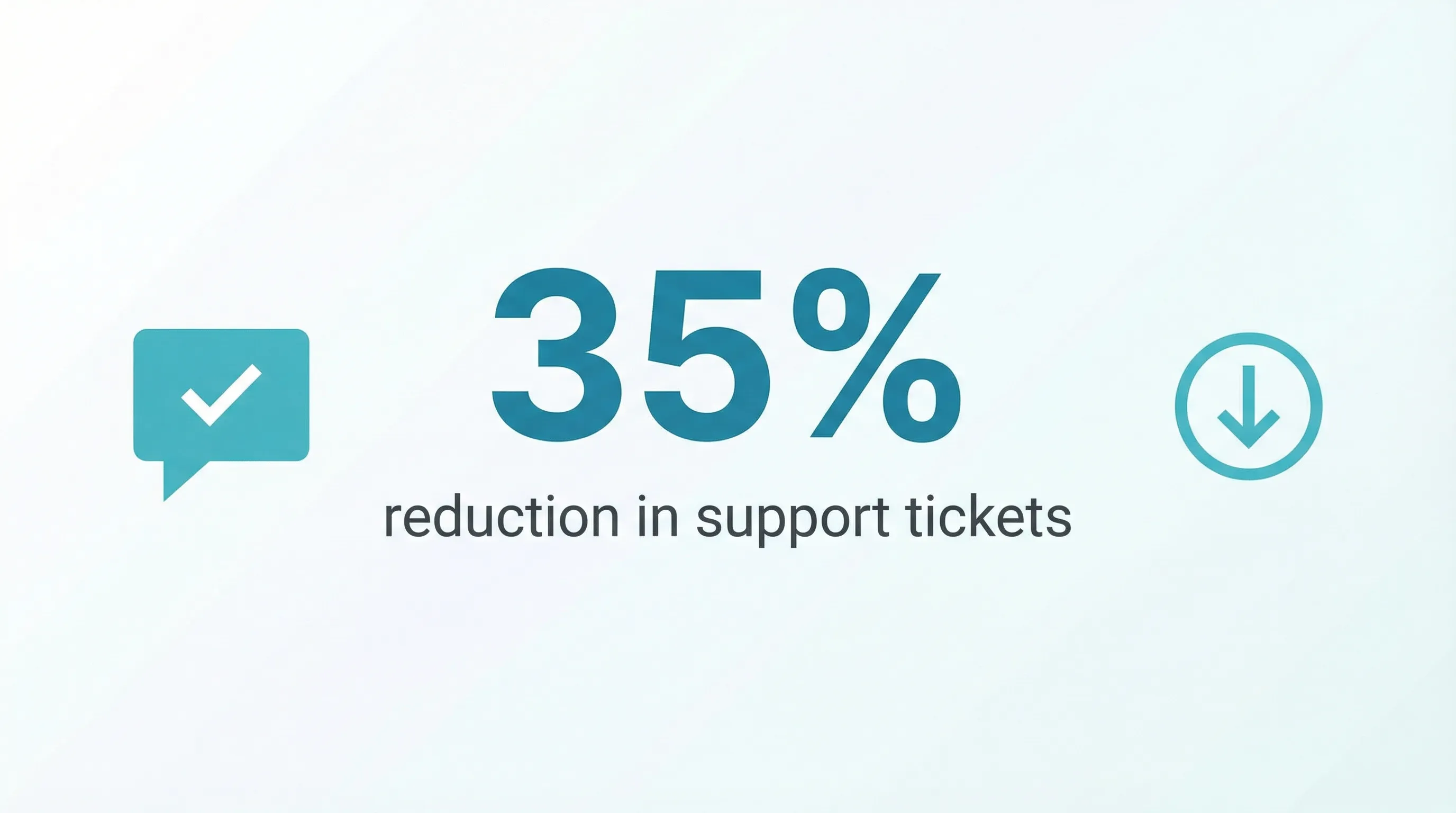
We've seen SaaS companies cut support ticket volume by 35% with a good chatbot. That's real impact.
When details matter more than speed
Complex product comparisons. Technical troubleshooting with screenshots. Legal or compliance questions where you want a written record.
Text creates a paper trail. Voice doesn't (unless you're transcribing, which adds cost and complexity).
When should you use voice AI instead of a chatbot?
Use voice AI instead of a chatbot when customers are calling in, urgency is high, or they can't look at a screen. Phone-first, high-stress, and on-the-go moments all favor speech over typing. Voice AI can greet callers, verify identity, and handle simple issues before a human ever picks up.
Now flip it. Voice AI shines when:
The customer is already calling
This sounds obvious, but it's overlooked. If someone picks up the phone and dials your number, they want to talk. Making them hunt for a chat widget breaks the experience.
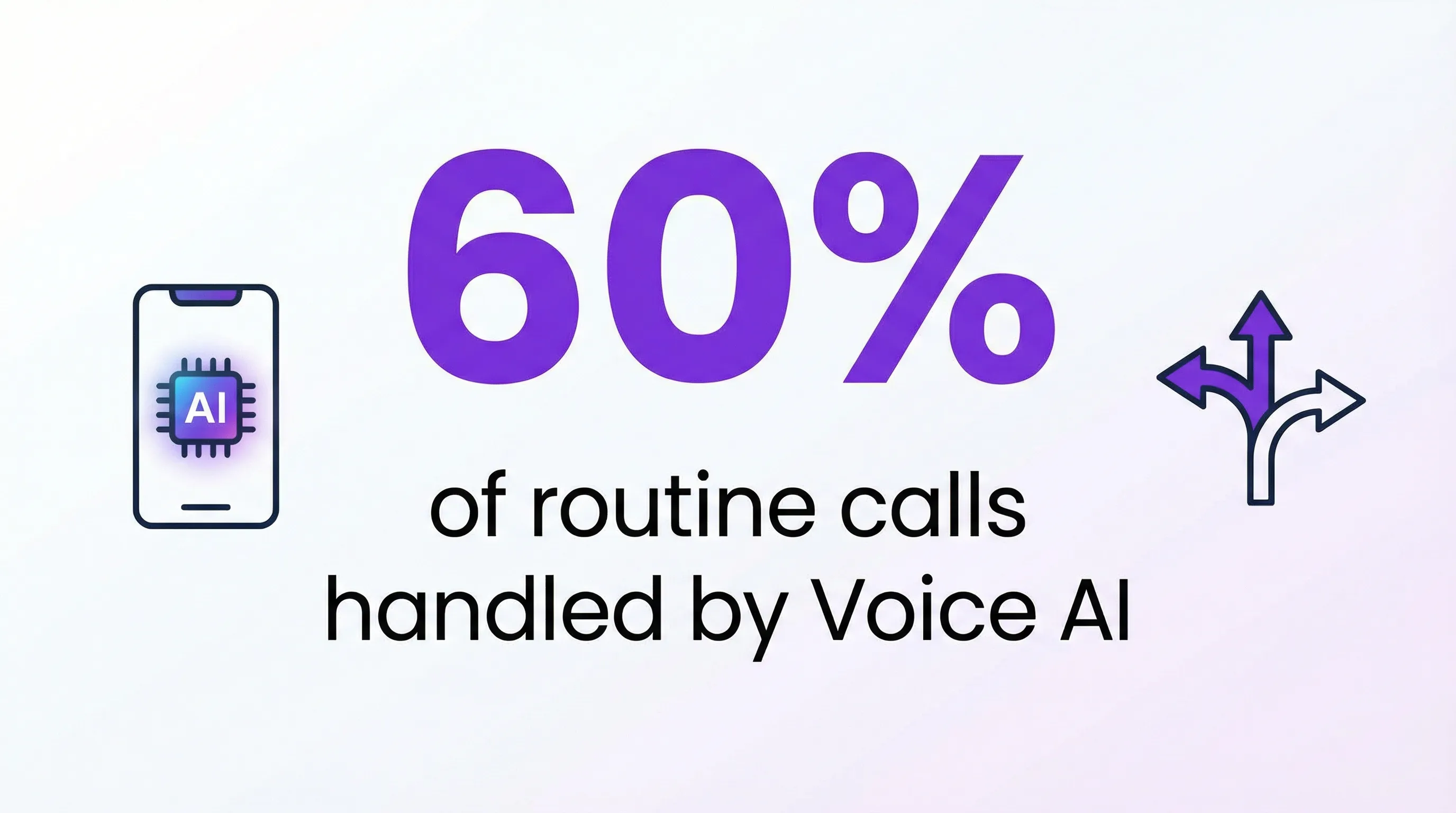
Voice AI can greet the caller, verify identity, handle routing, and solve basic issues, all before a human ever picks up. One telecom company reported deflecting 60% of routine calls with voice bots.
Urgency is high
Failed payments. Account lockouts. Canceled flights. Medical questions.
When stress is high, people don't want to type. They want to talk. And they want to feel heard, even if "heard" means a really good AI voice.
Research backs this up: speech interactions show higher perceived efficiency, lower cognitive effort, and higher satisfaction compared to text for urgent tasks.
Users are on the move
Driving. Walking. Hands full. Can't look at a screen.
Voice is the only option. This is why voice AI dominates in logistics, field service, and healthcare: industries where workers need information but can't stop to type.
Accessibility is a priority
Not everyone can type easily. Vision impairments, motor difficulties, or simply being uncomfortable with text interfaces: voice opens your support to a wider audience. The W3C's Web Accessibility Initiative has treated speech as a first-class input method for years, and your support channels should too.
What can voice AI actually do on a call?
A capable voice agent answers the call, greets the caller, answers common questions, and collects the details you tell it to gather. The better ones can also book a meeting, send a text, check a calendar, or pass the call to a human.
That capability list matters more than how impressive the demo voice sounds. Here's what each piece looks like in practice:
Lead capture. You decide what to ask (name, callback number, which service they need quoted), and the agent asks those questions on every call and logs the answers. No sticky notes. No "someone called about something."
Booking. The agent checks open slots in your scheduling tool and books the appointment while the caller is still on the line. That's the difference between a lead and a meeting.
Text follow-up. Caller needs a link, an address, or a price list? The agent sends it by SMS so nobody has to memorize something read out loud.
Warm transfer. When a question is above its pay grade, the agent hands the call to a teammate instead of dumping the caller into voicemail.
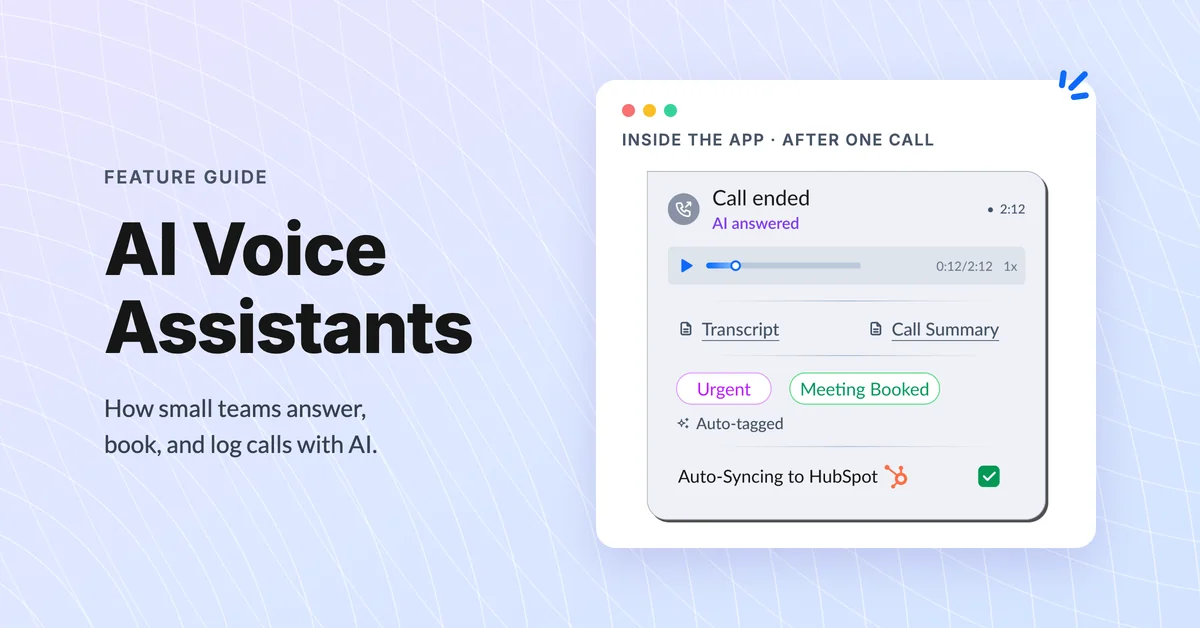
After the call ends, the transcript and a summary land wherever your team works, and the notes sync to your CRM. What voice AI can't do: show a comparison table, walk someone through screenshots, or untangle a messy billing dispute. Those still belong to chat and humans.
How much does voice AI cost vs a chatbot?
Chatbots are cheaper than voice AI to build and run, mostly because they skip telephony and speech processing, so a basic one can go live in a weekend. Voice AI costs more upfront for speech-to-text, language processing, and phone integration. But cheaper isn't always better value: the right pick is whichever tool fixes the problem that's costing you money.
That's the part people miss.
Break the spend down and the gap makes sense:
- Chatbot costs: the software subscription, a few hours of setup, and ongoing tending of the answer library. No phone lines, no speech processing.
- Voice AI costs: the platform fee, a phone number, and (on some tools) per-minute charges for speech recognition and synthesis. Flat-rate plans are getting common, which makes budgeting simpler.
- The hidden line item for both: maintenance. A stale answer library is worse than no bot at all, because it confidently tells customers the wrong thing.
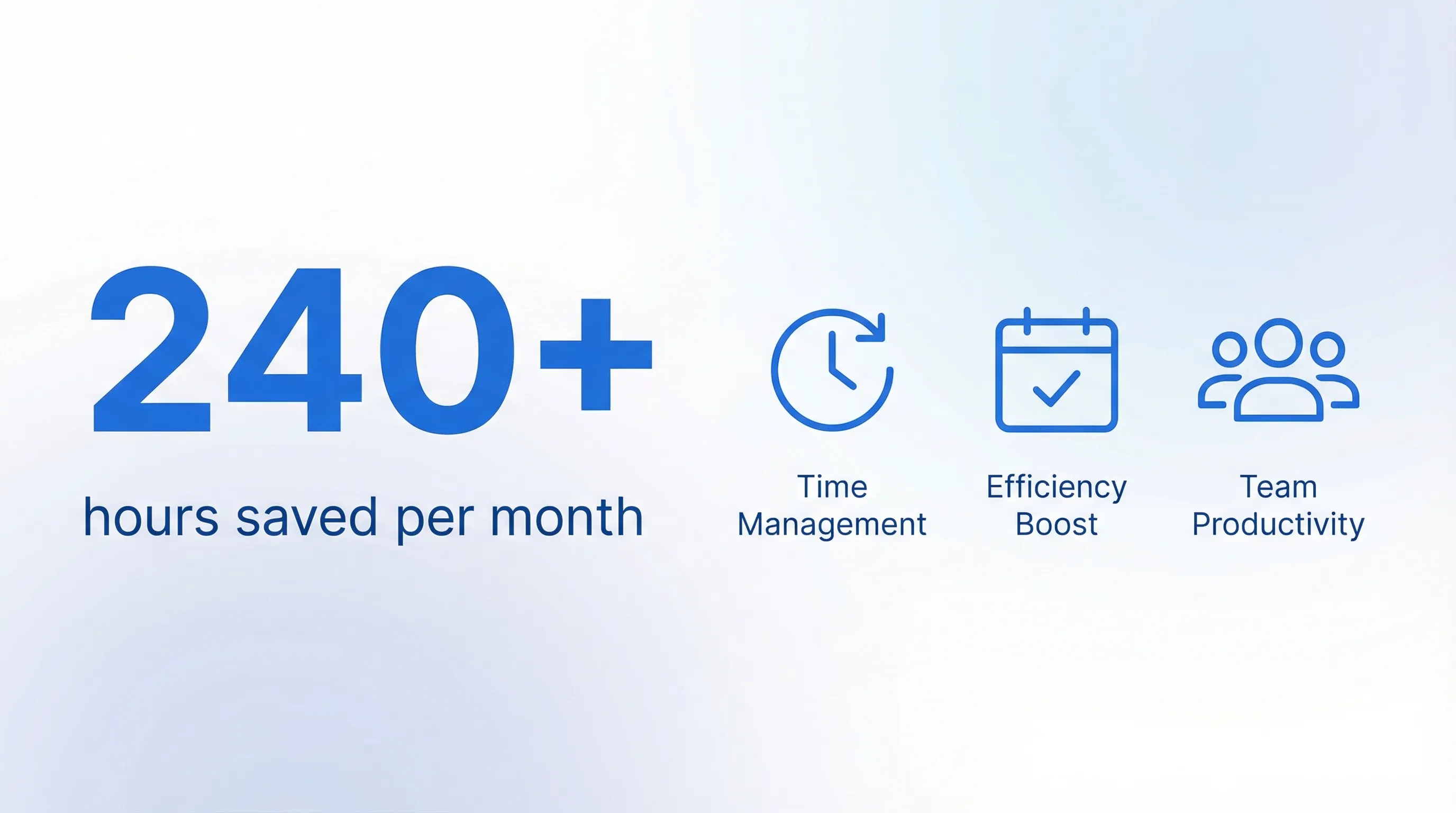
Zendesk data shows teams handling 20,000 support requests per month save 240+ hours with chatbots. Voice AI can match that, especially if your current phone queue is a bottleneck.
The real question isn't "which is cheaper?" It's "which one solves the problem that's actually costing you money?"
If missed calls are your pain point, a voice AI tool that catches 80% of your after-hours leads might return ten times what it costs. If your support team drowns in repetitive website questions, a chatbot pays off faster.
How long does it take to set up voice AI vs a chatbot?
A basic chatbot can go live in a day: connect it to your FAQ, style the widget, test it. Voice AI usually takes a few days to two weeks, mostly spent deciding what the agent should ask and where calls should go.
Neither is the IT project people fear. Alex runs a sales team of 12, and he put off voice AI for a year because he pictured a six-month rollout with consultants. The actual work: pick a phone number, write a greeting, list the questions to collect, set transfer rules. He was taking test calls the same afternoon.
The realistic timeline for either tool looks like this:
- Day one: connect your knowledge (FAQs for chat, greeting and questions for voice) and run internal tests.
- Week one: go live on a slice of traffic, like after-hours calls or chat on a single page, and read every transcript.
- Week two and beyond: fix the questions people actually ask that you didn't predict. There will be several.
Here's where teams stumble. Setup isn't the hard part; set-and-forget is. The teams that see real returns read transcripts weekly and keep tuning. The ones that don't end up with a bot answering last year's questions.
What we don't recommend
Picking one and ignoring the other.
Most businesses eventually need both. The trick is knowing which one to deploy first, and where each one fits.
Don't build a voice bot just because it sounds impressive. We've seen companies spend six figures on voice AI for problems a bargain-bin chatbot could solve.
Don't assume chatbots can handle everything. If your customers call first and chat second, meet them where they are.
Don't force channel switches. Nothing frustrates customers more than "please visit our website to chat" when they're already on the phone.
Don't launch either one without a human escape hatch. Every flow needs a clean path to a person: a transfer, a callback, a real phone number. Bots that trap people create the horror stories that make customers distrust the good ones.
The hybrid approach (what smart teams do)
The best setups run both: chat catches browsing-stage questions, voice catches urgent or high-intent calls, and shared context ties the two together.
Here's what that looks like:
Chat for discovery and self-service. Website visitors have questions? Chatbot catches them. Product comparisons? Chatbot. Basic troubleshooting? Chatbot.
Voice for high-intent or high-stress moments. Urgent issues? Voice AI picks up the phone. After-hours calls? Voice AI. Customers who specifically call your number? Voice AI.
Shared context between channels. This is the hard part. When a customer starts on chat and escalates to voice, the voice AI (or human agent) should see the full chat history. No one wants to repeat themselves.
dialnote handles the voice half of this: an AI agent answers your calls, asks the questions you set, books meetings, and syncs call notes to your CRM after each call, so whoever picks up the thread sees the full picture. Teams respond 30% faster. Plans start at $19/mo flat, with a 10-day free trial and no credit card required.
Decision framework: 5 questions to ask
Still not sure which to pick first? Answer these:
-
Where do most customer interactions start? Website → lean chatbot. Phone → lean voice AI.
-
What's the typical urgency level? Low urgency → chatbot. High urgency → voice AI.
-
Do customers need visual info? Links, images, documents → chatbot. Simple answers → either works.
-
Are customers on the go? Mobile, driving, hands-free → voice AI.
-
What's your current bottleneck? Overwhelmed phone lines → voice AI. Flooded email/tickets → chatbot.
Real-world examples
Here's how four very different businesses split the work between chat and voice.
Insurance agency (Stan's situation): Started with chatbot for policy FAQs, added voice AI for claims and urgent support. Customer satisfaction jumped from 2 stars to 4.2 stars on the phone channel.
E-commerce brand: Chatbot handles 80% of "where's my order" questions. Voice AI is reserved for VIP customers and high-value returns. Support costs dropped 28%.
Healthcare clinic: Voice AI handles appointment scheduling and prescription refills (patients call in). Chatbot handles patient portal questions (users already logged in online). Each channel optimized for where patients naturally engage.
Accounting firm: Voice AI handles tax season call surges, answers document requirement questions, and books consultations. During peak months, it manages 3-5x normal call volume without adding headcount.
What's next for voice AI and chatbots
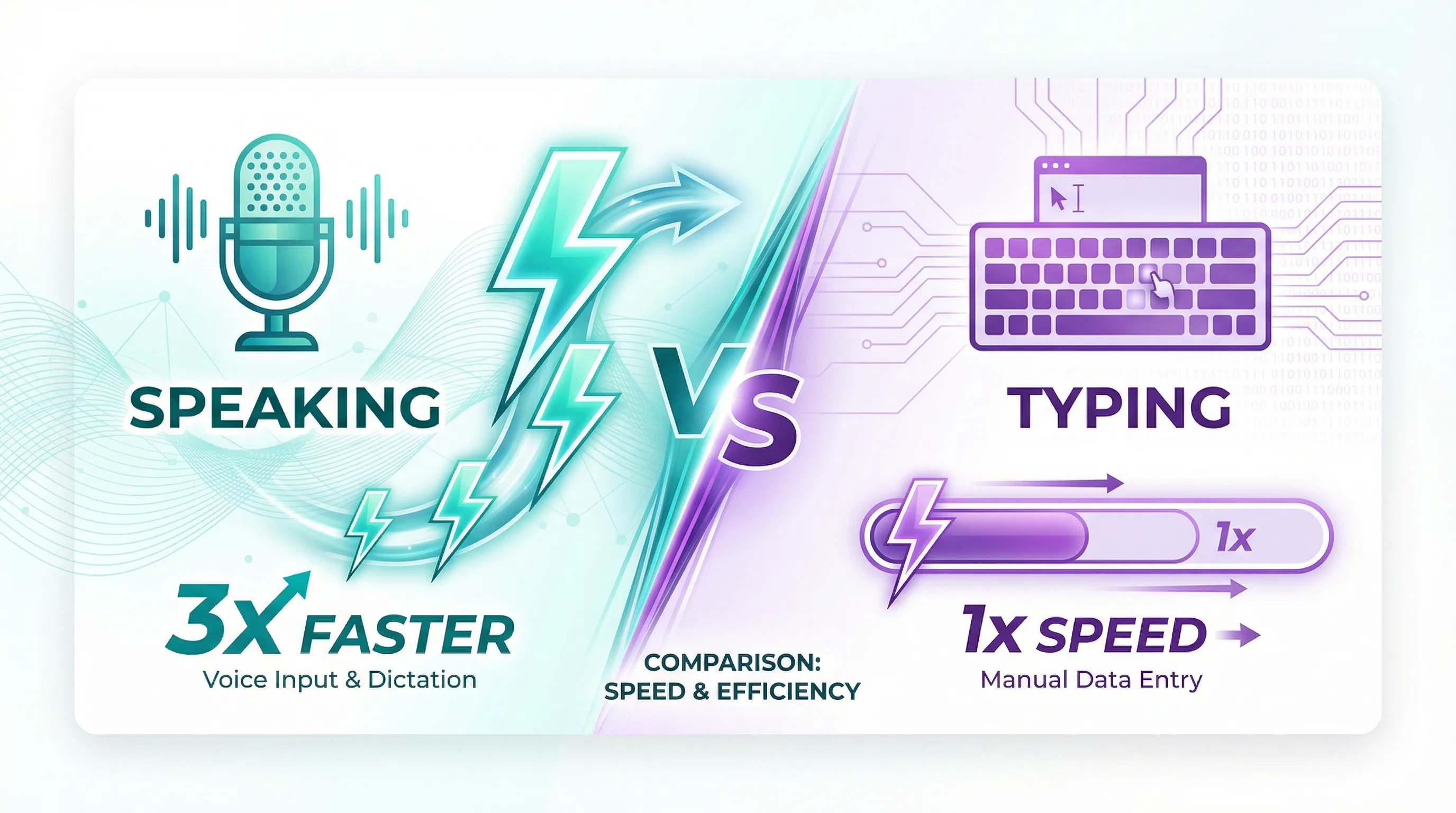
According to a Stanford study, speaking is about three times faster than typing on a phone. That gap is driving a shift toward voice, especially as AI voices get harder to distinguish from humans.
A growing share of customer interactions now involve conversational AI in some form. The companies that figure out the right balance will have a serious edge.
But balance is the key word. The goal isn't to pick a winner between voice AI vs chatbot. It's to use each one where it actually helps.
Your customers don't care about your tech stack. They care about getting answers fast, in the channel that's most convenient for them.
Build for that, and the voice AI vs chatbot question answers itself.
Ready to see how voice AI can work alongside your existing chat tools? Start a free dialnote trial and test AI-powered call handling with your real customer calls.
Frequently asked questions
Yes, and they should. Feed both channels from one source of answers so pricing, hours, and policies stay consistent. The channels differ in delivery, not content. Shared context also means a customer who starts on chat and then calls doesn't have to repeat themselves.
Most callers care about speed more than who answers. When the voice sounds natural, picks up fast, and either solves the issue or transfers quickly, satisfaction holds up well. Frustration comes from dead ends, not from the AI itself.
No. It's best at the calls your team shouldn't touch: after-hours calls, routine questions, and overflow during busy spikes. Complex, sensitive, or high-value conversations still belong with people, and a good setup transfers those to a human fast.
A well-built voice agent transfers the call to a teammate, takes a message with the caller's details, or books a follow-up. The failure mode to avoid is a dead end where the caller hangs up with nothing.
Yes, and that's where it earns its keep. It answers when your team can't, collects each caller's details, and books appointments on the spot, so Monday morning starts with captured leads instead of a pile of voicemails.
Yes, that's the most common path for screen-first businesses. Start where most of your customers already are, measure what still slips through (usually missed calls), and add the second channel when the gap shows up in revenue.

Written by
Lancelot Dsouza
Chief Marketing Officer, SmartReach.io
Lancelot Dsouza is the Chief Marketing Officer at SmartReach.io, where he built the Marketing, Sales, and Customer Success verticals from the ground up. With over 25 years of experience spanning digital marketing, business development, and strategic...
Lancelot Dsouza is the Chief Marketing Officer at SmartReach.io, where he built the Marketing, Sales, and Customer Success verticals from the ground up. With over 25 years of experience spanning digital marketing, business development, and strategic...
Related Articles
AI voice assistants for small business phones
See how AI voice assistants for small business answer calls 24/7, cut costs, and catch missed leads, plus what to check before you pick one.
Why Does an AI Voice Agent Pause Before Answering?
Find out why an AI voice agent pauses before answering, what each millisecond is spent on, and how to tell a well-built agent from a sluggish one.

Why do you need an AI receptionist for e-commerce?
Find out how an AI receptionist for e-commerce handles calls, tracks orders, and captures sales 24/7. See real ROI numbers and setup steps.
