Getting started with VoIP for your business
Your desk phone rings. You're on the other line. That third caller? Straight to a voicemail nobody checks until Monday.
If that stings, you're the reason getting started with VoIP is worth an afternoon of your time. Voice over Internet Protocol swaps clunky copper lines for calls that run over your internet connection, and it fixes the "we missed the call" problem for good. You get lower bills, more features, and a phone system your team can carry anywhere. Let's walk through what it is and how to set it up without breaking anything.
TL;DR:
- VoIP (Voice over Internet Protocol) routes your business calls over the internet instead of a phone line, so you skip the hardware and the high bills.
- Getting started with VoIP takes three things: a stable internet connection, a device (phone or app), and a provider you trust.
- Most small teams pay between $19 and $49 a month for a flat plan with features included, far less than a stack of landline fees.
- Most small teams cut phone costs and gain features like call routing, voicemail-to-email, and AI answering that landlines can't match.
- You can keep your existing business number by porting it, so nobody has to memorize a new one.
- Setup for a small team usually takes minutes, not weeks, when you pick a cloud provider.
What is VoIP, and how does it work?
VoIP is a way to make and take phone calls over the internet instead of a traditional phone line. Your voice gets turned into small data packets, sent across the web, and turned back into sound on the other end.
That's the whole trick. No wiring closet, no bulky PBX box humming in a back room. Any device with an internet connection can become a business phone: a desk handset, a laptop, or the app on your phone. The FCC keeps a plain-English VoIP explainer if you want the regulator's take on how it all works.
Here's a quick picture. Priya runs a 6-person accounting firm. She used to pay a local carrier for four lines plus a maintenance contract. When tax season hit and calls tripled, she couldn't add lines fast enough. After she moved to a cloud phone system, she added two "lines" from a dashboard in about five minutes. No technician visit. No new cables.
Want the deeper comparison? Our guide on cloud-based phone systems vs on-premise setups breaks down where each one still makes sense.
Why getting started with VoIP pays off
Getting started with VoIP pays off because it cuts your monthly phone bill while handing you features that used to cost extra or didn't exist on landlines. You trade fixed hardware for software you control.
Most teams that switch watch the bill shrink once line rental and long-distance fees disappear. In our own experience helping teams migrate, though, the bigger win isn't the bill. It's the calls they stop missing.
Think about it. What's a single missed sales call actually worth? For a lot of small businesses, one booked job covers a month of phone service. So the math tends to favor VoIP fast.
Three reasons it wins:
- Lower cost. No expensive hardware, no maintenance contract, and calling many destinations gets cheaper.
- Work from anywhere. Your team answers the business line from home, the road, or the office using the same number.
- Real features. Call routing, auto-attendants, and voicemail-to-email come standard instead of as pricey add-ons.
Honestly? Paying to install and maintain on-premise PBX hardware today is a waste of money for most teams under 50 people. The cloud does the same job for less, and it updates itself.
What you need before you switch
You need three basics before getting started with VoIP: a reliable internet connection, a compatible device, and a provider that fits your team. Nail those and the rest is quick.
- A stable internet connection. Voice doesn't need much bandwidth, but it hates dropouts. A steady broadband or fiber line keeps calls clear. Roughly 100 kbps per active call is plenty.
- A device to make calls. You have three options: a softphone app on a computer or smartphone, a dedicated IP desk phone, or an adapter that turns an old analog phone into a VoIP one.
- A VoIP provider. This is the big one. Look for strong uptime, honest pricing, and support that answers when you're stuck. Not sure how to compare? Our roundup of the best VoIP phone systems for small business lines up top options with real pricing for a 10-person team.
That's it. No electrician, no server, no month-long install.
How much does VoIP cost for a small business?
Most small teams pay between $19 and $49 a month for a cloud phone system, with the number and core features included. That's the realistic range for getting started with VoIP, and anything far above it should come with a very good reason.
Here's what a typical flat plan covers:
- Your business number. Local or toll-free, usually with the first number included in the plan.
- Calling and texting. Generous or unlimited domestic calling, plus SMS from the same number.
- The feature set. Routing, greetings, voicemail-to-email, and mobile apps come standard.
Now the fine print. Watch for per-user pricing, because five seats at a per-seat rate adds up fast, and flat plans usually win for growing teams. Check international rates if you call abroad. Ask about porting fees before you commit.
Hardware barely registers anymore. A softphone app costs nothing, and desk IP phones are optional gear most small teams skip. The real budget question is different: what does a missed caller cost you? A bargain plan that garbles audio or buries support costs more in lost callers than it saves in fees.
How to get started with VoIP in 6 steps
Getting started with VoIP is a short, repeatable process. Follow these steps in order and you'll be taking calls the same day.
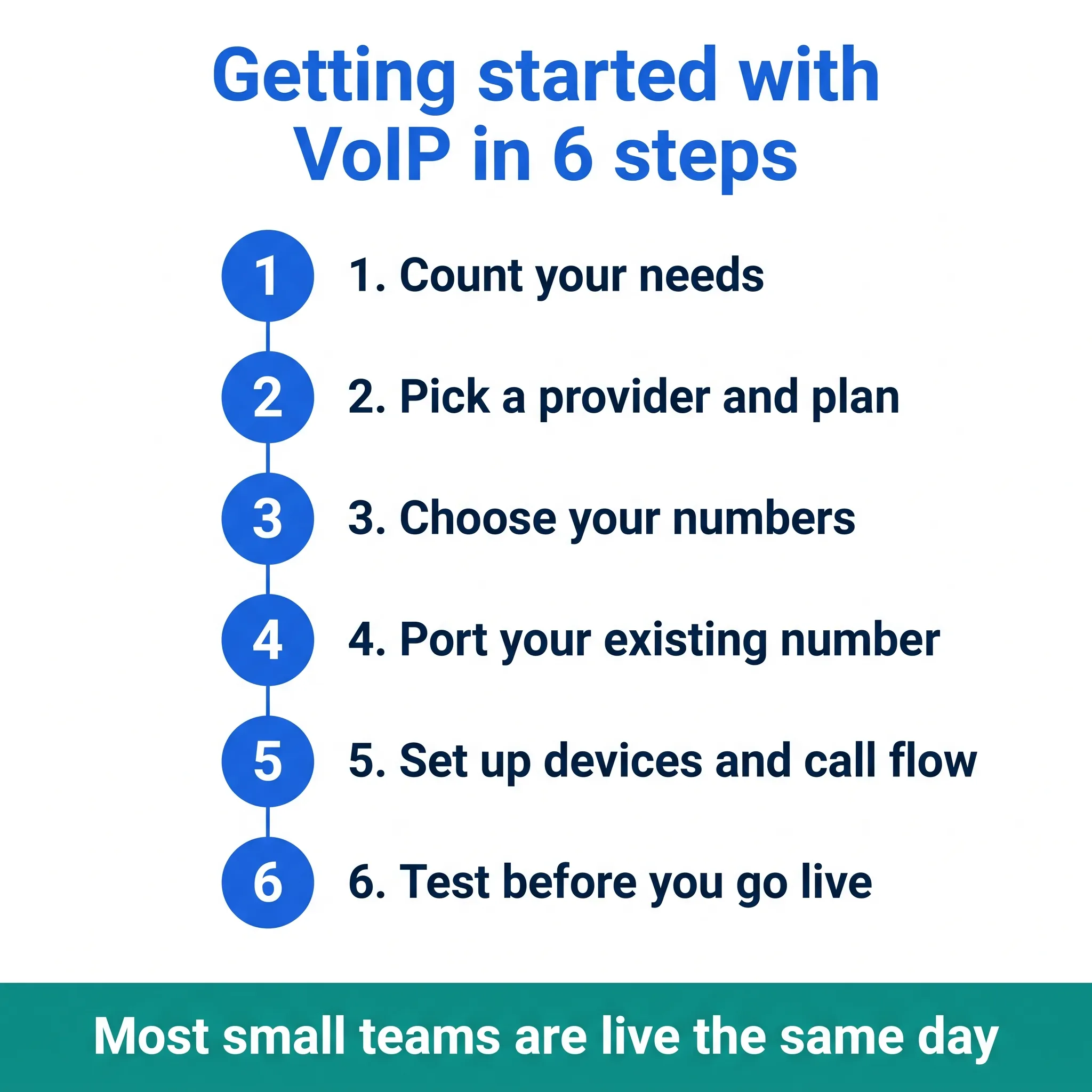
- Count your needs. How many people need a line? How many calls come in daily? Do you need a shared number, extensions, or an auto-attendant? Write it down first.
- Pick a provider and plan. Match the plan to your team size. Skip the enterprise tier if you're small. You can grow into more features later.
- Choose your numbers. Get a new local or toll-free number, or keep the one you have. Not sure which fits? Our guide to business phone number types explains local, toll-free, and vanity options.
- Port your existing number (optional). If customers already know your line, request a number port. It usually takes a few business days, and your old line stays active until it finishes.
- Set up devices and call flow. Install the app or plug in your IP phones. Then build a simple call flow: who rings first, where unanswered calls go, and what the greeting says.
- Test before you go live. Call yourself. Check audio both ways, test voicemail, and try the after-hours path. Fix anything odd, then flip the switch.
Do a real test call from a cell phone on mobile data, not just office wifi. It's the fastest way to catch a routing gap before a customer does.
Can you keep your business number when you switch?
Yes. Number porting moves your existing business number to your new VoIP provider, and in the US your old carrier can't refuse a valid port request. Customers keep dialing the number they've always known.
The process is simpler than it sounds. You give the new provider your current account number, a recent bill, and a signed authorization, and they handle the transfer with the old carrier. Simple ports wrap up in a few business days. Numbers tangled in bundles or old contracts can take longer.
Two rules keep it painless. First, never cancel the old service before the port completes, or the number can be lost for good. Second, start the port before your old contract renews so you're not paying two carriers longer than needed. The FCC's number porting guide spells out your rights if a carrier drags its feet.
VoIP vs traditional landlines
VoIP beats landlines on cost and features for nearly every small business. Landlines win only in rare spots with no reliable internet at all.
| Factor | Traditional landline | Business VoIP |
|---|---|---|
| Setup | Technician visit, wiring | Software, minutes |
| Monthly cost | Higher, per-line fees | Lower, flat plans |
| Add a user | Slow, may need hardware | Instant from a dashboard |
| Work remotely | No, tied to the desk | Yes, any device |
| Features | Basic, extras cost more | Routing, voicemail-to-email, AI answering |
| Long-distance | Often expensive | Cheap or included to many countries |
| Maintenance | You (or a contractor) | Handled by the provider |
The one honest caveat: VoIP leans on your internet. If your connection drops a lot and you can't fix it, a landline's independence still matters. For most offices with decent broadband, that's not a real concern.
What should you look for in a VoIP provider?
Judge a VoIP provider on four things: reliable uptime, honest flat pricing, support that answers fast, and the specific features your team will use in the first month. Everything else is noise.
Stan, a sales ops manager, learned that the hard way. He picked a provider on brand name alone, then spent three weeks fighting an integration that wouldn't sync call data to his CRM. Reps stopped logging calls. His dashboards showed half the real activity. Sound familiar? The fix wasn't a better dashboard. It was testing the integration during the trial, before anyone signed.
Run your shortlist through this filter:
- Uptime track record. Look for a public status page and a history you can actually check.
- Pricing you can predict. Flat monthly plans, no setup fees, no surprise add-ons.
- Support that shows up. Chat or email with real response times, not a ticket black hole.
- Features you'll use now. Call routing, voicemail-to-email, SMS, and AI answering if nobody can catch every call.
- Integrations you depend on. If your CRM or calendar matters, test the connection during the trial.
A free trial beats any comparison chart. Set up a real call flow, port nothing yet, and see how the system feels for a week. Want a head start on the shortlist? Our comparison of the best VoIP providers, ranked shows how the leading options stack up on price and features.
What happens to VoIP when the internet goes down?
If your internet drops, VoIP calls drop with it, but forwarding rules keep you reachable. Send calls to a cell phone automatically and callers never hear a dead line.
This is the objection that scares business owners most, and it's fair. A landline stays alive when the wifi dies. The answer isn't fear, though. It's a backup plan you set once and forget.
Any serious provider lets you build failover rules. Office loses power? Calls jump to the team's cell phones. Nobody picks up within a few seconds? The call lands in voicemail, which arrives in your inbox as audio and text. Your caller stays taken care of either way.
A mobile data plan as backup internet helps too. It sounds like overkill until the day you need it, when it turns a dead afternoon into a minor hiccup.
Is VoIP worth it for a small business?
Yes, VoIP is worth it for almost any small business with a stable internet connection. You spend less, you miss fewer calls, and you get features that make a tiny team sound like a big one.
The value shows up fast for growing teams. Adding seats takes seconds. A solo owner can look like a full front desk with an auto-attendant and smart routing. And because everything lives in software, your phone system improves without you buying anything new.
Common VoIP mistakes to avoid
Getting started with VoIP is mostly painless, but a few small missteps trip up first-timers. Here's what to watch for so your rollout stays smooth.
- Skipping the test calls. Never go live without checking audio, voicemail, and after-hours routing first.
- Ignoring your internet. A shaky connection makes even the best provider sound bad. Fix bandwidth issues before you blame the phone.
- Over-buying features. You don't need call center analytics on day one. Start simple, add later.
- Forgetting the port timeline. Number ports take a few days. Plan them before you cancel the old line, never after.
- No fallback plan. Set a rule for where calls go if the internet dies, like forwarding to a mobile.
We're not 100% sure why, but the mistake that hurts most is the smallest one: nobody records a proper greeting, so callers hit dead air and hang up. Two minutes of setup fixes it.
Getting started with dialnote
Ready to make the switch without the headache? dialnote is a cloud-based VoIP phone system that runs your business calls, texts, and voicemail over the internet, with an AI receptionist that answers and routes calls for you.
Setup takes minutes, not weeks. Plans start at $19/mo, you can call 90+ countries, and the AI handles calls in 14 languages. Teams on dialnote respond 30% faster. You keep your number, add teammates from a dashboard, and let the AI catch anything your team can't. See how it fits your setup on the VoIP phone system page, then start a 10-day free trial with no credit card required.
Your phone should work as hard as you do. Give it the upgrade and stop losing callers to voicemail.
Frequently asked questions
No. A softphone app on your computer or smartphone works fine. Desk IP phones are optional, and an analog telephone adapter can convert the phones you already own if you'd rather keep them.
Very little. A single call uses roughly 100 kbps, so even modest broadband handles several calls at once. Stability matters more than speed: a steady connection beats a fast one that drops out.
Yes. Most providers offer mobile apps that turn your cell phone into a business line. You make and take calls from your business number while your personal number stays private.
Most business VoIP systems include SMS, so you can text customers from the same number you call from. It's handy for appointment reminders and quick follow-ups after a call.
It keeps working until the port completes. Don't cancel the old service before the transfer finishes, or you could lose the number entirely. Once the port goes through, the old line shuts off on its own.

Written by
Lancelot Dsouza
Chief Marketing Officer, SmartReach.io
Lancelot Dsouza is the Chief Marketing Officer at SmartReach.io, where he built the Marketing, Sales, and Customer Success verticals from the ground up. With over 25 years of experience spanning digital marketing, business development, and strategic...
Lancelot Dsouza is the Chief Marketing Officer at SmartReach.io, where he built the Marketing, Sales, and Customer Success verticals from the ground up. With over 25 years of experience spanning digital marketing, business development, and strategic...
Related Articles

Phone vs Email Sales Strategy: When to Pick Up the Phone
Learn when to call and when to write with this phone vs email sales guide: real response data, a hybrid cadence, and the mistakes that cost you meetings.

How to improve customer call experience
Learn how to improve customer call experience with faster routing, shorter hold times, and simple steps that turn phone calls into loyal customers.

Remote team communication: best practices that work
Learn remote team communication best practices for VoIP, async messaging, and secure tools that keep your distributed team connected and productive.